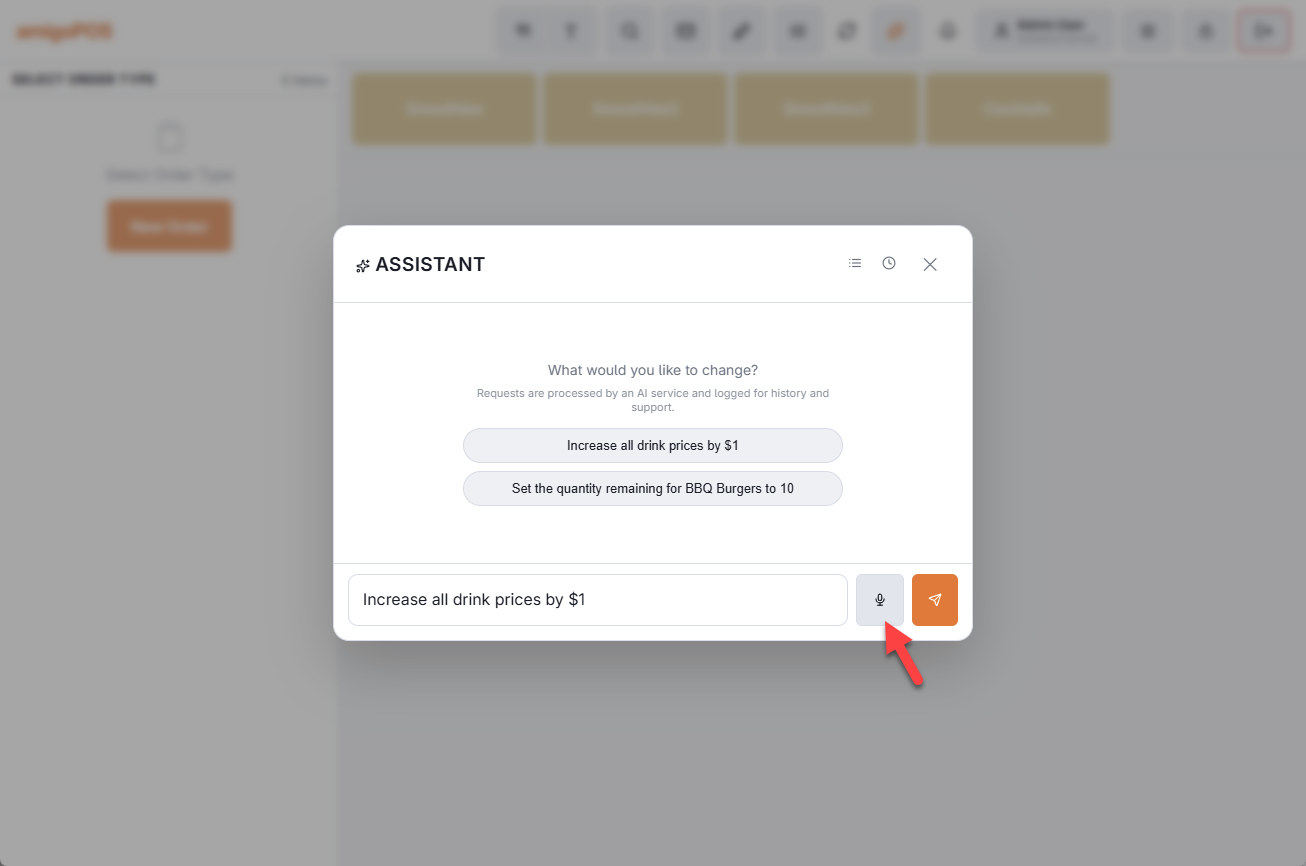
With voice replies on, the assistant reads its answers aloud in a natural voice — useful when your hands and eyes are on the bar, not the screen. Combined with the mic button for dictation, a whole exchange can happen without touching the keyboard.
How it works
- The speaker button in the assistant header turns voice on and off. It is off every time the assistant opens — deliberate, so a busy counter never starts talking unexpectedly.
- The voice follows the reply’s language. Ask in Spanish, hear Spanish; ask in English, hear English — regardless of the station’s interface language.
- Starting dictation stops playback, so the microphone never picks up the assistant’s own voice. Closing the overlay or switching the toggle off stops it mid-sentence.
- Opening a screen stays silent — when a command closes the assistant to open Time Clock or an editor, the screen change is the answer.
Voice replies use a cloud speech service, so a working internet connection is required — in offline mode replies appear on screen only.