Saved reports produce PDFs and can be emailed on a schedule, exactly like the built-in reports.
Select PDF beside a saved report. The document carries the figures, the chart and the table, with the period and the definition printed on it.
On a schedule
- Select Schedule beside the saved report.
- Choose the frequency and the period it should cover. A relative period keeps the schedule meaningful week after week.
- Add the recipients and save. The button stays highlighted while a schedule exists.
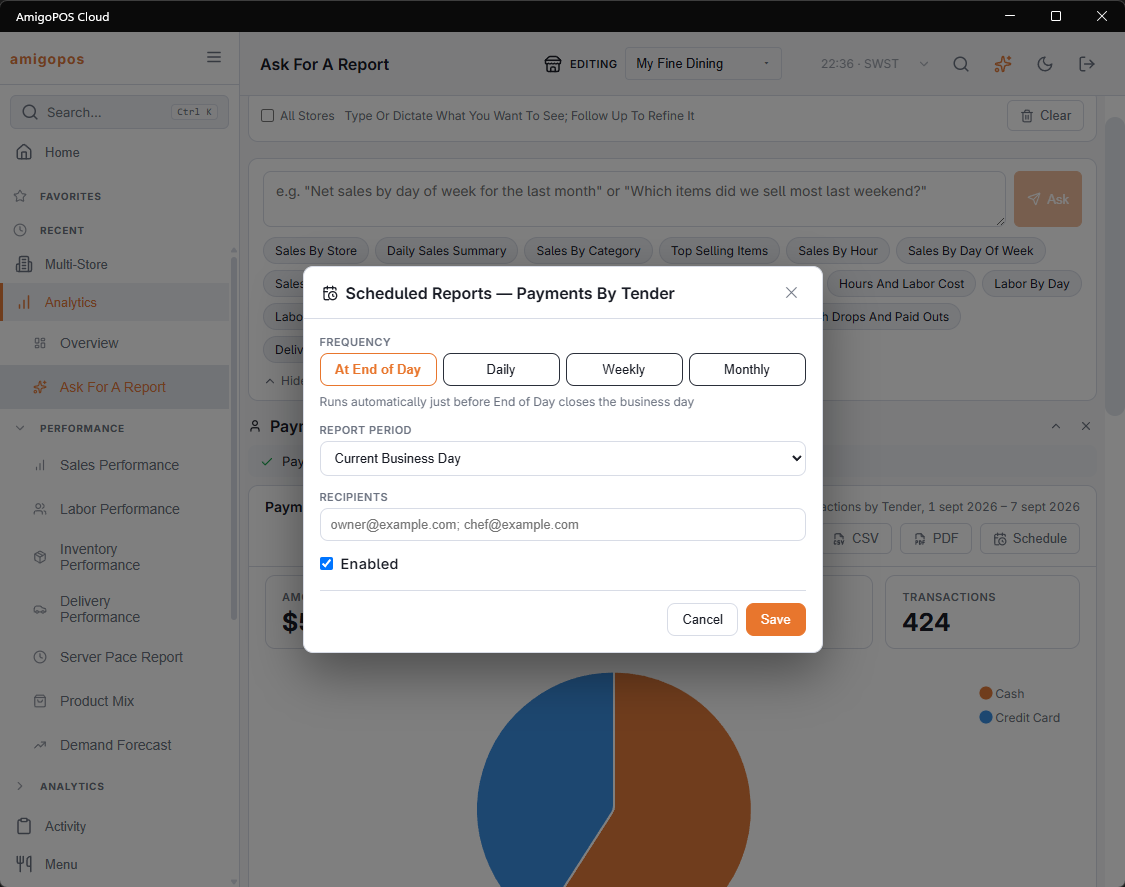
Scheduled custom reports join the same subscription list as every other scheduled report, and are cancelled there.
A schedule follows the saved report. Rewrite the definition and the emails change with it.