A report worth running twice is worth saving. Save keeps the definition, not the figures, so a saved report always runs fresh.
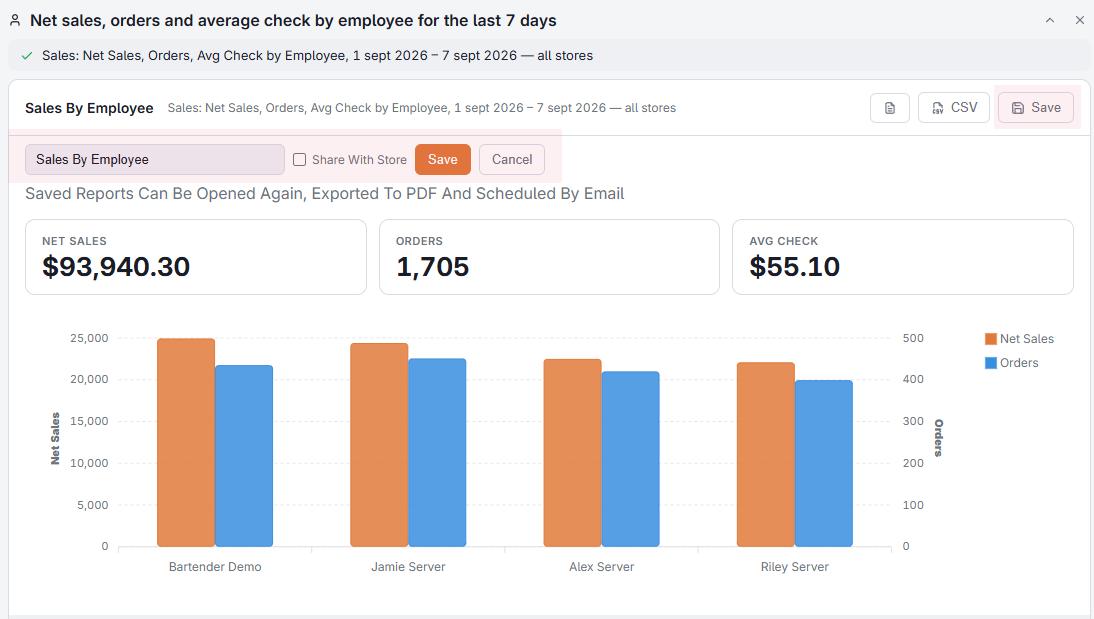
Private or shared
- Private — visible only to you. This is the default.
- Shared with the store — everyone with report access sees it in the Saved Reports panel.
A shared report can be removed by whoever created it, or by a manager with all-store access.
Pinning to the home page
Pin a saved report and it appears as a tile on the Back Office home page, one tap from the figures you look at every morning.
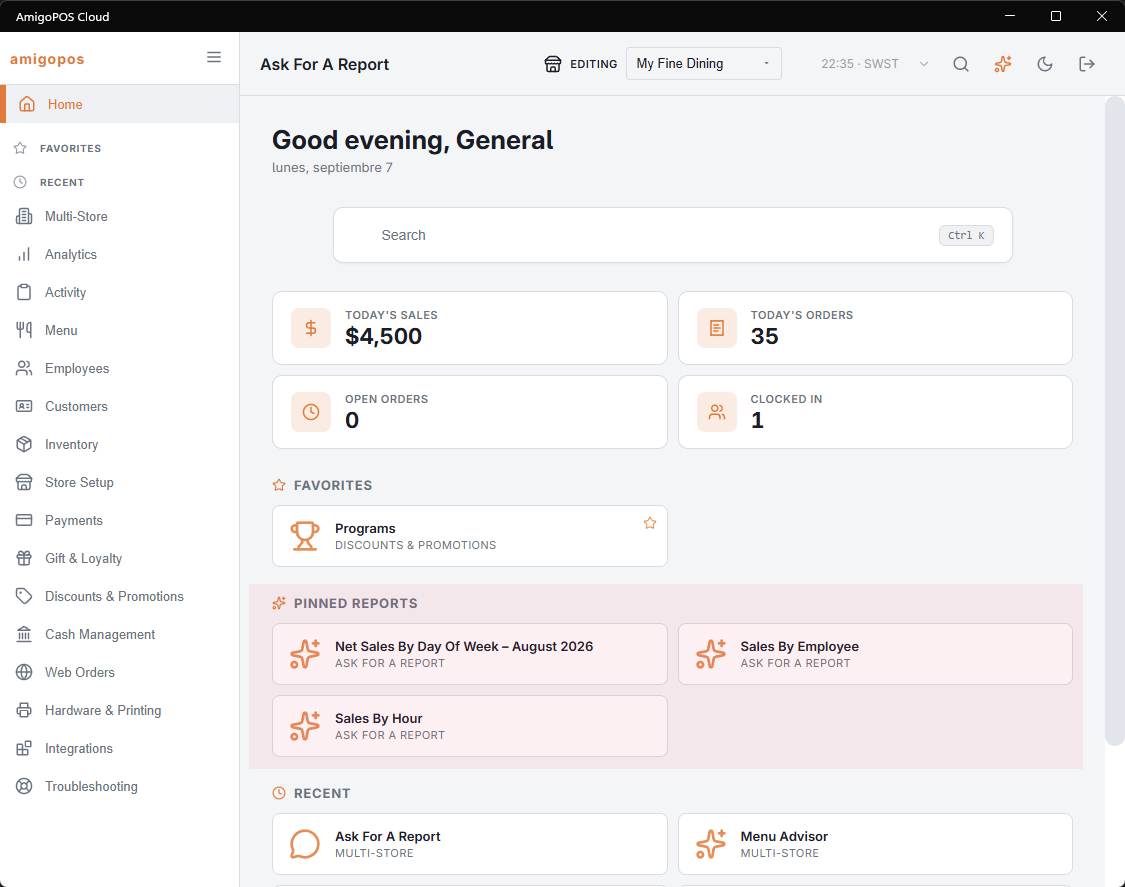
A saved report keeps the period as you asked for it. A relative period such as last week moves with the calendar; a fixed date range stays where you put it.
Running one again
Open it from the Saved Reports panel or from its tile. It runs from scratch, so the figures are current every time.
Live tiles on the home page
A pinned report now shows a live headline on its tile on the Back Office home page — its first figure with the change against the previous period — refreshed every five minutes. Up to eight reports can be pinned.
