The shift banking overlay (More › Shift banking, manager section) is the live control panel for employee banking — every banked employee’s position on one screen.
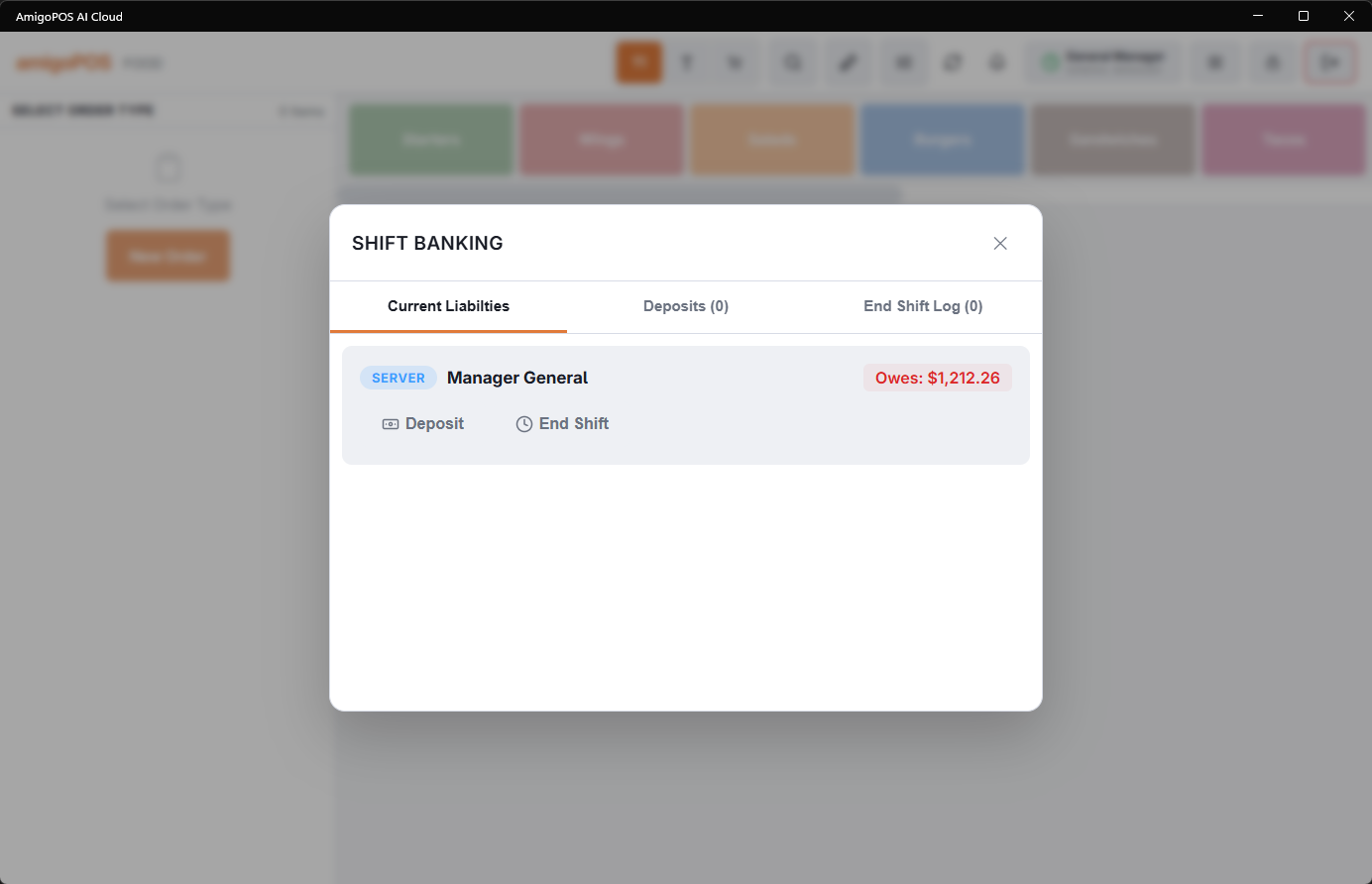
What it shows
- Current liabilities — each banked employee with what they presently owe (or are owed), driven by their cash collections and card tips so far.
- Open orders — the unsettled orders still attached to each employee; these must settle, bank, or transfer before their shift can end.
- Deposits — the deposits recorded this shift, with Void Deposit for mistakes. A void takes the amount back out of the drawer’s expected cash. It needs Manager Screen or Banking on the job, or a manager’s approval.
- End-shift logs — the completed end-shift records, with the printable report per employee.
Taking a deposit
Selecting an employee opens the layered deposit dialog: their liability, a numpad and a Full amount chip that fills the exact amount owed. The deposit goes to the drawer in use on the station, and that drawer’s expected cash rises by the amount at once. Deposit is only enabled while the employee actually owes cash; End shift is only enabled once their open orders are cleared and their position is settled — the disabled buttons are the checklist.
Typical uses
- Mid-shift check — a glance at who’s carrying how much; prompt a partial deposit when a bank gets heavy or a driver nears the liability limit.
- Closing an employee out — clear their open orders, take the deposit, run End shift. The overlay walks the order.
- Next-day questions — the end-shift log answers “did Maria square up last night, and for how much?” without leaving the register; the Employee Banking dashboard in Back Office holds the longer history.
Staff printing their own shift report
A server or bartender does not need the manager to see where they stand. My Status (their name in the More menu) has a My Shift button that shows only their own position — banked orders, what they have collected, deposits taken, cash to turn over and non-cash tips — with a Print button for the same slip the manager prints at End shift. It is read-only: nothing is settled and the shift is not ended, so it can be printed as often as they like.
The button appears for anyone whose permission has Print own shift report (Employees › People › Jobs & Permissions, in the printing group). Without it, checking totals still means a manager and Shift banking.
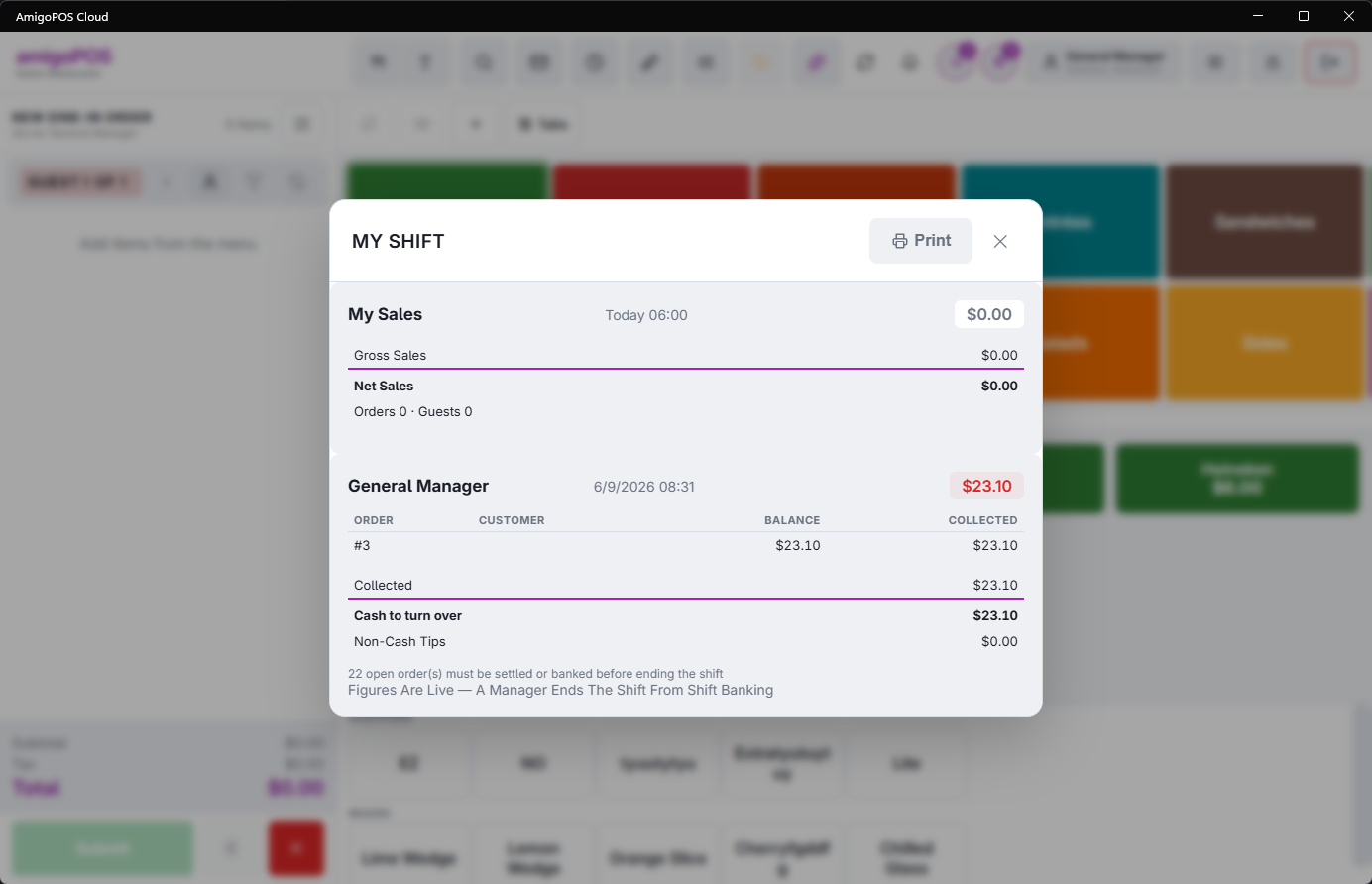
How the sales figures are credited
Shift figures count the orders an employee owns, which is the same rule the End of Day “sales by server” uses — so a mid-shift print and the close always agree. An item rung on somebody else’s check belongs to that check’s owner, not to whoever rang it.