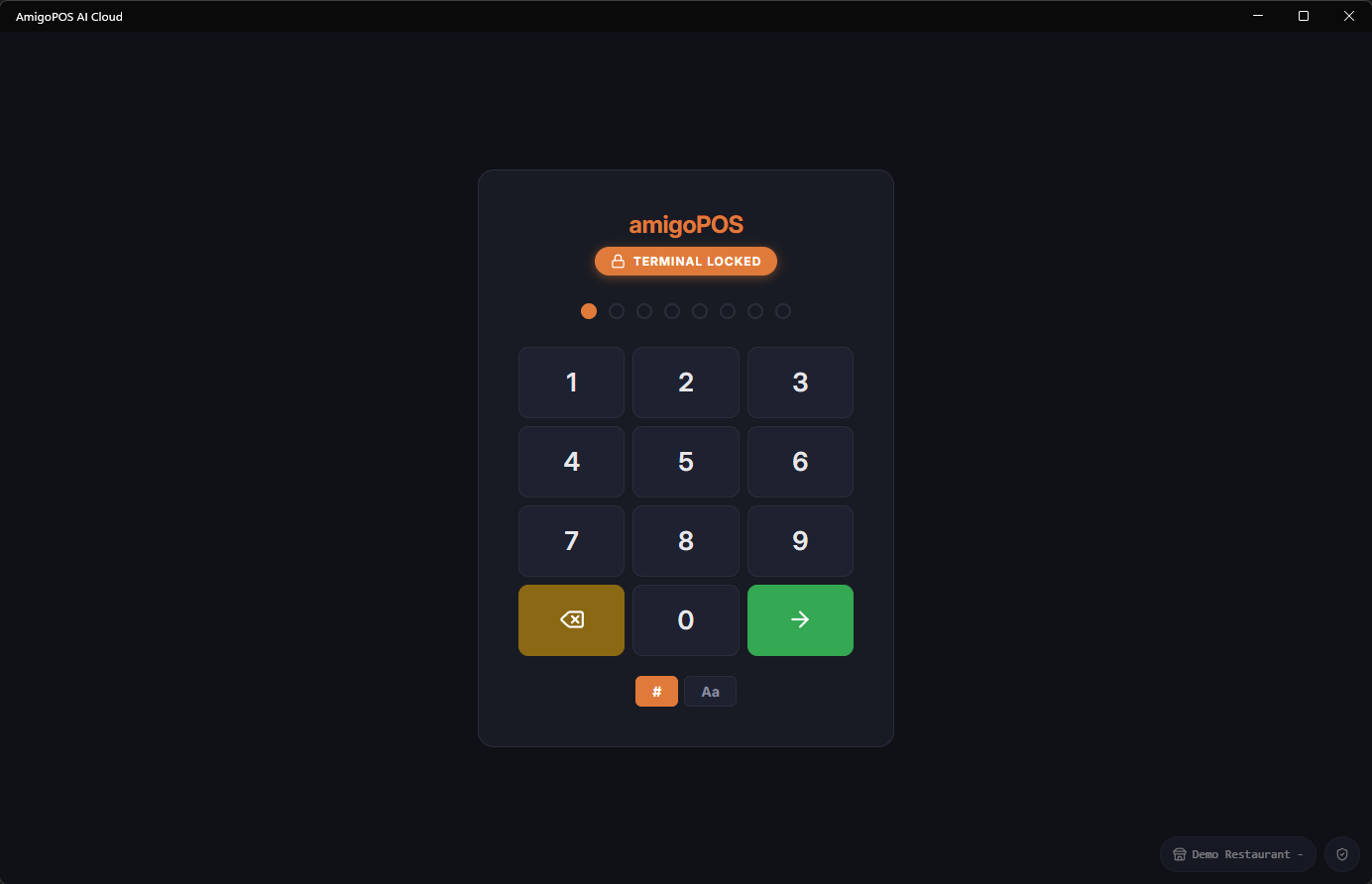
Every register uses a numeric PIN pad for sign-in. Your PIN identifies you, applies your permissions, and ties every order, payment, and drawer action to your name.
Signing in
- On the lock screen, enter your PIN on the on-screen pad (or a keyboard).
- The system signs you in automatically when the full PIN is entered — there is no separate Enter step.
- If a time-clock rule applies (for example you are not clocked in yet), the Time Clock overlay opens first.
Common messages
- Invalid PIN — the PIN does not match any active employee. Check with a manager if you were recently added.
- Terminal locked — the station is locked to a specific user. Only that user (or a manager) can unlock it.
PINs are personal. Never share yours — anything done under your PIN is recorded against your name in the audit trail.
Forgot your PIN? A manager can reset it in Back Office › Employees › People › Employees List. To change your own PIN yourself, see Changing your PIN.