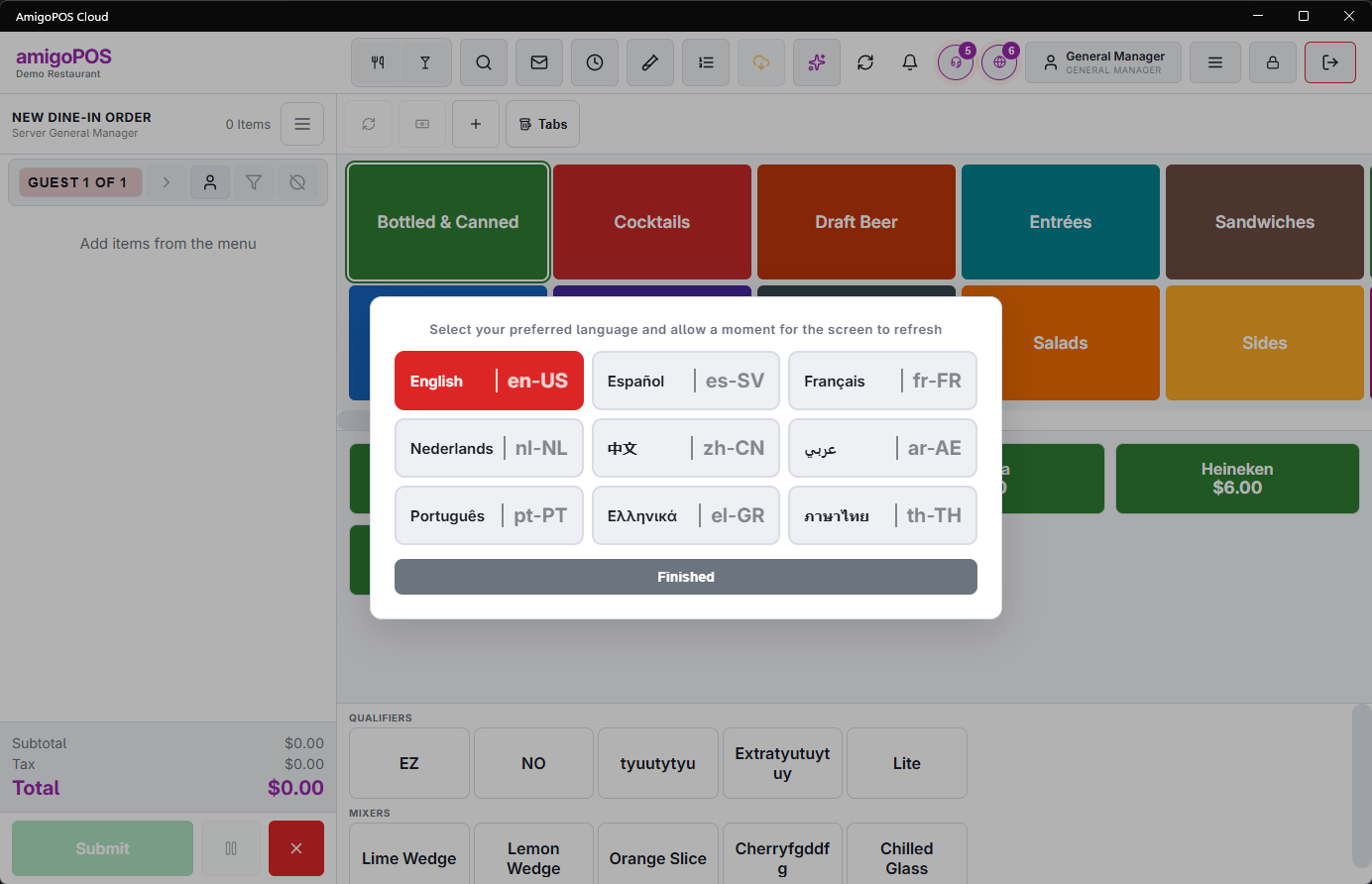
Open More › Language and pick one. The interface changes immediately — buttons, prompts, menus and messages.
What changes and what does not
The language setting covers the software. It does not translate the things your store typed in: menu item names, category names, modifier names, reason lists and receipt templates all stay exactly as they were entered.
That is why a Spanish interface still shows English menu items unless somebody translated them in the back office. It is not a fault, and it is often what a store wants — the kitchen reads the item names it prints.
A KDS screen carries its own language, chosen on that screen. The kitchen can read one language while the register reads another.
Printed receipts and prep tickets follow their templates, not the screen language. If a receipt prints in the wrong language, the template is where to look.