CloudPos is a complete restaurant point-of-sale and call-center platform. The same application runs on register stations, tablets, phones, and call-center desks, and adapts its screens to the device it is running on.
What it covers
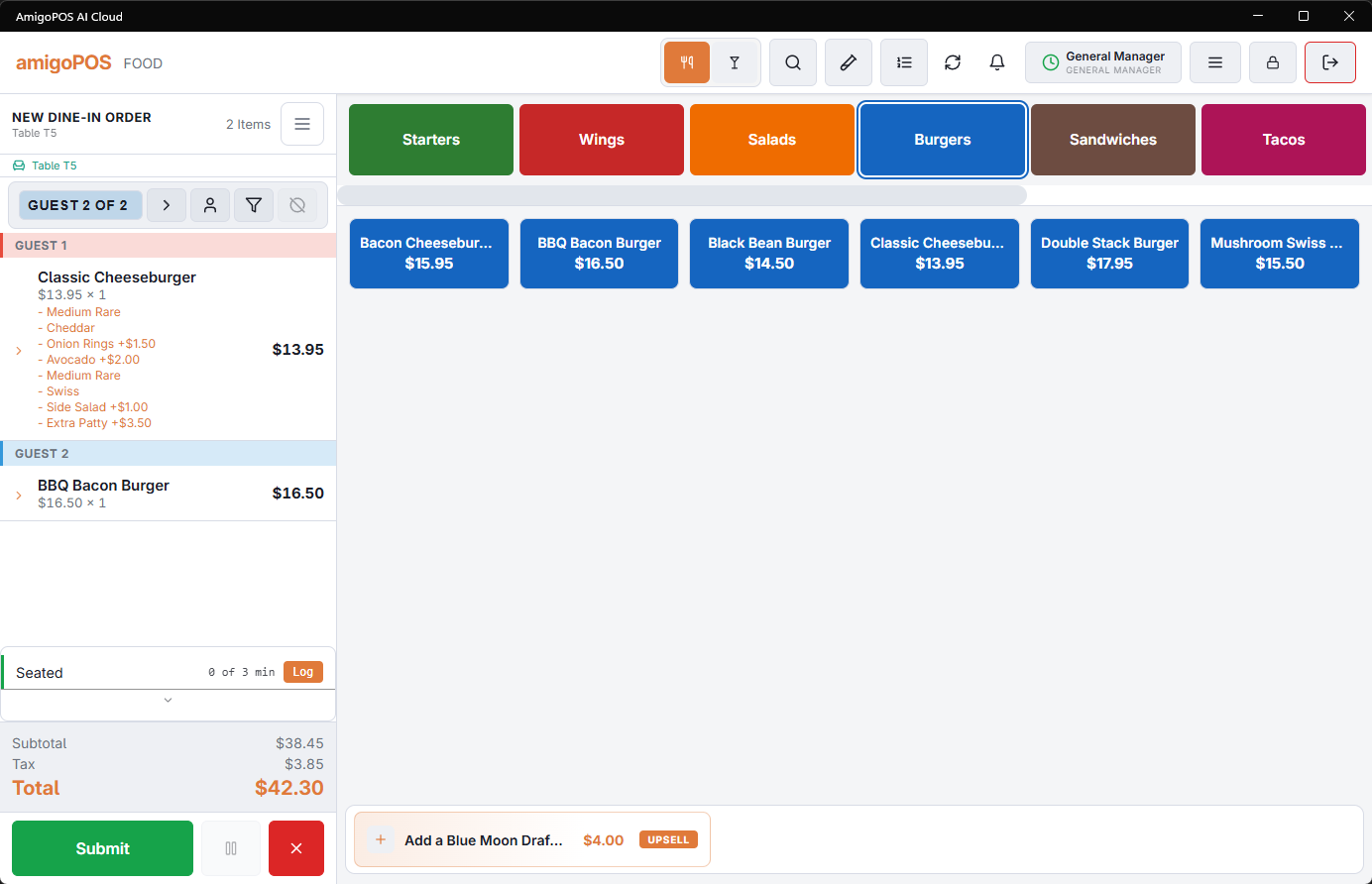
- Order entry — dine-in, take-out, delivery, bar tabs, and call-center orders with modifiers, courses, and per-guest seating.
- Tables & service pace — a live floor plan showing table states and how long each party has been waiting.
- Payments — cash, integrated card terminals, split tender, QR pay-at-table, gift cards, and house accounts.
- Cash management — drawers, floats, drops, banking, and end-of-day reconciliation.
- Kitchen display — tickets on a kitchen screen with course grouping and bump/recall.
- Back office — menu setup, employees, inventory, reports, and every program setting.
CloudPos keeps working when the internet goes down. Orders are stored locally and sync automatically when the connection returns — see Technical Overview › Offline Mode.
Where to start
- Sign in with your PIN (Signing in with your PIN).
- Clock in and claim a cash drawer if you handle cash (Clocking in and out).
- Learn the layout in Reading the order-entry screen.