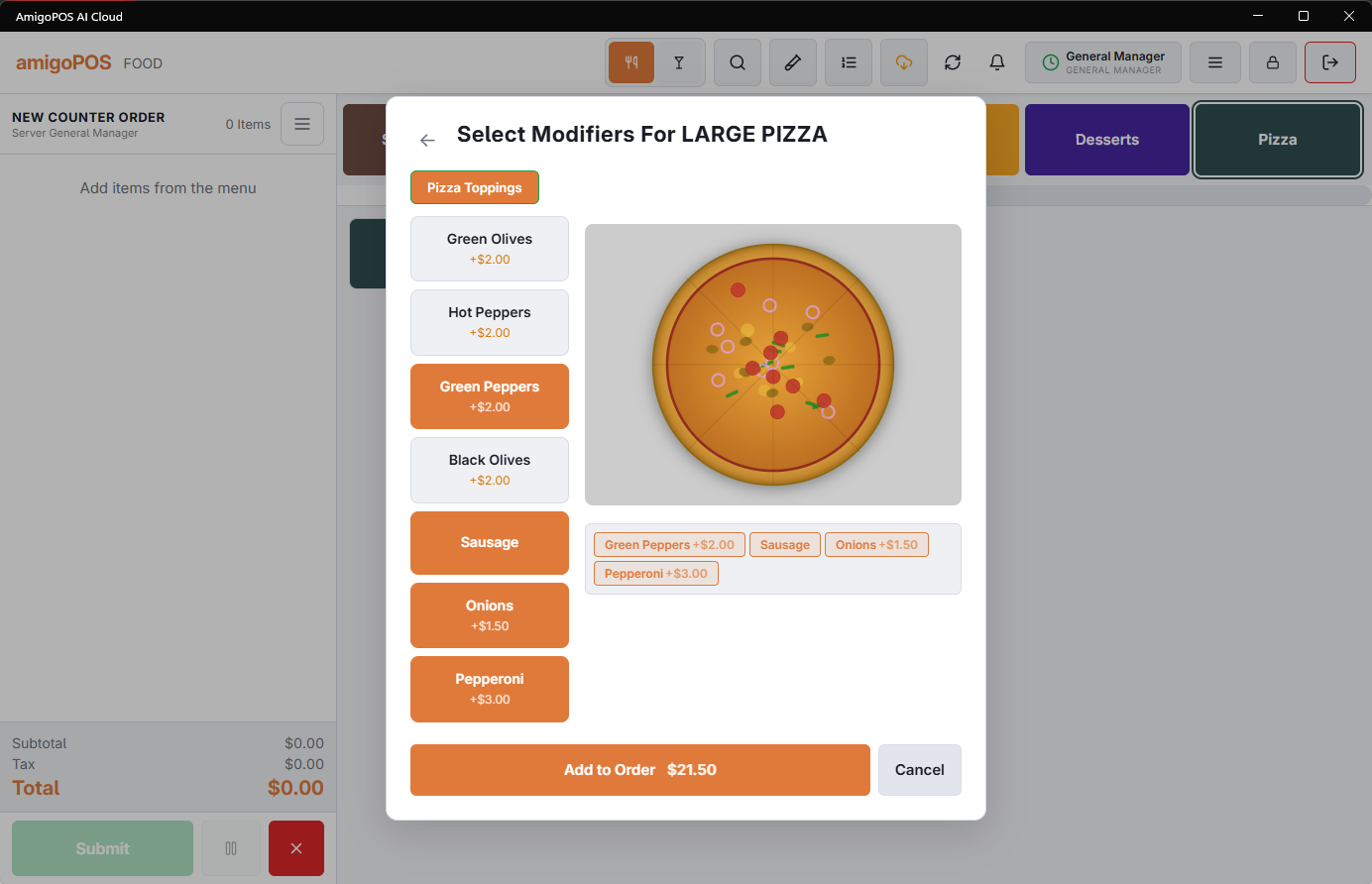
Modifier groups with Show pizza builder on draw the pizza while you build it. It is the same modifier selection as any other item, with a picture attached — but the picture is what stops half-and-half orders going wrong.
What the picture shows
- Toppings placed on the whole pizza cover it.
- A topping set to a half is drawn on that half only, so a half-and-half order is visibly two halves rather than a list you have to read carefully.
- Double and triple portions are drawn more heavily than a single.
- Removals are not drawn at all — no onions means no onions on the picture.
Turn the screen to the guest for the confirmation. A picture settles which half is which faster than reading four toppings back.
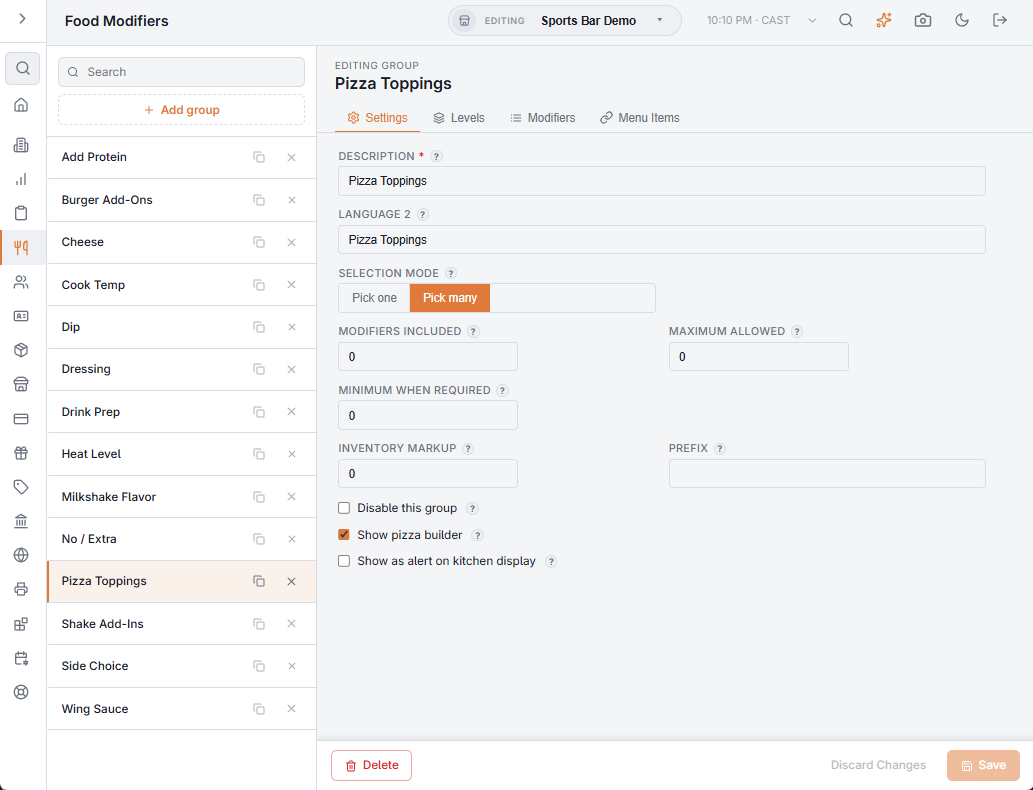
To switch the builder on, open the toppings group in Back Office › Menu › Menu Setup › Food Modifiers and tick Show pizza builder on its Settings tab. Any item that uses at least one such group opens the builder; a pizza whose toppings are on an ordinary group prompts as an ordinary item.