Any HID (keyboard-wedge) USB barcode scanner works out of the box. Scanning at the order-entry screen adds the matching item instantly.
Standard barcodes
- Assign the barcode/SKU to the menu item in Menu Setup › Menu items.
- At the register, scan anywhere on the order-entry screen — no need to focus a field. The item is added exactly as if its button were tapped (required modifiers still prompt).
Price- and weight-embedded labels (GS1 / type-2)
Deli-scale labels encode the item code plus the price or weight in the barcode itself. CloudPos parses these automatically:
- Price-embedded — the embedded price overrides the menu price for that line.
- Weight-embedded — the line is priced as embedded weight × unit price.
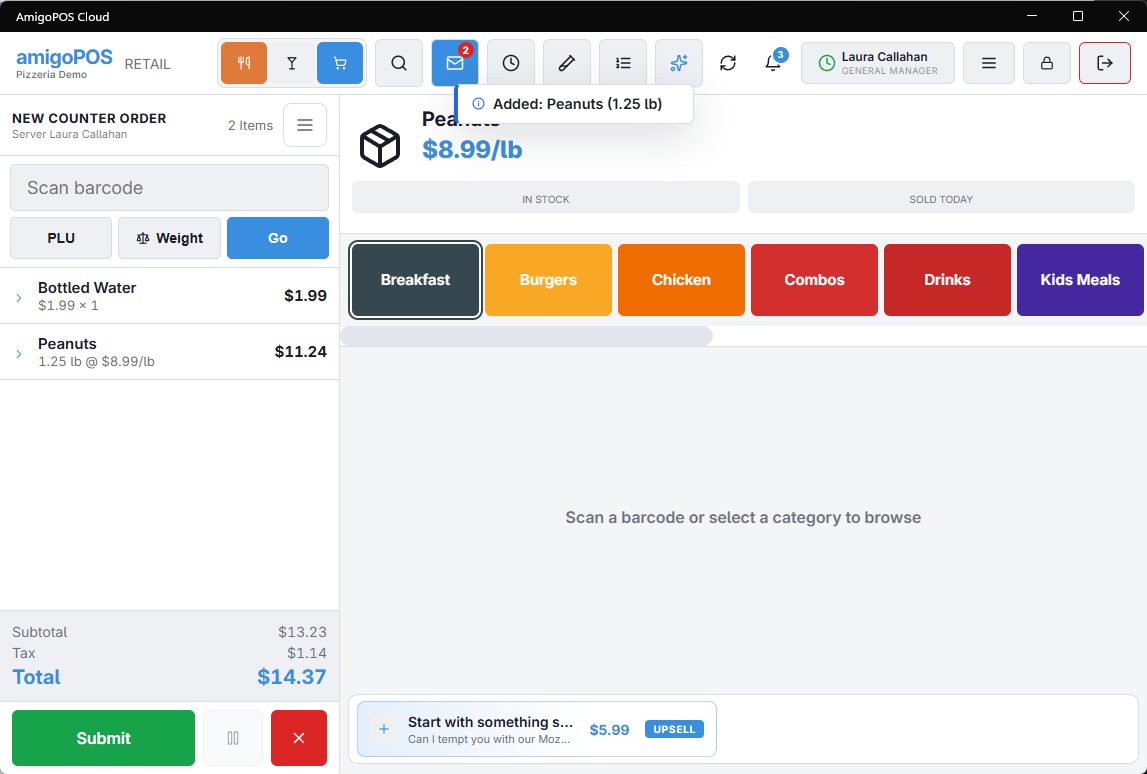
The barcode scan overlay (available from the More menu) shows a live scan log — useful for testing a new scanner or diagnosing an unrecognized label.