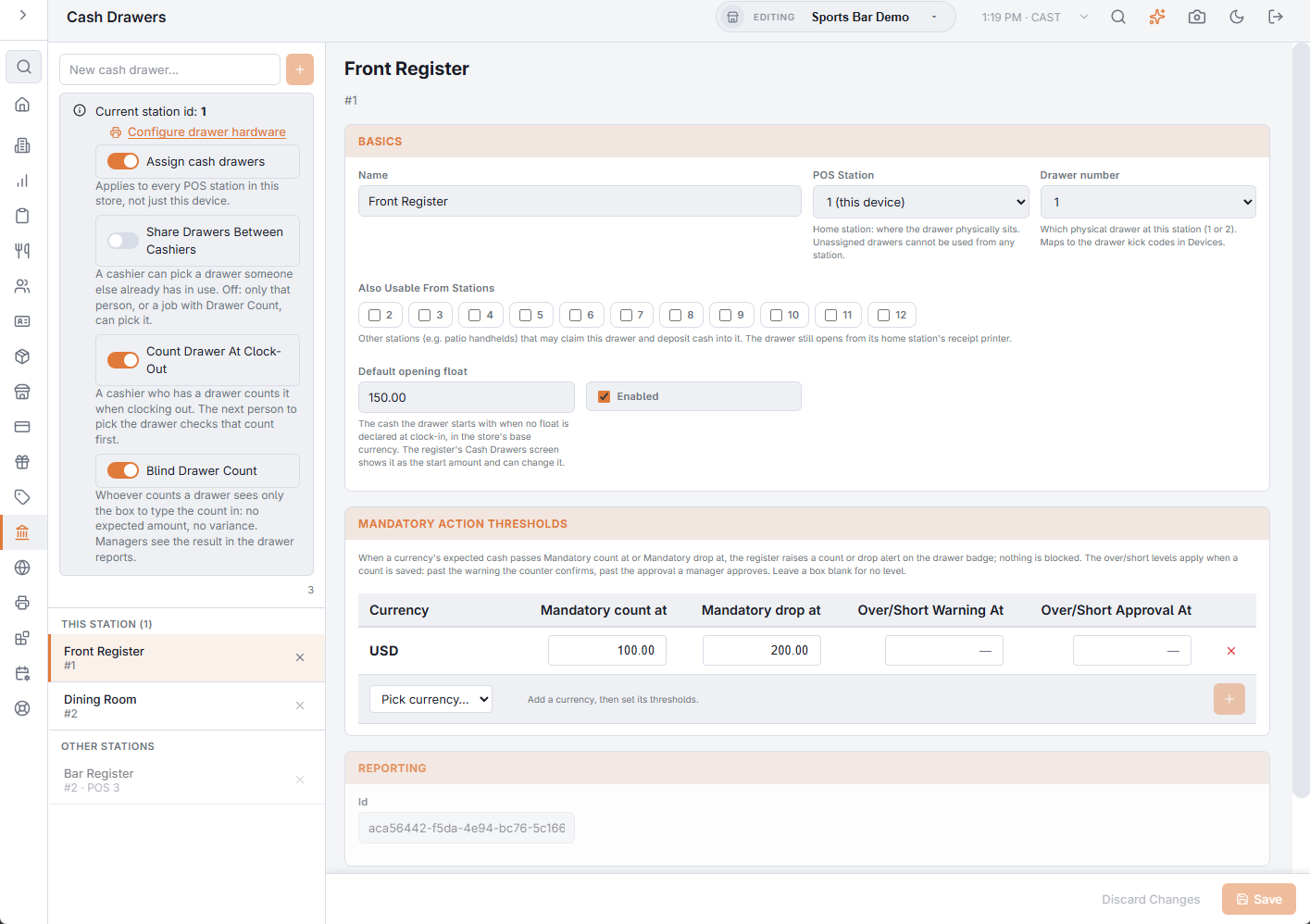
A till opens because its station’s receipt printer sends it an electrical pulse — the kick. The Drawer number on the drawer’s entry (Back Office › Cash Management › Cash Drawers) says which of the printer’s two drawer outputs to pulse: 1, or 2 for a second till on a split cable. The codes the printer sends are set on the printer itself, in the Print Agent.
The chain
- Something at the register opens the drawer.
- The register asks the Print Agent to kick drawer 1 or 2 on the station’s Receipt Printer (Hardware & Printing › Print Routing).
- The Print Agent sends that printer’s drawer codes — only if Has cash drawer is on for the printer.
- The printer pulses its drawer port, and the till opens.
Without a connection, the register uses the station’s offline printer instead, if one is set on Registered Devices.
What opens the drawer
- A payment with a method set to Opens drawer (Payments › Payment Methods). Cash normally is; cards normally are not.
- No Sale and Payouts.
- A drawer reset, when Open drawer after reset is on and the drawer’s home is this station.
Recording a cash drop does not open the drawer.
A drawer shared with other stations still opens from its home station’s printer.
When the wrong drawer opens, or none
- Nothing opens — work through the checklist in Cash Drawer Quick Setup & Troubleshooting: printer prints, Has cash drawer on, cable in the drawer port, the right Receipt Printer row.
- The other till opens — the two entries on that station have their drawer numbers swapped. Change them on Cash Drawers.
- It opens on card payments — that payment method has Opens drawer on. Turn it off in Payments › Payment Methods.
A key opens the till without any record. Keep the keys with managers: a till opened by key mid-shift shows up as unexplained variance.