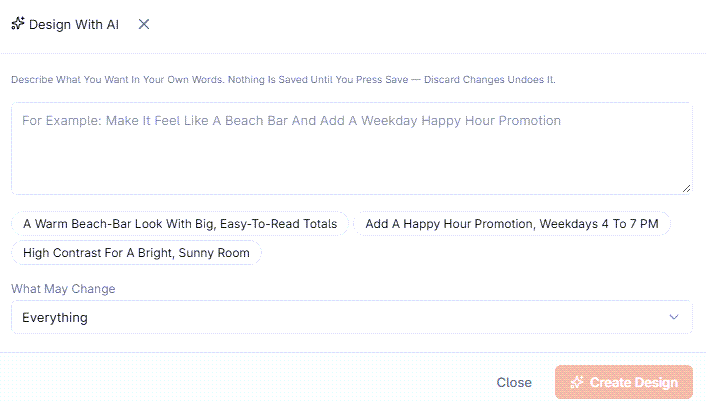
Design With AI, at the top of the designer, changes a design from a plain request — for example "a warm beach-bar look with big totals" or "add a happy hour promotion, weekdays 4 to 7 pm".
- Open a design and tap Design With AI.
- Describe what you want, or tap one of the examples.
- Choose What May Change: Everything, only the current screen, Only The Theme or Only The Promotions.
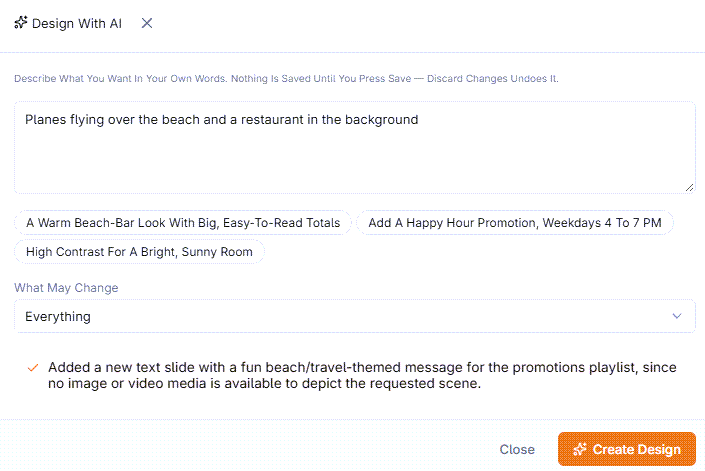
- Tap Create Design. The preview shows the new version, with a short summary of what changed.
- Look through the screens. Save keeps it; Discard Changes undoes it.
What the AI works with
- Your design as it is in the editor, unsaved changes included.
- Your pictures and videos — it can only use files already in the Media tab.
- Your menu items, for menu-item slides that show the live price.
What it won't do
- It never writes allergen, dietary or health claims.
- It never types prices; menu-item slides show the live price by themselves.
- It never uses pictures you don't have.
Check the result — especially the wording — before you save.
Each request counts as one AI action on your plan. Only managers can use Design With AI.