A driver can photograph the delivery — the bag on the doorstep, the order being handed over — so the store can answer “it never arrived” with a picture.
Taking it
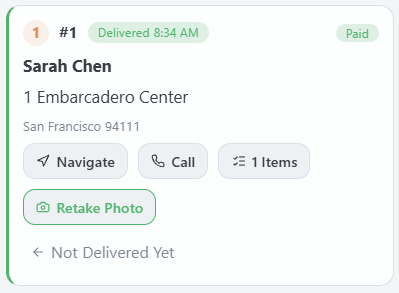
- On the stop, tap Photo. The phone’s camera opens.
- Take the picture and accept it. The phone shrinks it before sending, so it goes through on a weak signal.
- The button turns green and reads Retake Photo. A new photo replaces the old one: there is one per order.
Seeing it at the store
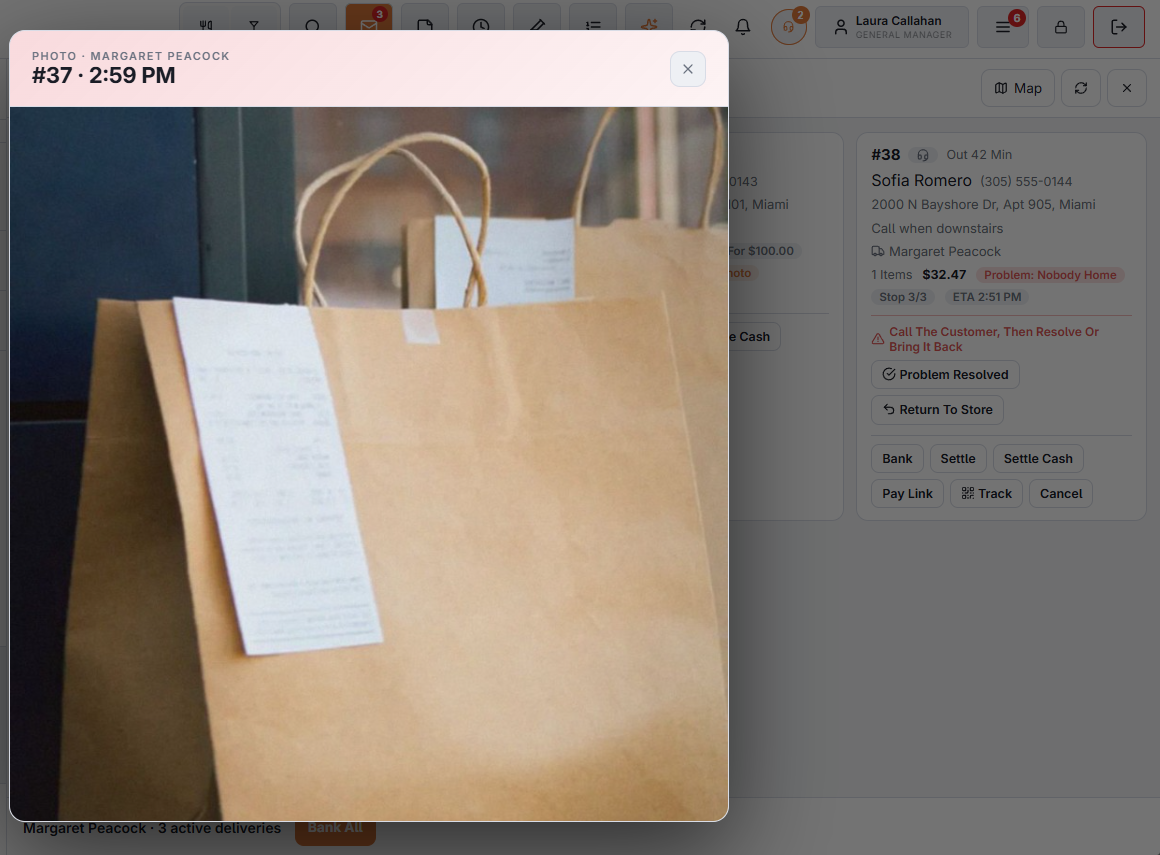
On the delivery board, an order with a photo shows a Photo pill on its card, in the Out and Banked Today tabs. Tap it to open the picture, with the driver’s name and the time it was taken.
Requiring it
Back Office › Store Setup › Delivery Screen › Driver Phones › Require A Photo At The Door. With it on, Mark Delivered is refused until the stop has a photo.
How long photos are kept
Keep Photos (Days), in the same section: 30 by default. Older photos are removed as new ones arrive; 0 keeps them all.
Photograph the order where it was left, not the people.