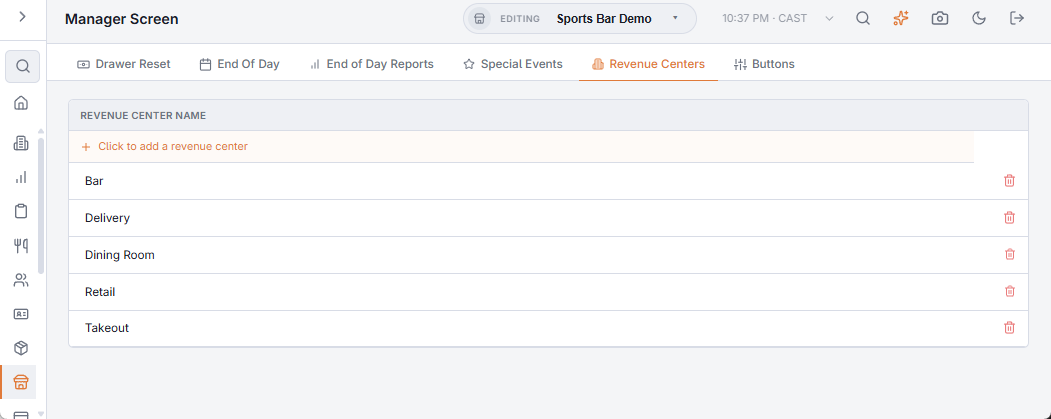
A revenue center splits your sales by part of the business: bar against restaurant, patio against inside, retail against food. End-of-day and analytics can then report each separately.
How a sale gets its revenue center
The revenue center comes from the menu item. Every line takes the revenue center of the item that was rung, and modifiers inherit their parent line’s.
This is the part that catches people out: a menu item with no revenue center assigned produces lines with no revenue center, and those report as unassigned. Setting up the centers is not enough — every item that should count towards one has to be pointed at it.
Setting them up
- Define the centers you want to report on. Keep the list short — three or four meaningful areas beat a dozen nobody maintains.
- Assign each menu item to one. Working category by category is far quicker than item by item.
- Check the end-of-day revenue center summary after a day’s trading. Anything landing in unassigned is an item that was missed.
Assignment applies to lines rung after it is set. Orders already taken keep whatever they were stamped with, so a report for a past day will not change retrospectively.
Revenue centers answer "how did the bar do?". If the question is "how did the patio do?" and patio guests order the same items as everyone else, a revenue center is the wrong tool — that is what order types or seating areas are for.