The guest survey’s link is printed on the receipt as a QR code. Guests who order online or for delivery rarely see it, so their opinion was missing. Now they get the same link by email.
Turn it on
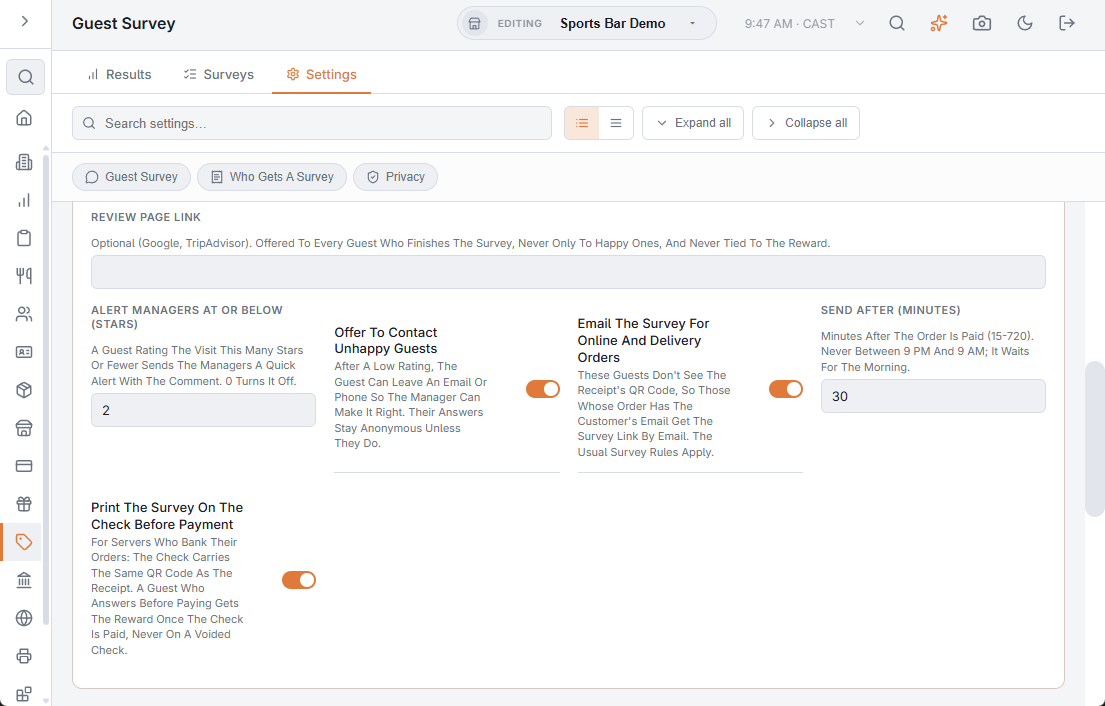
In Back Office › Discounts & Promotions › Guest Survey › Settings:
- Email The Survey For Online And Delivery Orders — on by default.
- Send After (Minutes) — how long after the order is paid, 60 by default. Emails wait between 9 pm and 9 am.
Who gets it
Online orders, and orders of a delivery order type, whose customer has an email. The survey’s own rules still decide: the survey must be on, and every Nth order and the minimum total apply. The email shows the reward when the survey has one, and goes once per order; a link already answered isn’t emailed. Customers marked Do Not Contact are left out.
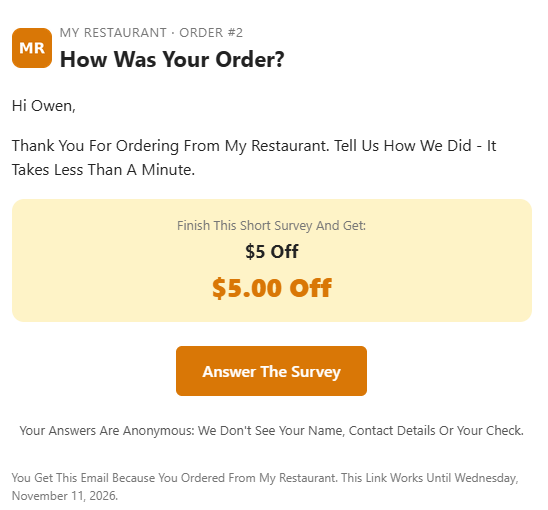
The answers stay as anonymous as from the receipt. The email goes out in the store’s language from your gift card sender address.
Related: Guest survey