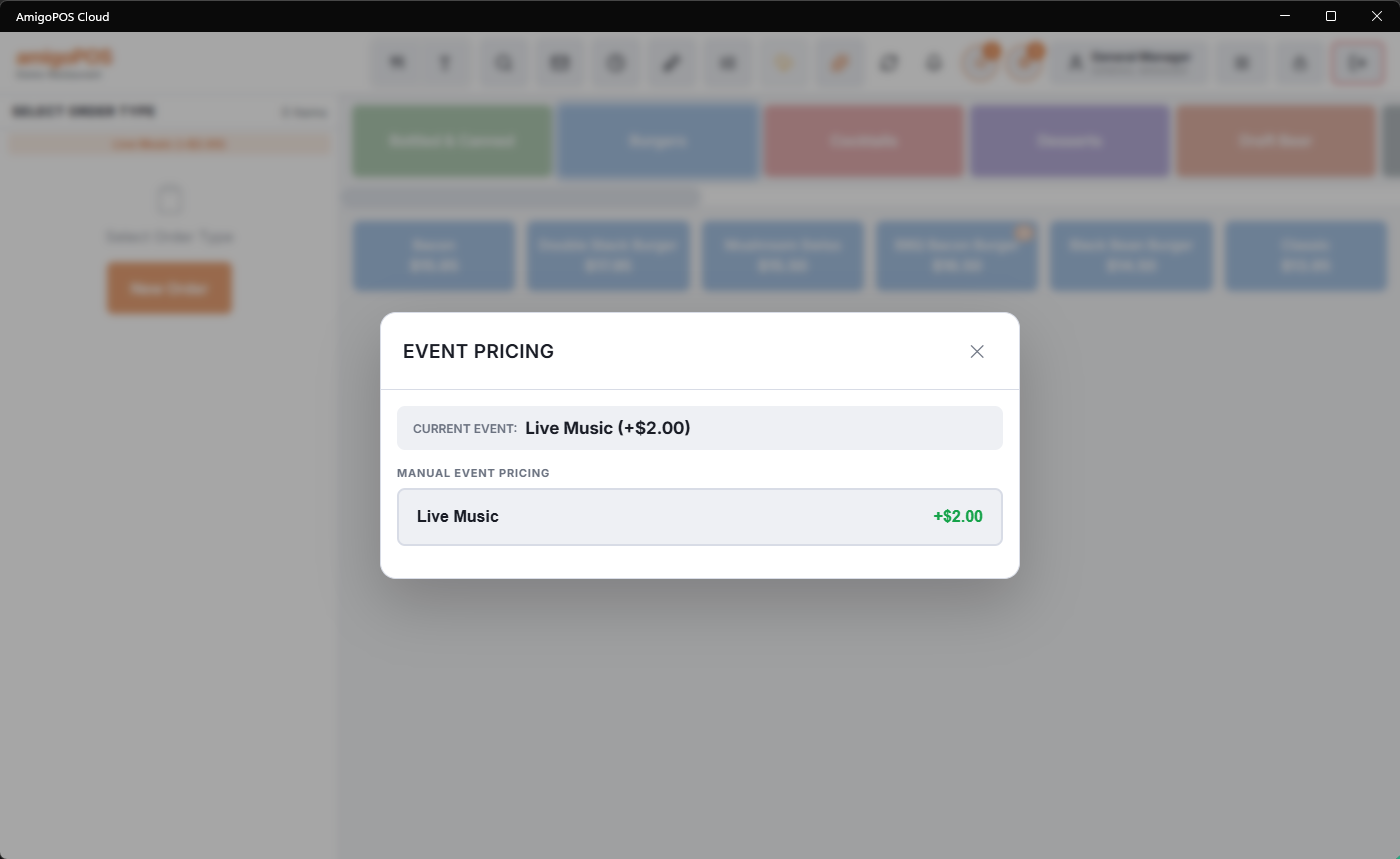
The event pricing overlay (More › Event pricing, manager section) is the register-side switch for manual pricing events — the pre-configured bumps a manager turns on when the moment arrives.
Using it
The overlay lists the events configured to show on the manager screen, each with its amount, menu scope, and current state. Tap to activate; the bump applies to every subsequent order (items and categories excluded from event pricing excepted), and each affected line is labeled with the event so the price change explains itself on the check. Tap again to end it. Events flagged disable at end of day can’t outlive the business day even if nobody remembers to turn them off.
Where it fits
- Automatic events (with time windows) run themselves — they don’t need this overlay and typically don’t appear on it.
- The classic manual uses: the band actually started, the game went to overtime, the cruise ship docked — moments a schedule can’t predict but a manager can see.
- Configuration — creating events, amounts, scopes — is Special and event pricing in the back office; this overlay only arms and disarms.