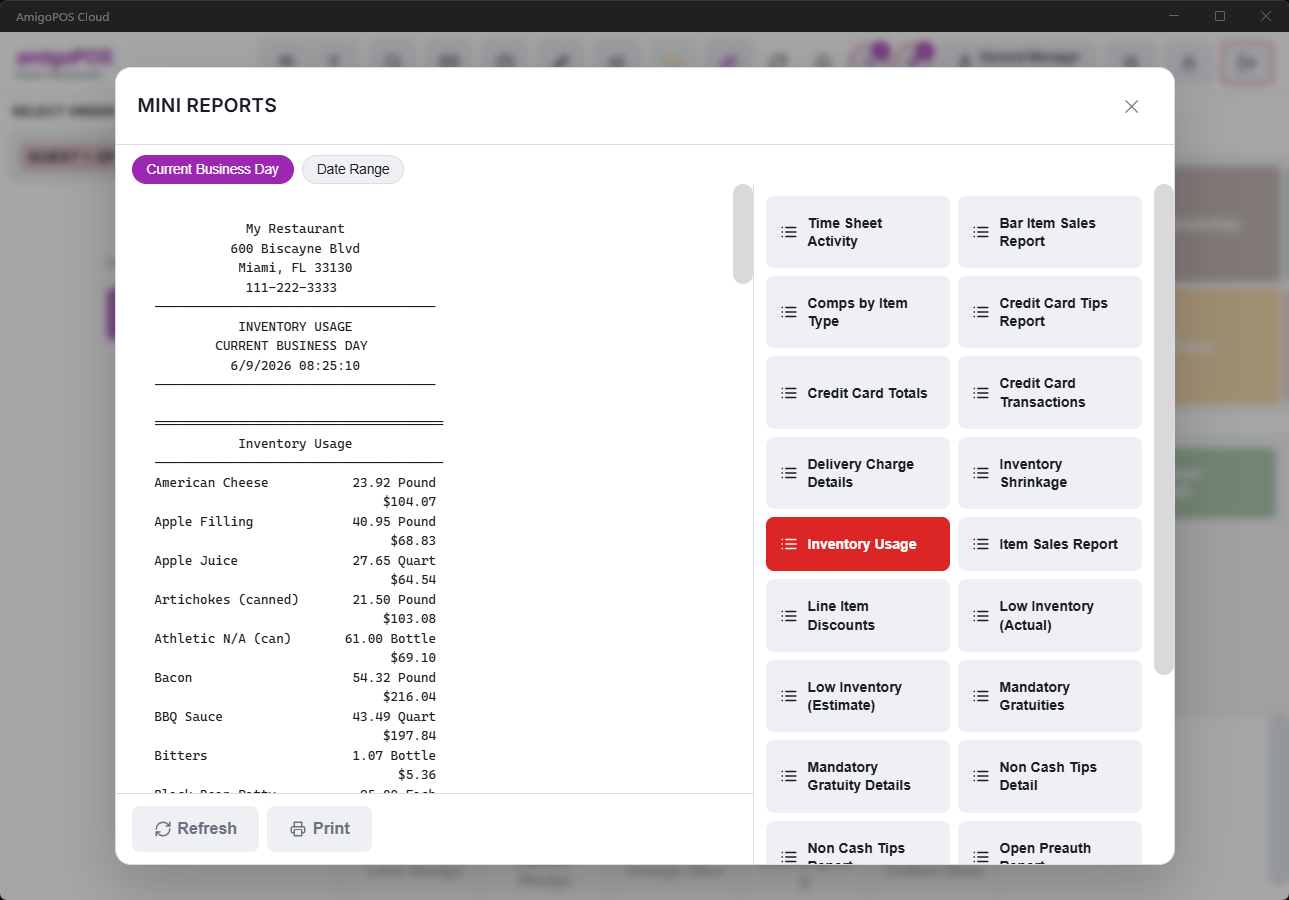
The reports overlay prints the operational reports a manager needs mid-shift on the receipt printer — the kind you sign and put in the drawer, not the kind you analyse.
Opening it from More › Reports needs the Reports permission (Manager Screen group); without it, a manager approves.
Using it
- Pick a report from the list on the left.
- Choose Current business day or switch to Date range and set the dates. Current business day follows the store’s business day, so at 1am a late bar still gets tonight’s trading, not an empty new day.
- Refresh re-runs it; Print sends it to the receipt printer bound to this station.
What is available
Around two dozen reports, including credit card totals, transactions and tips; non-cash tips summary and detail; mandatory gratuities; order voids and refunds; comps, line-item discounts and price changes; permission overrides; item and bar item sales; delivery charges and surcharge details; open pre-authorisations; timesheet activity; and inventory usage, shrinkage and low-stock lists.
If Print reports that no printer is bound, this station has no receipt printer assigned — see Hardware & Printing. The report itself is fine; only the delivery failed.
These are printed summaries. For charts, comparisons and exports, use Analytics in the back office instead.