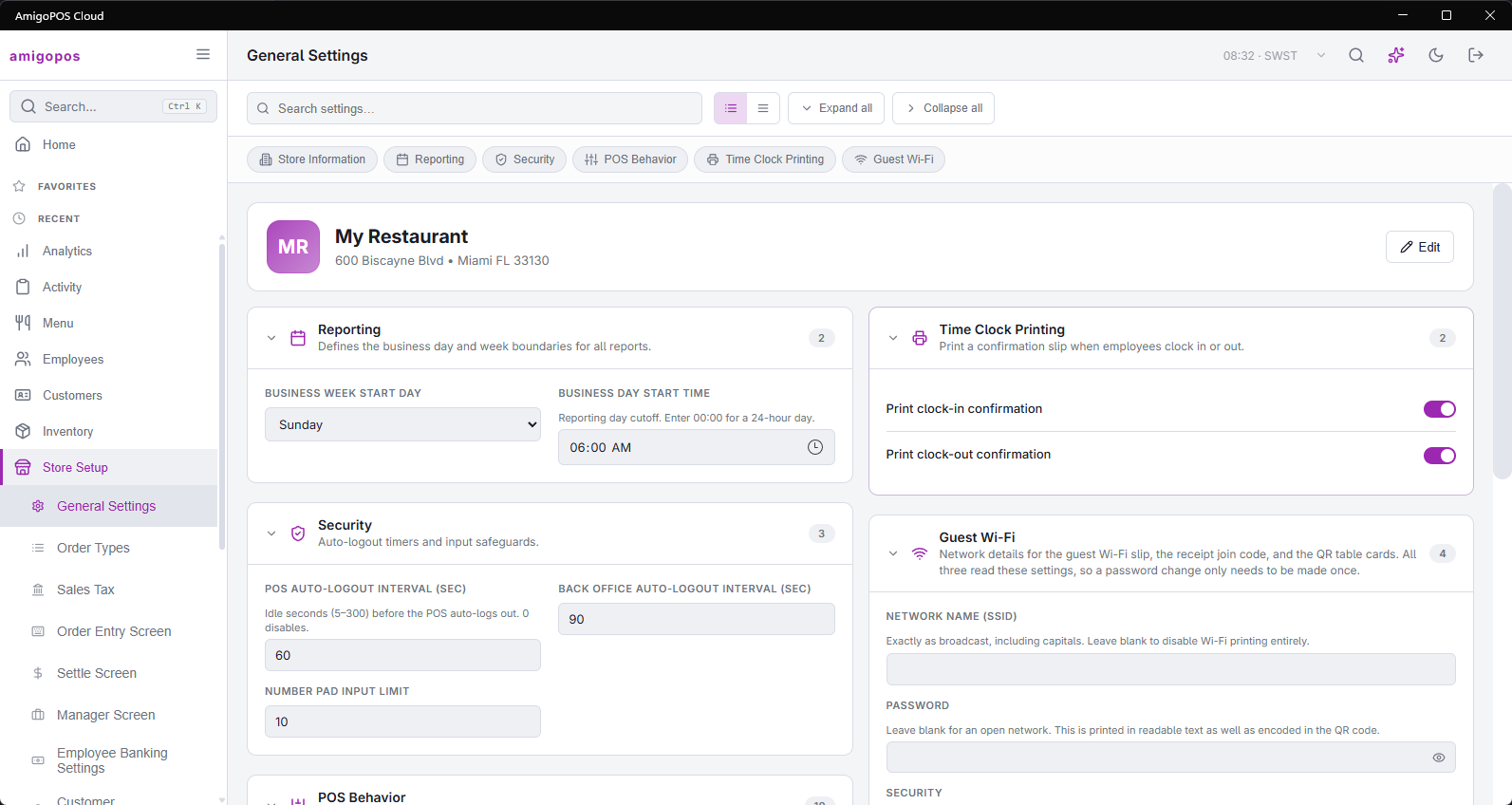
A restaurant day does not end at midnight. The business day start setting (Back Office › Store Setup › General Settings) is the time your day rolls over — set it to 04:00 and everything rung between midnight and 4am belongs to the day before.
What it affects
Nearly everything that says "today": the current-business-day mode in the reports overlay, the audit trail, the labor overlay, the pre-EOD summary, timesheets, and the back-office reports and dashboards. Set it once, correctly, and these agree with each other. Leave it at midnight in a late-night venue and every one of them splits your busiest hours across two days.
Choosing a time
Pick a time when the store is reliably empty — an hour or so after the latest you ever serve. Too early and late trading lands on tomorrow; too late and an early delivery lands on yesterday.
When end of day and a report disagree
End of day belongs to the business day it closes. Dashboards and summaries group by when each order was settled, shifted by the same business day start. That is the same boundary, so the two agree — as long as the report’s range is the range you think it is. Dashboards and summaries show the exact window they cover; read it before concluding the numbers are wrong.