Instead of receiving items one at a time, you can photograph the supplier’s invoice or delivery note and receive every line in one go.
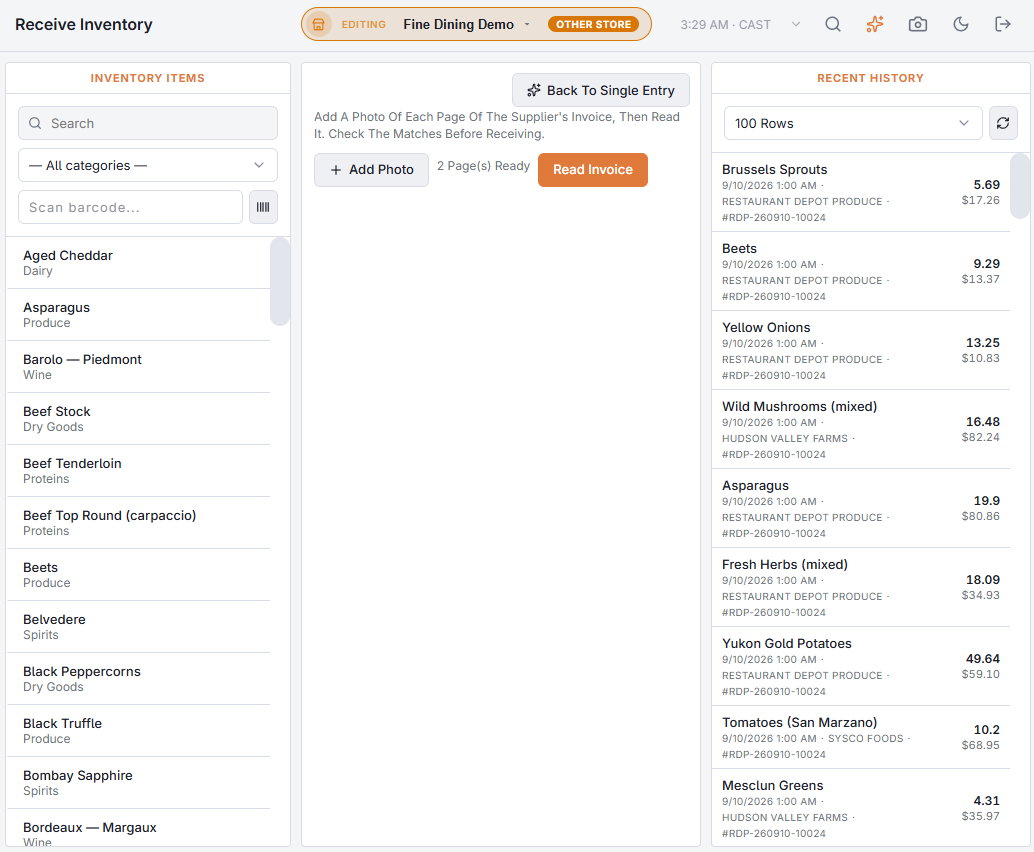
- On Back Office › Inventory › Operations › Receive Inventory, choose Scan Invoice above the entry form.
- Add Photo for each page of the invoice (up to five pages; a PDF also works).
- Choose Read Invoice.
Checking the lines
Each line of the invoice comes back matched to one of your inventory items — by meaning, not exact wording, so “Rom. hearts 3ct” can match Romaine. For every line you see the invoice text, the matched item, whether the quantity counts units, packs or cases, the quantity delivered and the line total. The supplier and invoice number are filled in from the invoice; a supplier you already picked on the page wins.
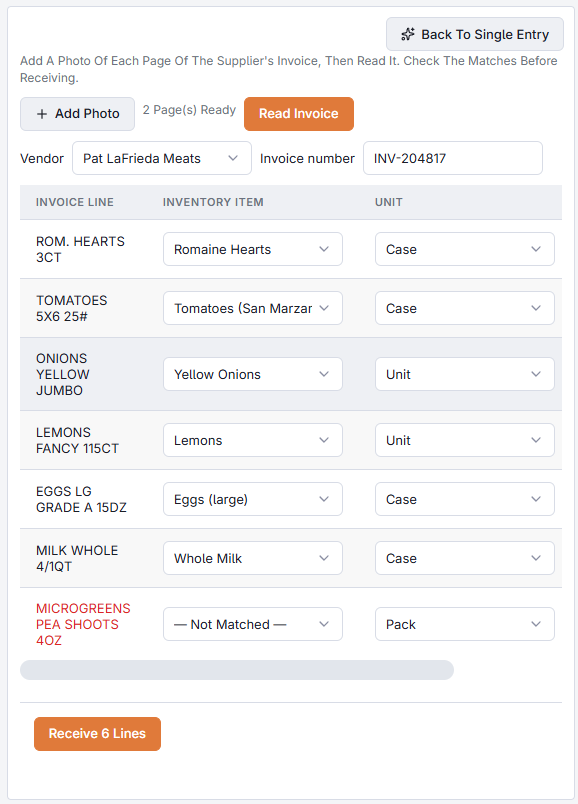
Check every line. Change any match, unit, quantity or total that is wrong. Lines left Not Matched are skipped.
Receiving
Receive saves each matched line exactly as if you had entered it on its own, including the audit log. Packs and cases are converted to units with the item’s pack and case sizes, and each line’s cost comes from its line total.