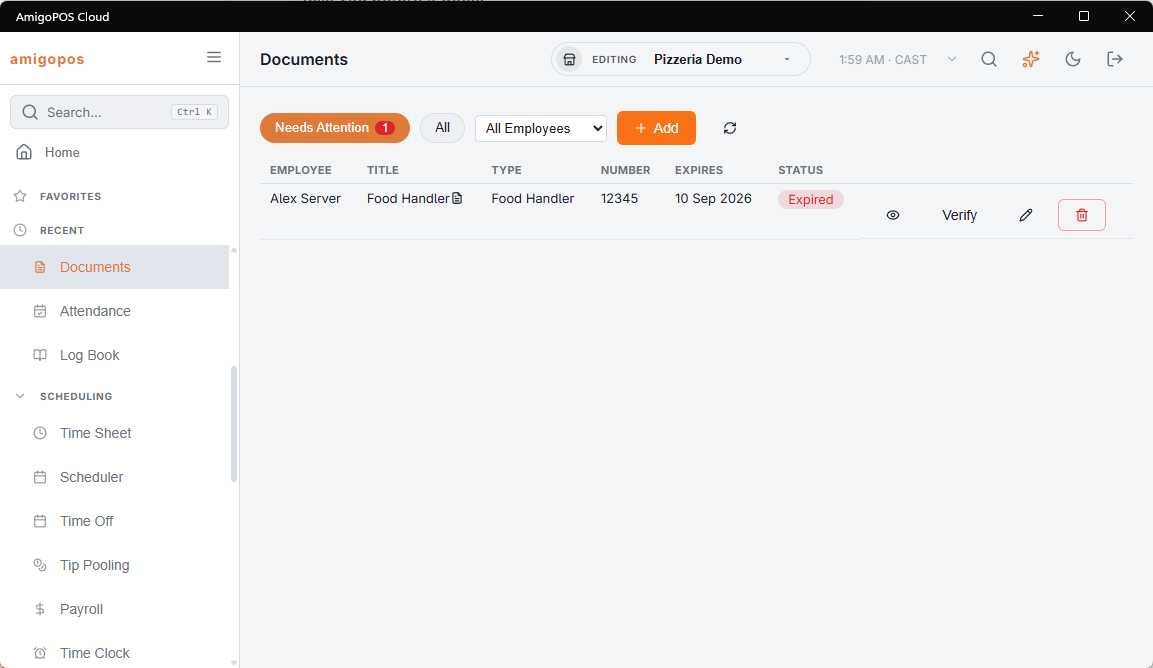
Most of what a health inspector asks for lives in somebody’s wallet or a folder in the office. Back Office › Employees › People › Documents keeps a copy against the employee, with the date it runs out, and tells you before it does.
What a document is
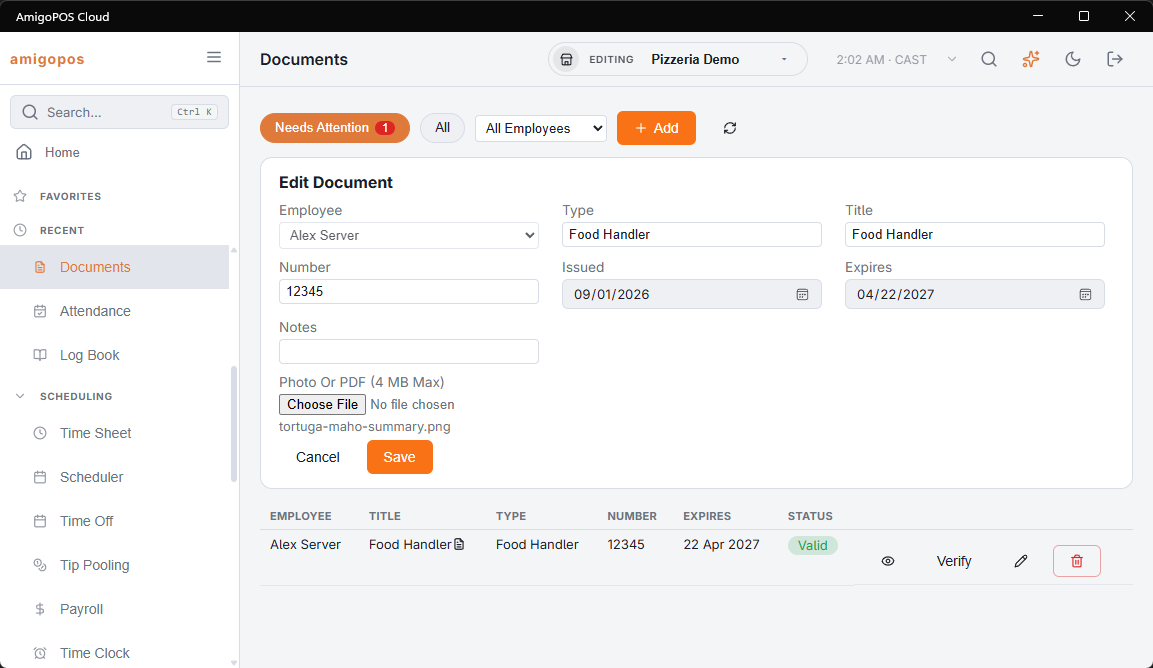
A type (Food Handler Card, ID, Work Permit, Contract — your own words; the ones already used are suggested), a title, an optional number, the dates it was issued and expires, a note, and optionally a photo or a PDF up to 4 MB.
Adding one
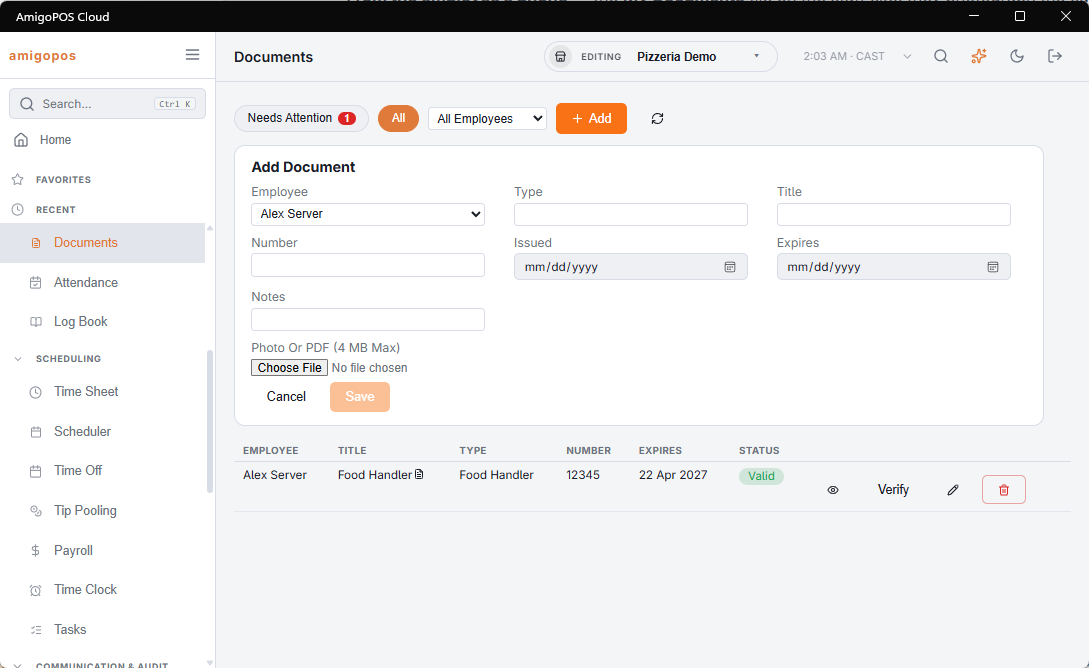
- In Back Office — Add, pick the employee, fill it in, choose the file.
- From the employee’s phone — More › My Documents on the staff site: they photograph the card with the phone camera and it arrives against their record. They see only their own.
Verifying
Verify is you saying you have seen the real thing. A verified document can no longer be changed or deleted by the employee, and replacing the file clears the verification — a new photo is a new document to check. The page opens on Needs attention: expiring, expired, or waiting to be verified. All shows everything, and the employee filter narrows it to one person.
Expiry reminders
Document Expiry Alert Days (Back Office › Employees › Scheduling › Time Clock, with the time-off settings) sets how far ahead the warnings start — 30 days out of the box, 0 to switch them off. The employee and the managers are told once when the document enters that window, again in its last week, and once more the day after it expires. The employee gets theirs in their own language. Change the expiry date and the reminders start again from the new date.