More guests on your list means more guests you can bring back. Besides the survey and the online store, guests can join from a page of your own.
Your sign-up page
Open Back Office › Discounts & Promotions › Guest Offers › Audience. The Join Our List card shows the page’s link: put it on your website, your social pages or a newsletter. Open The Page shows it.
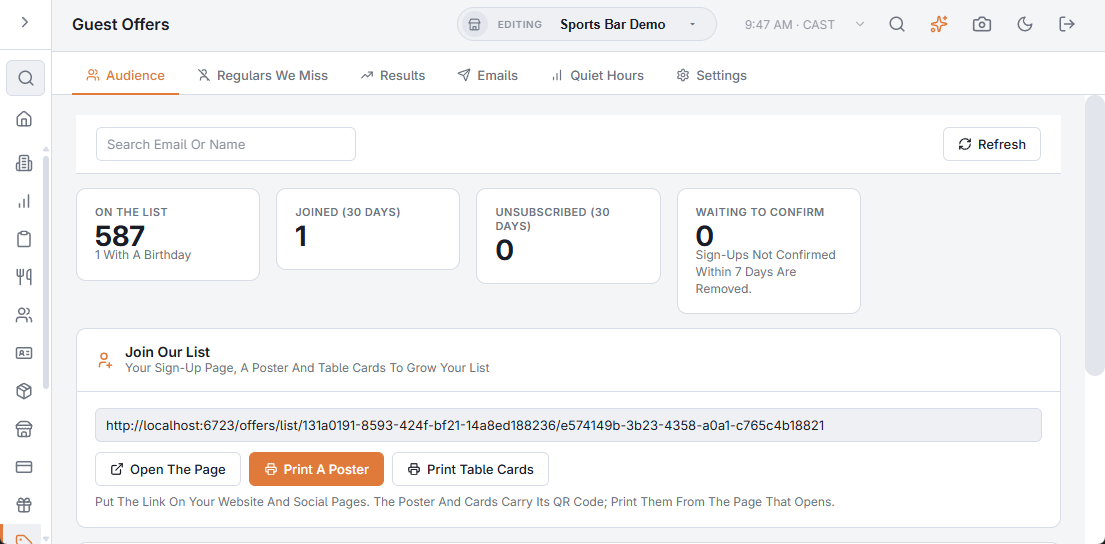
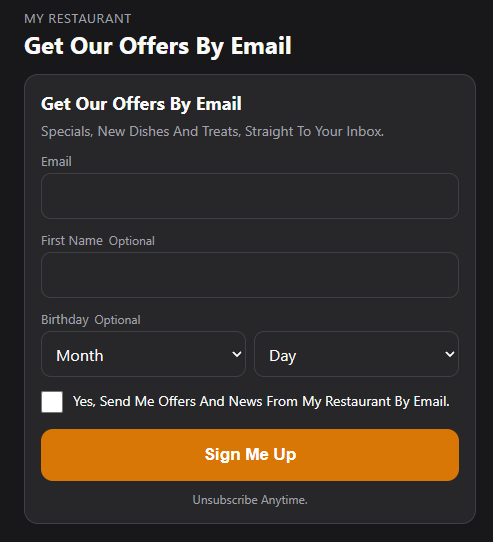
The page uses your sign-up text and the usual sign-up rules: the confirmation email when double opt-in is on, and the optional birthday. Sign-ups show in the Consent Record with the source Join Our List.
Poster and table cards
- Print A Poster — one per page, with your logo, the text and a large QR code, for the door, the counter or the restroom.
- Print Table Cards — four per page to cut out, for tables and table tents.
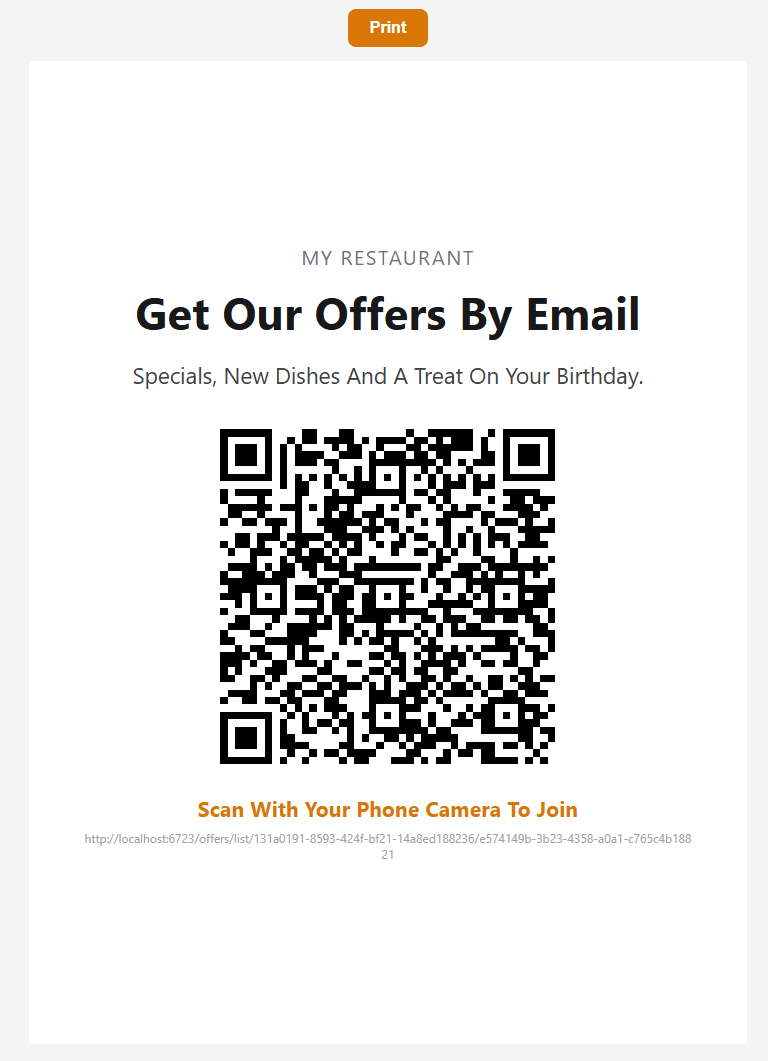
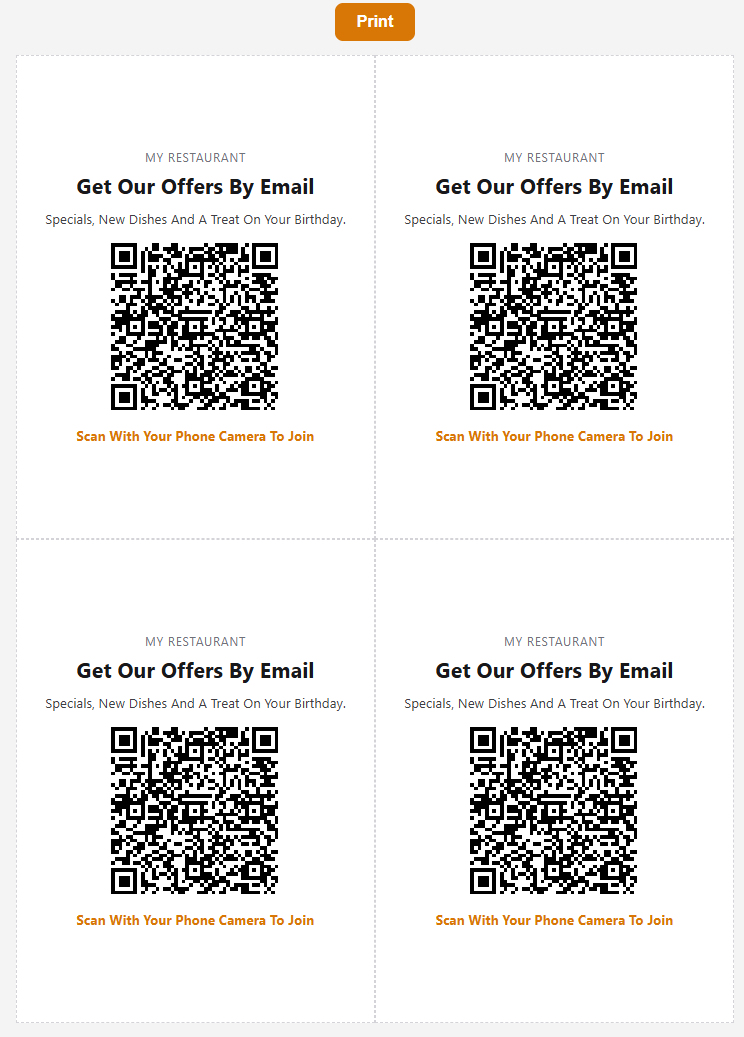
Each opens in the browser with a Print button; the button doesn’t print. Guests scan the QR code with their phone camera and land on the sign-up page.
To turn the page and the poster off, switch off Join Our List Page And Poster in Settings › Email Sign-Up.