A refund is for an order that has already been settled. Money has changed hands and has to go back. Before settlement there is nothing to refund — that is a void.
Taking one
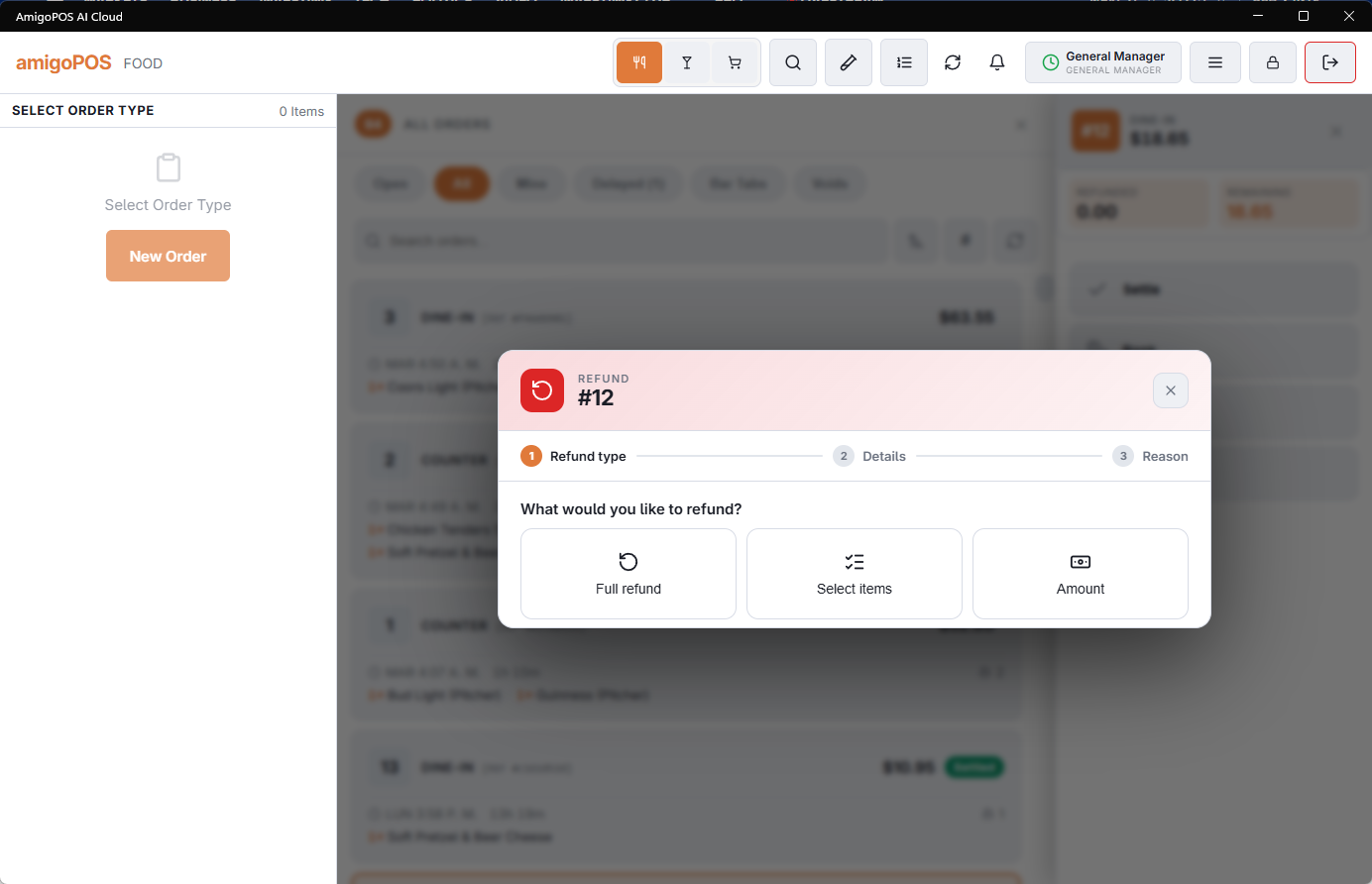
Find the order in the orders list and refund from there. The refund goes back by the method it was paid with wherever it can: card payments reverse to the card, cash comes out of the drawer.
What it does to your numbers
A refund is recorded as its own transaction rather than by editing the original sale. Both stay on the record — the sale happened, and so did the refund. That is why the refunds report is worth reading: money going back out is a number a business should see, not one quietly netted off.
In the accounts
With QuickBooks Online or Xero connected, a refund is sent with the day it was given, not the day of the original sale. In Xero the day's refunds arrive as a credit note next to that day's invoice; in QuickBooks they are lines in the daily journal entry. A card refund made directly on the terminal, without being recorded here, never reaches the accounts.
Refunds to a DC Direct card
Choosing the DC Direct card method as the refund tender sends the refund back to the card used on the original order, without the card present. Only what is left of that payment can be refunded, and a declined refund records nothing. See Voids, refunds and tip adjustments in Integrations › DC Direct.
DC Direct authorizations not yet captured
In pre-auth mode, a card payment that has not been captured yet has charged nothing, so it cannot be refunded: void it instead. See Table service: authorize, then capture with the tip in Integrations › DC Direct.