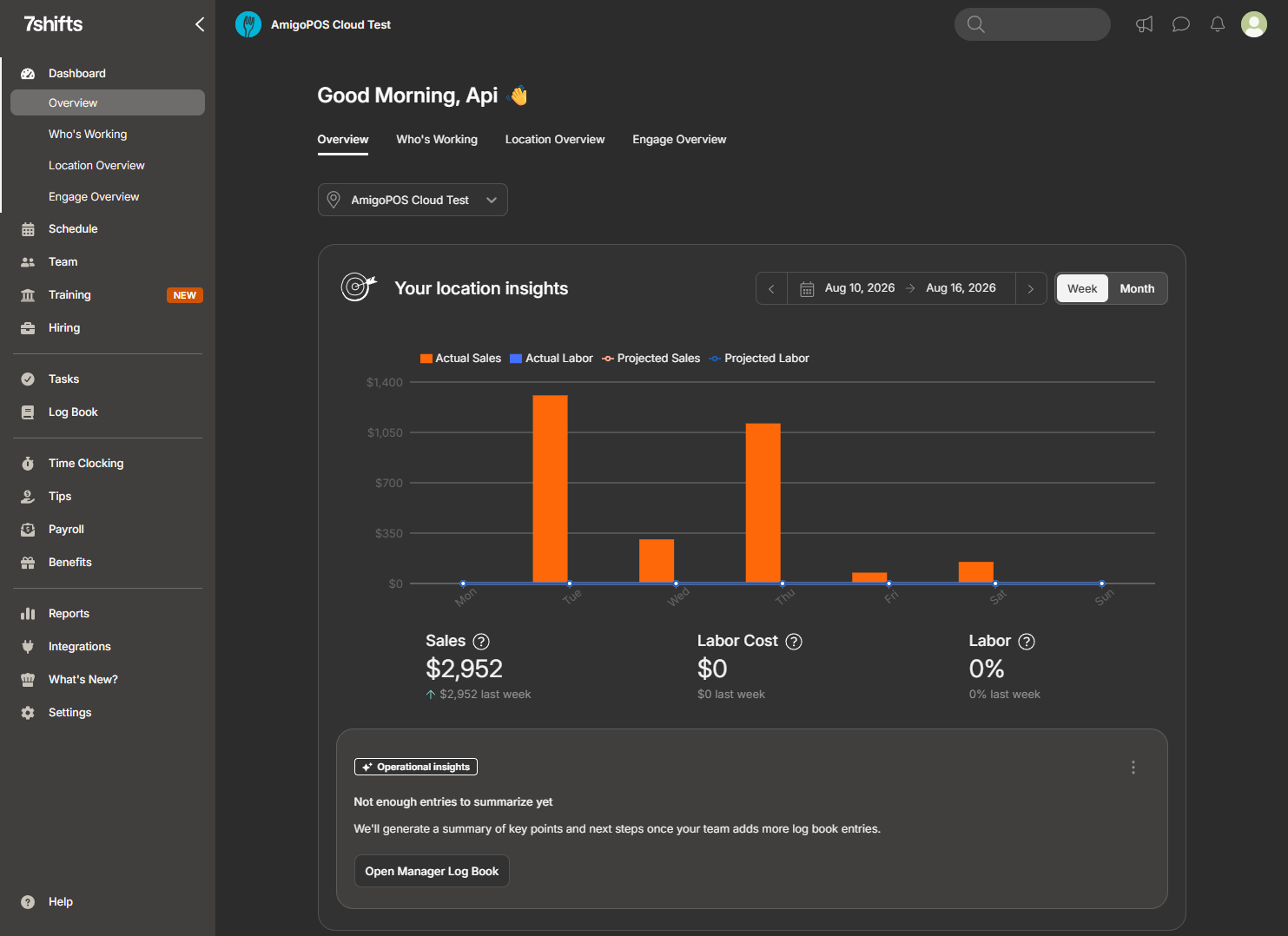
With Send sales receipts on (Settings tab of Back Office › Integrations › 7shifts), each order is sent to 7shifts as a sales receipt. This is what makes 7shifts’ sales-per-labour-hour figures and its forecasting useful. The switch is off by default.
When a receipt is sent
- When an order is saved, settled or changed — an added item, a tip, a discount.
- When an order is voided: the receipt is marked voided, with its totals at zero.
The receipt is built from the order at the moment it is sent, so several changes in a row send the latest state. The first send creates the receipt in 7shifts; later sends update the same receipt instead of adding a second one.
What it contains
| Field | Value |
|---|---|
| Net total | The order subtotal less discounts, before tax and tips. |
| Gross total | The order total the customer pays. |
| Discounts | The order’s discounts. |
| Tips | The order’s gratuity plus the tips on its payments. |
| Employee | The employee who owns the order, which is how per-server sales appear in 7shifts. |
| Date | When the order was started. |
| Status | Open, closed (settled) or voided. |
In stores whose menu prices include VAT, the order subtotal includes VAT, so the net total sent to 7shifts includes it too. Read 7shifts sales as including VAT in those stores, and use the POS reports for net sales.
Checking
Compare a finished day’s sales in 7shifts with the End of Day report. If receipts are missing, open the Activity tab: a failed request shows the reason.