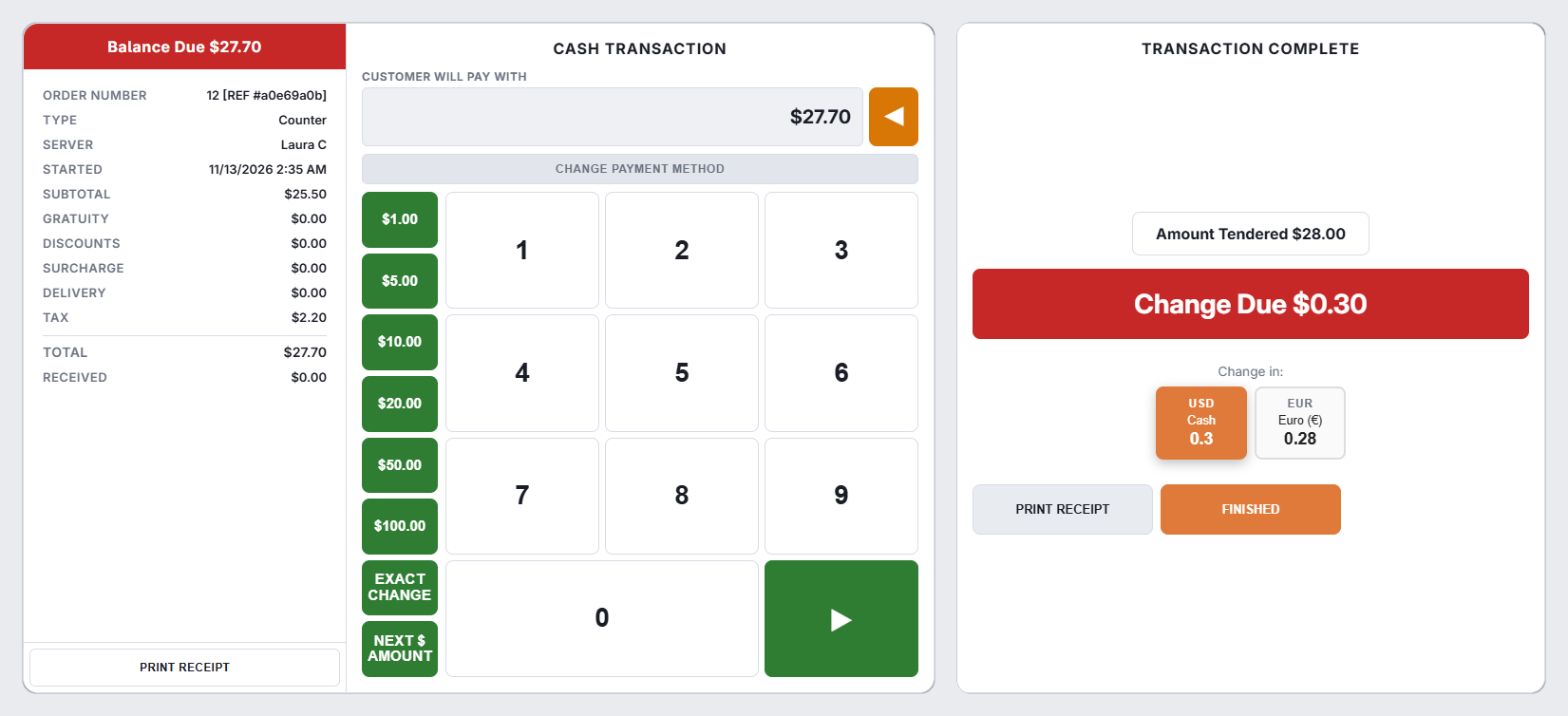
Choose the cash method and enter what the guest handed over. The screen shows amount tendered and change due as you go.
Faster than typing
- Denomination buttons — the store’s Currency Presets (Store Setup › Settle Screen), 1, 5, 10, 20, 50 and 100 unless set otherwise. Tap 20 twice for two twenties. As soon as the tendered amount covers the balance, the payment goes through.
- Exact change — tenders the balance exactly, no change.
- Next dollar — rounds up to the next whole unit, which is the common case for a note handed over for a cash total.
- The keypad for anything else. Entering a digit replaces the prefilled amount rather than adding to it, so you never have to clear first.
Change due
Change due is shown large after the payment. If the guest hands over exactly the balance, the screen says there is no change rather than showing zero — a small thing that stops a busy cashier opening the drawer out of habit.
Change in another currency
Stores that accept more than one currency get a Pay change in row: choose the currency and the amount converts at the configured rate. Take euros, give change in dollars, in one step. The rate used is the one set for that currency, and it is shown while you tender.
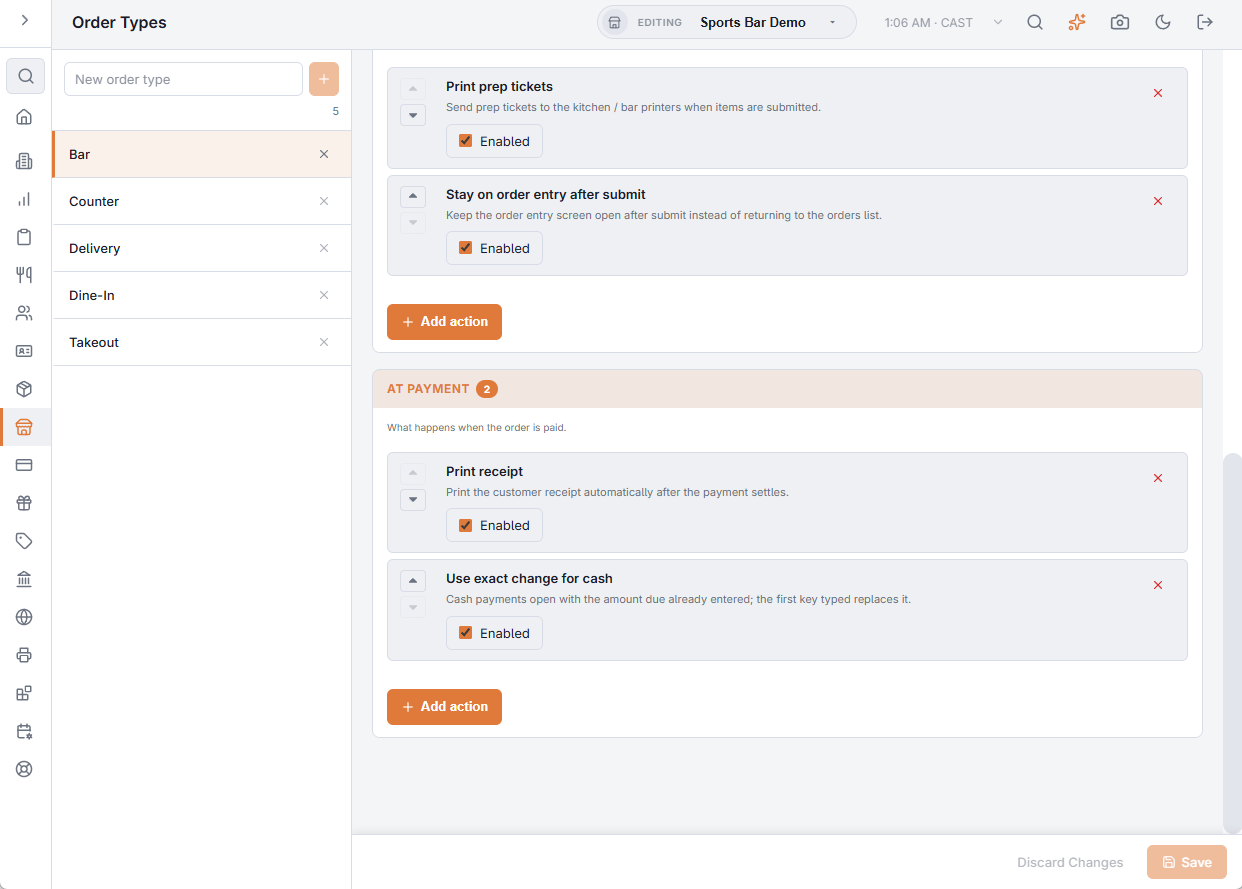
Amount due already entered
On order types with the Use exact change for cash workflow step (typical for counters), choosing Cash opens the amount box with the amount due already in it. Press the tender button to take exact cash, or just start typing — the first key replaces the amount.