Settling stops the timers first
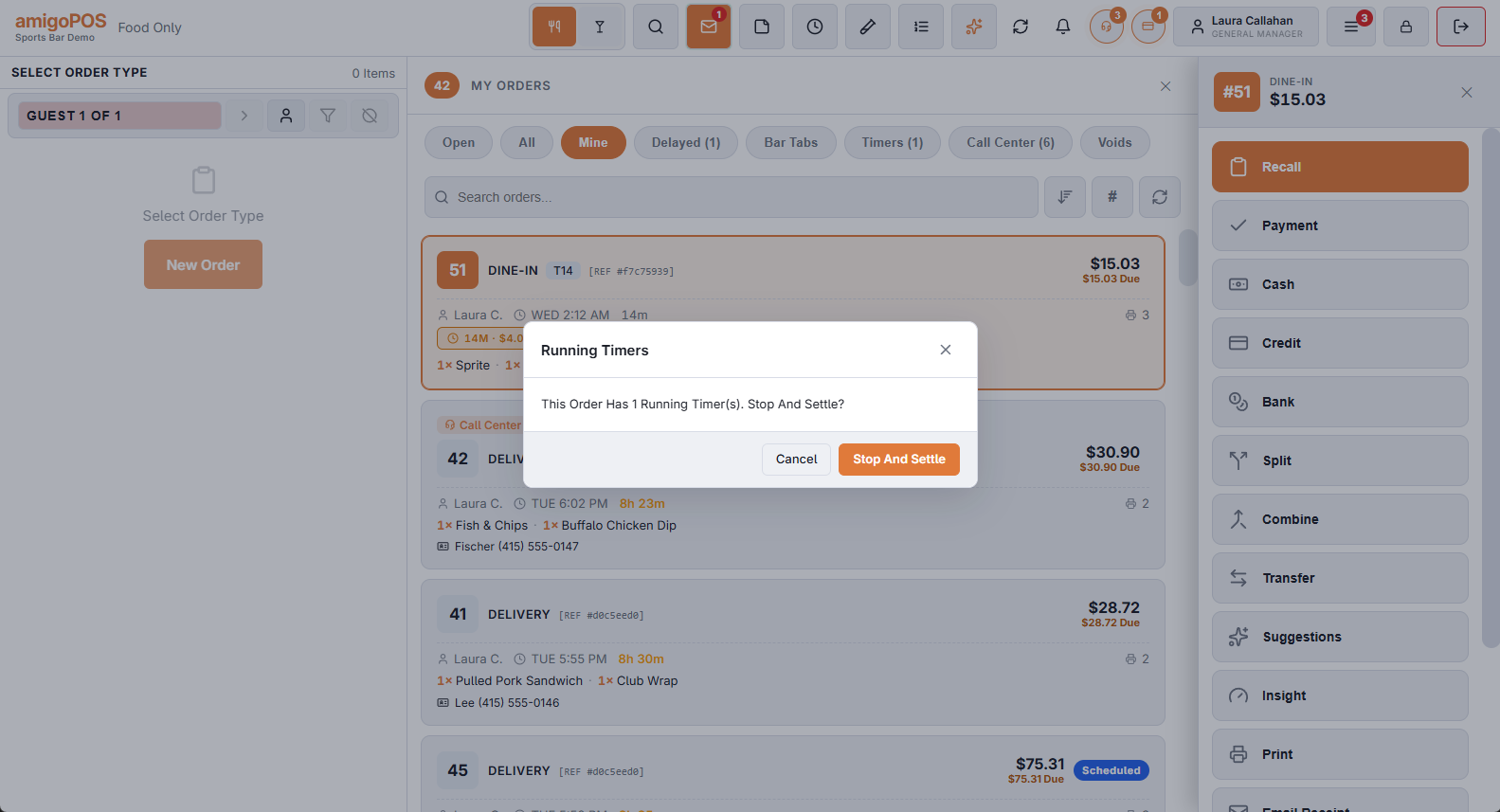
A timer must stop before the check is paid, or the guest is charged for time the POS never saw. Wherever you settle from — the Submit screen’s Settle or Quick Pay, the orders list’s Settle, Quick Cash or Quick Card, or the table panel’s Settle — the POS checks for running timers first. If there are any, it asks:
Running Timers — This Order Has 1 Running Timer(s). Stop And Settle?
- Stop And Settle — the POS stops every timer, bills each one to that second (with rate changes, grace and minimum), saves the order and opens payment with the right total. A quick cash or card choice is kept.
- Cancel — nothing changes; the order stays open and the timers keep running.
Settling from the orders list or the table panel opens the order on the order screen for a moment while the timers stop; that is expected.
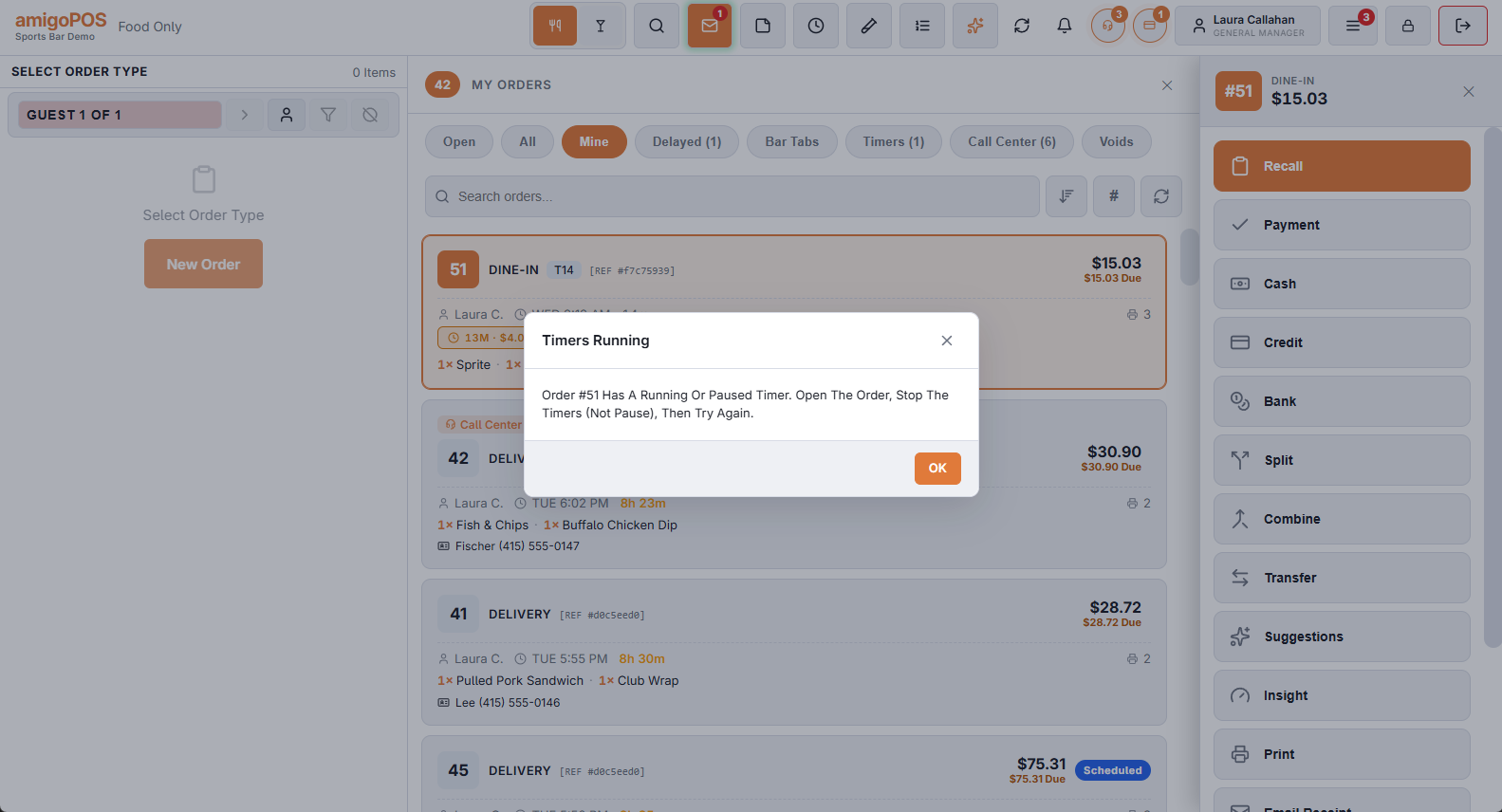
Splitting and combining are blocked while timers run
Split (evenly, by guest or by item) and Combine are refused while any order involved has a running or paused timer:
Timers Running — Order #12 Has A Running Or Paused Timer. Open The Order, Stop The Timers (Not Pause), Then Try Again.
- Recall the order.
- Stop each timer (Stop Timer on the line — pausing is not enough).
- Split or combine as usual. The stopped timer lines are ordinary lines now and split like any item.