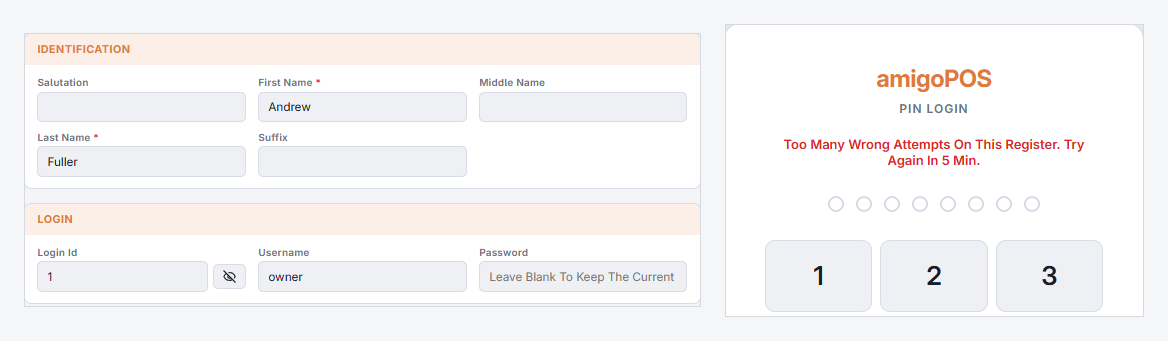
Forgotten PIN
Any manager can reset it in Back Office › Employees › People › Employees List, on the employee profile. The employee signs in with the new PIN and can then set their own from Change PIN.
The station is locked to another user
That user, or any manager, can unlock it. Locking is not signing out — the locked user keeps their session and their open orders.
Back-office password lockout
Repeated failed attempts lock the back-office account rather than the PIN. Wait it out, or have another administrator reset the password.
Nobody available to reset anything
If the store still has other users, somebody with the employees permission can reset the PIN — that is the only route. Admin recovery, on the login screen, does not reset an existing PIN; it exists to create the first user for a store that has none at all.
Where genuinely nobody can sign in, raise a support ticket. See Getting Started › Support mode and admin recovery.