When an order or a setting does not look the way you expect on Uber, Back Office can show what CloudPos sent, what Uber answered, and what Uber holds now. Everything here is read-only; nothing is changed or saved by looking.
Uber Status on an order
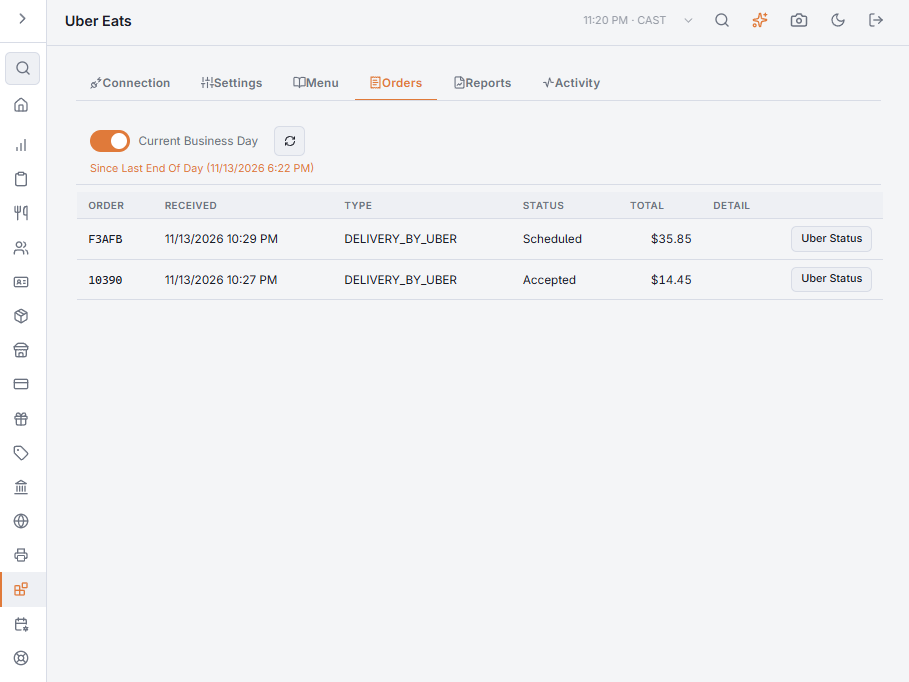
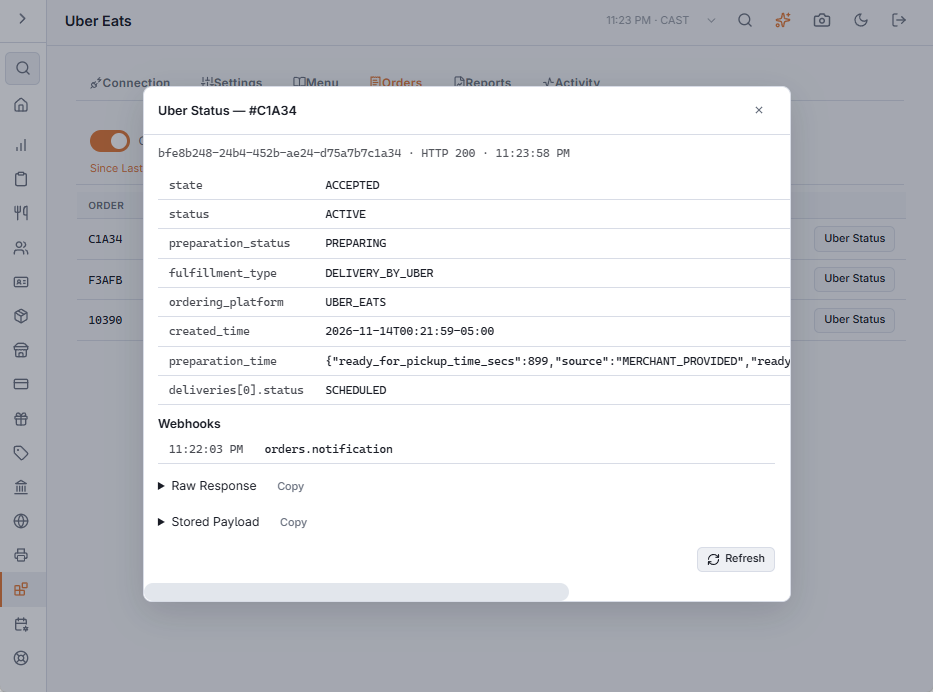
On Back Office › Integrations › Uber Eats › Orders, every row has an Uber Status button. It asks Uber, live, for its own record of that order and shows:
- The order’s state on Uber, under Uber’s own field names — for example
state(OFFERED, ACCEPTED, FAILED…),status,preparation_statusand each delivery’sstatus. Compare it with the Status column: if CloudPos says Accepted and Uber still says OFFERED, the accept did not land. - Webhooks — every notification Uber sent about this order, in the order received, flagged if one was not processed.
- Raw Response — Uber’s full answer, and Stored Payload — the order as CloudPos saved it when it arrived, which is what the ticket was built from.
Copy puts either one on the clipboard; Refresh asks Uber again.
Activity › Queue
Back Office › Integrations › Uber Eats › Activity opens on the Queue: requests CloudPos sends to Uber in the background — menu publishes, item sold-out updates, holiday hours, store pauses. Failed rows retry by themselves. Rows marked Dead gave up after retrying and need attention; Uber’s answer is shown alongside, and Retry puts the row back in the queue.
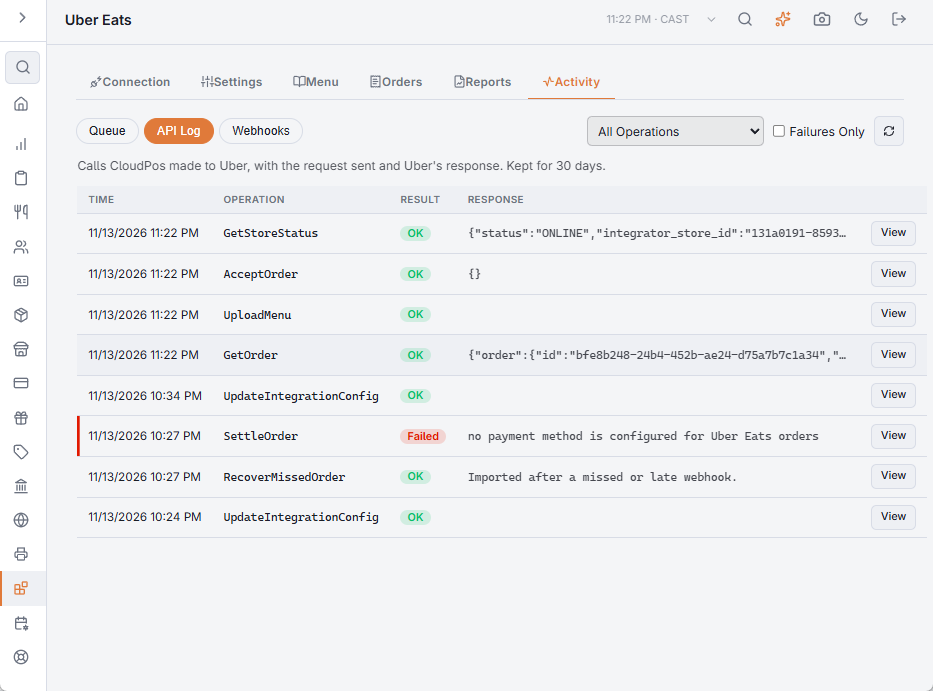
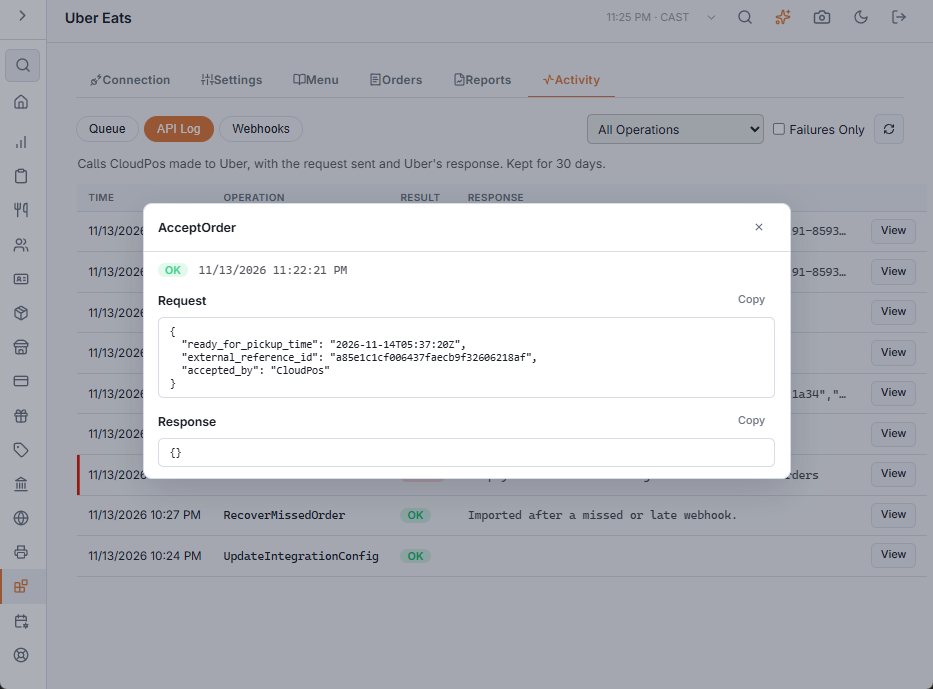
Activity › API Log
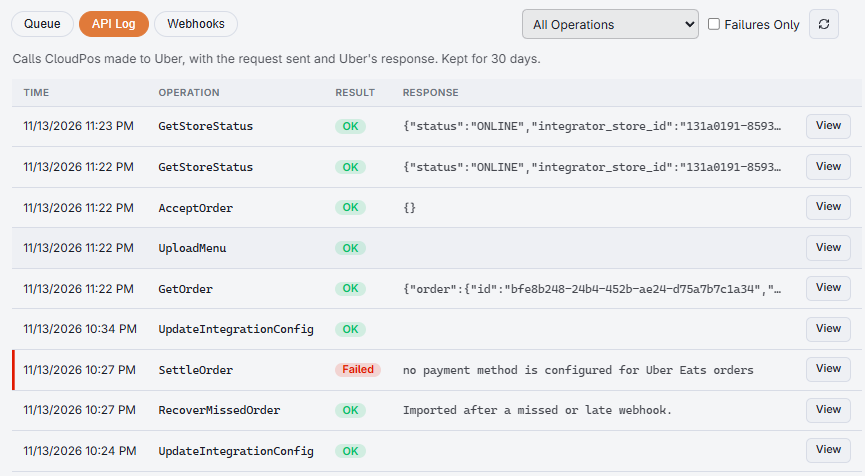
Every call CloudPos made to Uber, with the time, the operation, OK or Failed, and the start of Uber’s answer. Pick one operation from the list or tick Failures Only to narrow it down. View opens the full Request and Response, each with a Copy button.
Failures, denials and cancellations are always logged. Everything else is logged only while Log every request is on in Settings; the view says so when it is off. Entries are kept for thirty days.
Activity › Webhooks
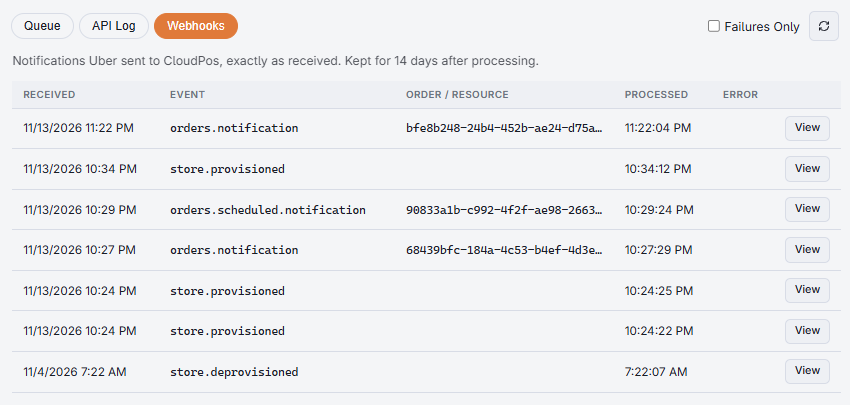
Every notification Uber sent to CloudPos for this store — new orders, scheduled orders, cancellations, store changes — with the time it arrived and when it was processed. A row in red was not processed or ended in an error. View shows the notification exactly as Uber sent it. Notifications are kept for fourteen days after processing.
When you contact Uber support
Uber support will ask for the order or store ID, the call that was made and what came back. Open the entry under API Log, press Copy on the Request and the Response, and paste both into your message along with the order’s Uber Status.