The assistant reads and acts on the same manager alerts you get on the staff site and in Back Office. It needs the Manager right.
Ask
- “Which alerts fired today and what should I do?”
- “Why did the labor alert fire?”
- “What are our alert thresholds?”
Change
- I'm on it — takes an alert, with a note of what was done.
- Snooze an alert for 15 minutes, 30 minutes, 1 hour or 4 hours.
- Mute or unmute alert categories — for you only.
- Change the alert settings — alerts on or off, quiet hours and each rule's threshold (labor target %, kitchen ticket minutes, open check hours and the others).
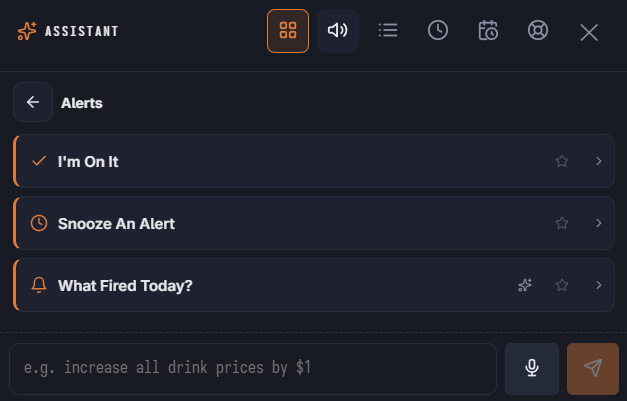
In the launcher
The Alerts area has I'm On It, Snooze An Alert and What Fired Today?. Open alerts show in Needs Attention; the severe ones are marked urgent.
See Manager alerts.