When the store is linked to Uber Eats, the assistant can check it and do the quick jobs of a busy night. It needs the Manager right and Marketplaces on the store's plan; publishing the menu needs the Back Office configuration right.
Ask
- “Are we live on Uber Eats?”
- “Any Uber Eats orders waiting or failed?”
- “When did we last publish the menu to Uber Eats?”
The answer says whether the store is online, paused by you (and until when), or offline for its menu hours — which Uber handles by itself.
Change
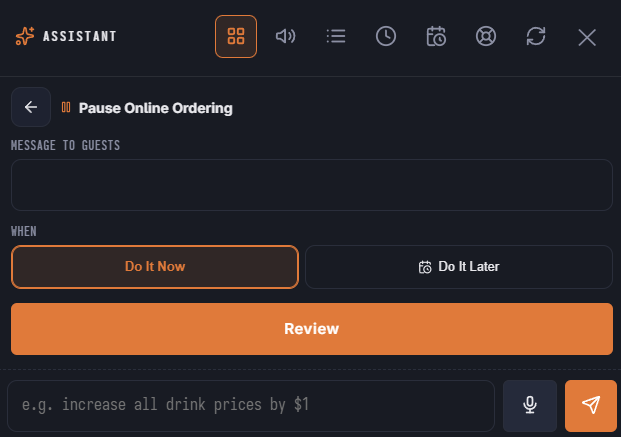
- Pause Uber Eats for some minutes or until a time, and resume it. A pause can be undone.
- Change the prep time Uber quotes guests and uses to send couriers (1 to 180 minutes). Set it back the same way after the rush.
- Publish the menu to Uber Eats now.
Every change goes to Uber through the same queue as Back Office, so it reaches Uber within moments.
In the launcher
The Online Ordering area has Pause Uber Eats, Resume Uber Eats and Change Uber Eats Prep Time when the store is linked. A pause shows in Needs Attention.
See Uber Eats overview.