Back Office › Multi-Store › Ask For A Report is the same page as Analytics › Ask For A Report, opened with All Stores ticked, so questions are answered across every store. How the page works is in Ask For A Report.
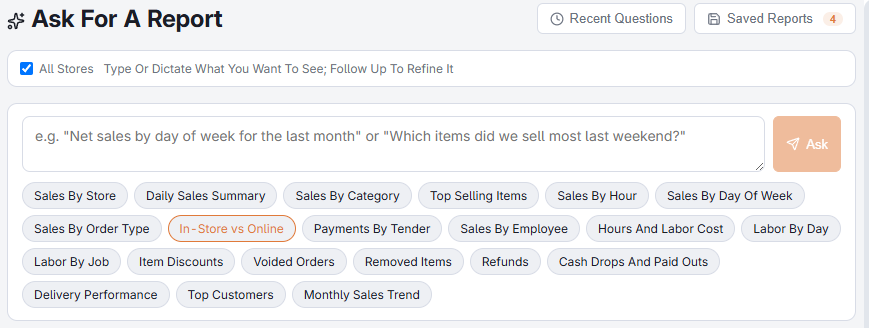
The All Stores box
The All Stores box in the toolbar decides the scope, not the wording of the question. Ticked, every question and every starter covers all the account’s stores. Cleared, the report covers the store Back Office is pointed at in the store picker. The box shows only for jobs with Allow All Stores on an account with more than one store.
Comparing stores
With the box ticked, ask for a breakdown by store to get the comparison directly: net sales by store by weekday for last month, labor percentage by store, top ten items by store. With the box cleared, a starter drops its store breakdown.
Saving
A saved all-stores report carries the All Stores tag in the saved list, is listed in every store, and keeps its scope when it runs again or is sent on a schedule.