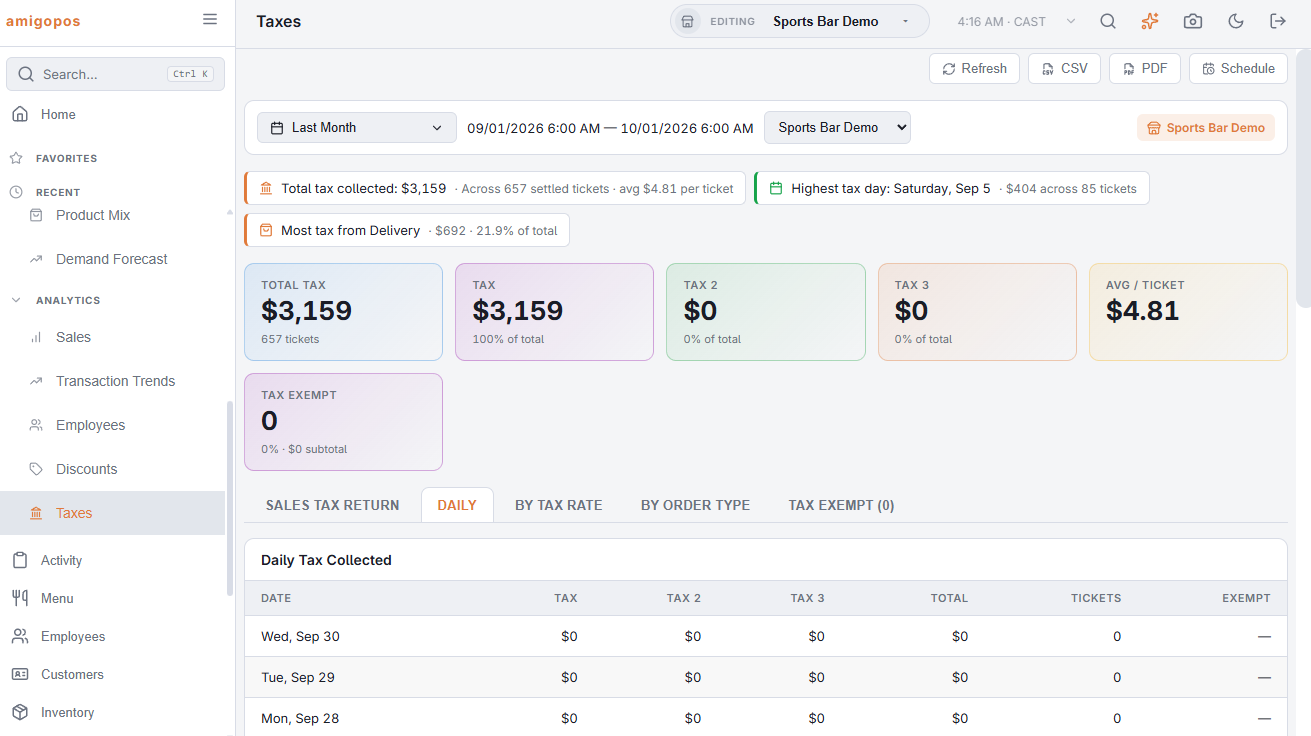
Set the period on Analytics › Analytics › Taxes (a calendar month for most filings) and open the Return tab. The figures are laid out the way a return asks for them.
What each line is
| Line | What it holds |
|---|---|
| Gross sales | Net item sales of settled, non-void tickets after line and pre-tax discounts; gift cards sold are excluded (a liability, not a sale). |
| Non-taxable: tax-exempt customers | Sales on orders marked tax exempt at the register. |
| Non-taxable: non-taxable order types | Sales on order types marked Non Taxable. |
| Non-taxable: non-taxable items | Items on the non-taxable rate (or a rate set to 0%). |
| Non-taxable: takeout exemptions and minimums | Takeout-non-taxable items on takeout orders, and amounts under a rate’s minimum. |
| Taxable sales | Everything that carried tax. |
| Tax by rate and component | Taxable sales and tax per rate, one line per component (State, County, City…) — the jurisdiction lines of the return. |
| Tax on delivery fees and surcharges | Tax charged on header amounts rather than items. |
| Tax collected | The total the tickets carried, inclusive bar tax included. |
| Less tax refunded | Tax on refunds dated in the period. |
| Net tax due | Collected minus refunded. |
A line Not classified appears when the period contains tickets saved before the register began stamping each line with its tax (October 2026): they are in gross sales and tax collected, but their split by reason and rate cannot be reconstructed.
Getting it to the bookkeeper
- CSV on the page exports the return lines and the components first.
- PDF opens the Tax report with the return on page one; Schedule emails it on a cadence — monthly on the first covers most filings.
Chains
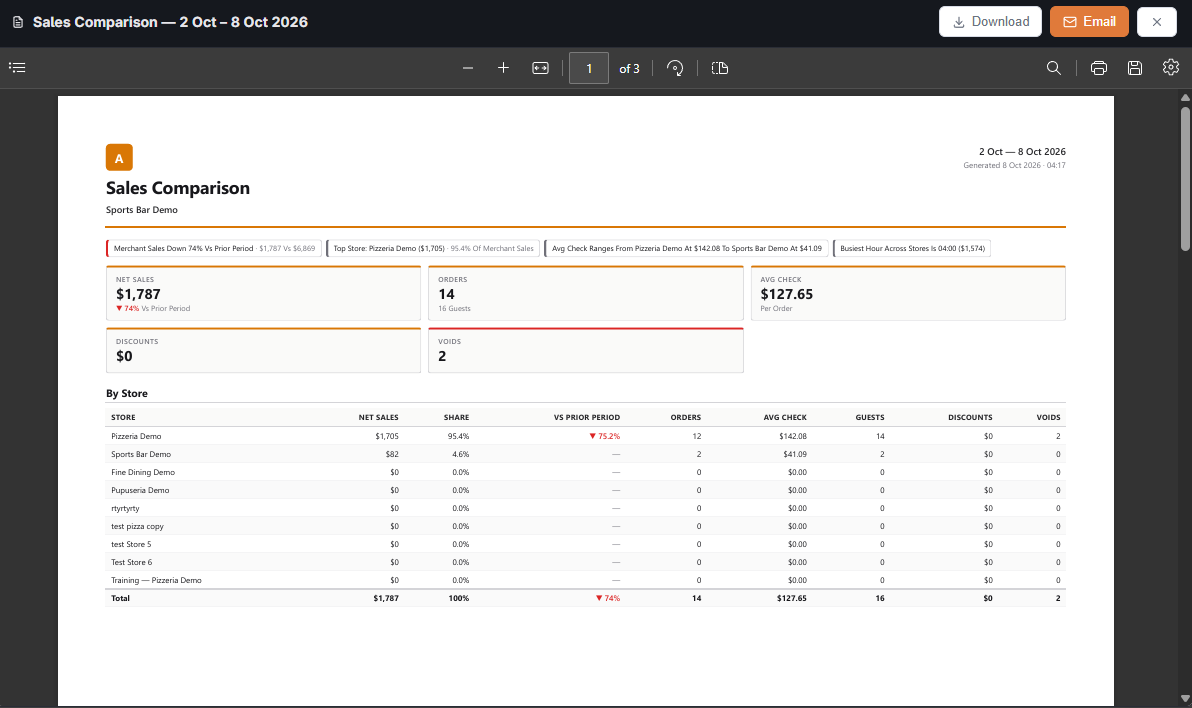
On Back Office › Multi-Store › Sales Comparison, Tax Return builds one PDF for the range: the chain total first, then one section per store, each on its own clock. File per location from the sections, or a combined return from the total; the Tax Return · Schedule button sends it monthly. Components merge across stores by rate number, component and rate, which is why Sales tax setup asks a chain to keep the same rate numbers for the same kind of item everywhere.