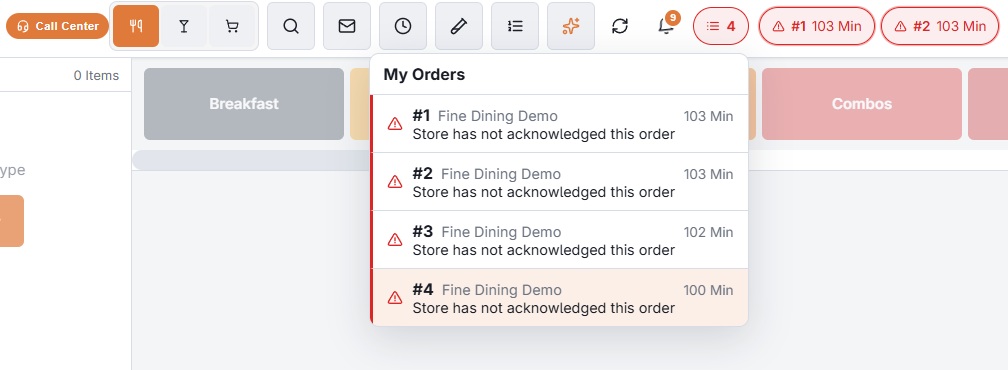
After you send an order it leaves your screen, but not your sight. The tracker in the top bar shows each of your orders as a small pill, and the pill changes as the store and the driver act.
What a pill tells you
| The pill shows | It means | What to do |
|---|---|---|
| A clock and an age | Sent. The store has not acknowledged it yet. | Nothing yet. |
| The same, in red | Two minutes have passed with no answer. | Call the store. |
| Acknowledged | The store has it. The pill leaves by itself after half a minute. | Nothing. |
| Ready In N Min | The store promised a time. | Tell the customer, if they are still on the line. |
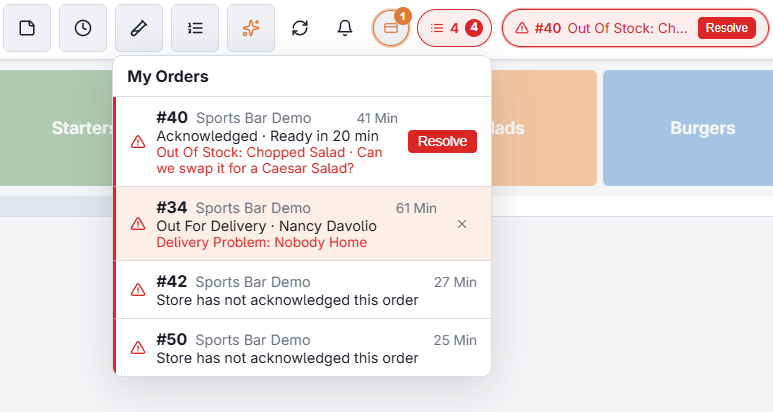
| A note and Resolve | The store reported a problem: out of an item, an address it cannot deliver to. It stays until you resolve it. | Call the customer, fix the order, then tap Resolve. |
| Out For Delivery and a name | Dispatched to that driver. Shown for a few minutes. | Nothing. |
| Delivered and a time | Handed over at the door, or checked in back at the store. Shown for ten minutes. | Nothing. |
| Delivery Problem and a reason | The driver reported a problem at the door: nobody home, wrong address, could not pay. It stays until the order is delivered or taken back. | Call the customer. |
| Payment Failed and a reason | The customer’s card was declined on a pay link. It stays until the order is paid. | Call the customer. The same link still works. |
When the bar is full
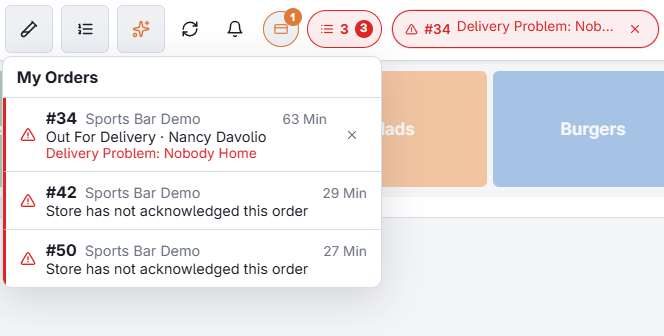
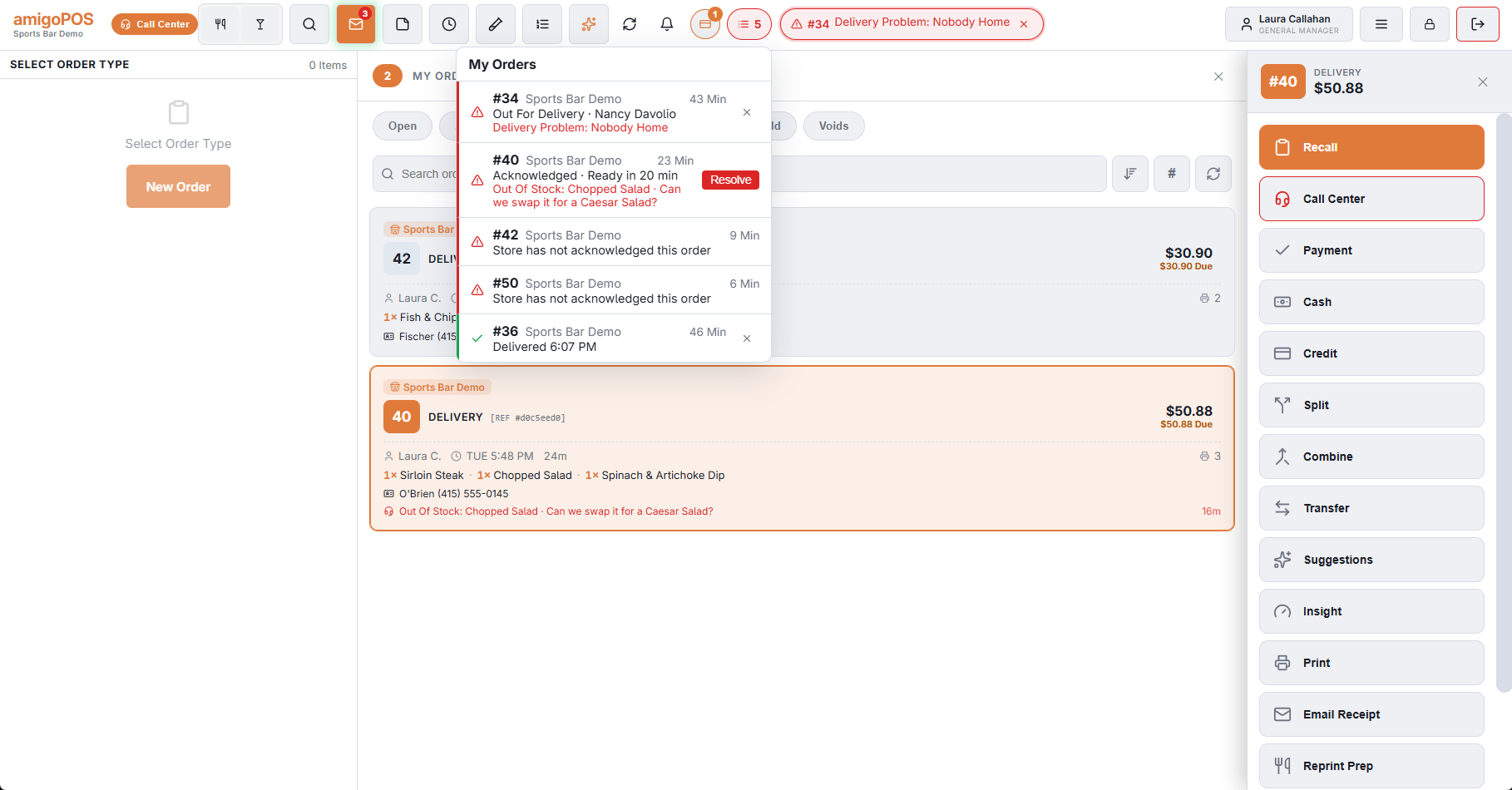
The most urgent pills come first: what needs you, then orders the store has not acknowledged, then delivery news. When there is no room for all of them, the rest wait their turn. The count before the pills opens My Orders: every order with its store, where it stands and how long ago you sent it. Tap one to see its trail.
Good to know
- The tracker shows your orders of the last eight hours, for every store you send to.
- It is read from the server, so it is still right after the station restarts or the connection drops for a moment.
- A pay-link order that is paid after you closed the pay screen appears by itself when it goes to the store.
- Once the store has acknowledged an order, the X on its pill dismisses it. A pill with a store problem to resolve has no X: resolve it first.
- Quiet deliveries do not crowd the bar. Once acknowledged, an order shows again only when something happens to it.
What each of these events is, and who sees it, is in Real-time order events and alerts.