When a call comes in, a banner appears at the top of every register of the store while the phone rings. Up to three ringing calls are shown at once, newest first.
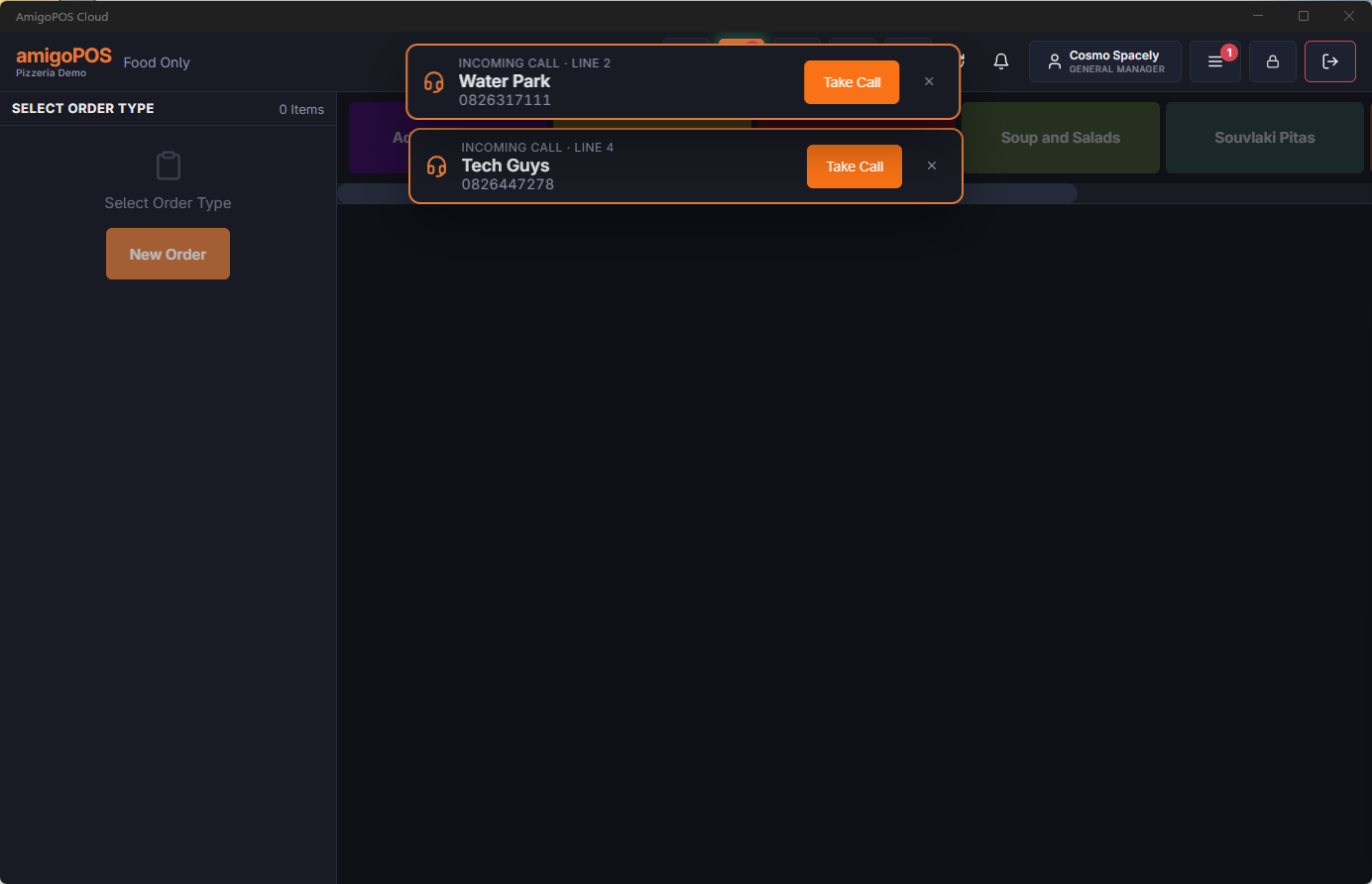
- Green border — the number belongs to a customer, and their name is shown.
- Orange border — an unknown caller: the phone company’s name when there is one, otherwise Unknown Caller.
- The banner disappears when any station takes the call, when you close it with the X, or after about a minute and a half.
Take Call
- Answer the phone and tap Take Call on the banner.
- Customer Information opens on the caller: a customer the number matched lands on their record; a first-time caller lands in a new customer with the number — and the phone company’s name, when there is one — already filled in. Only a number that matches something here after all opens the lookup, with the number searched.
- Take the order as usual.
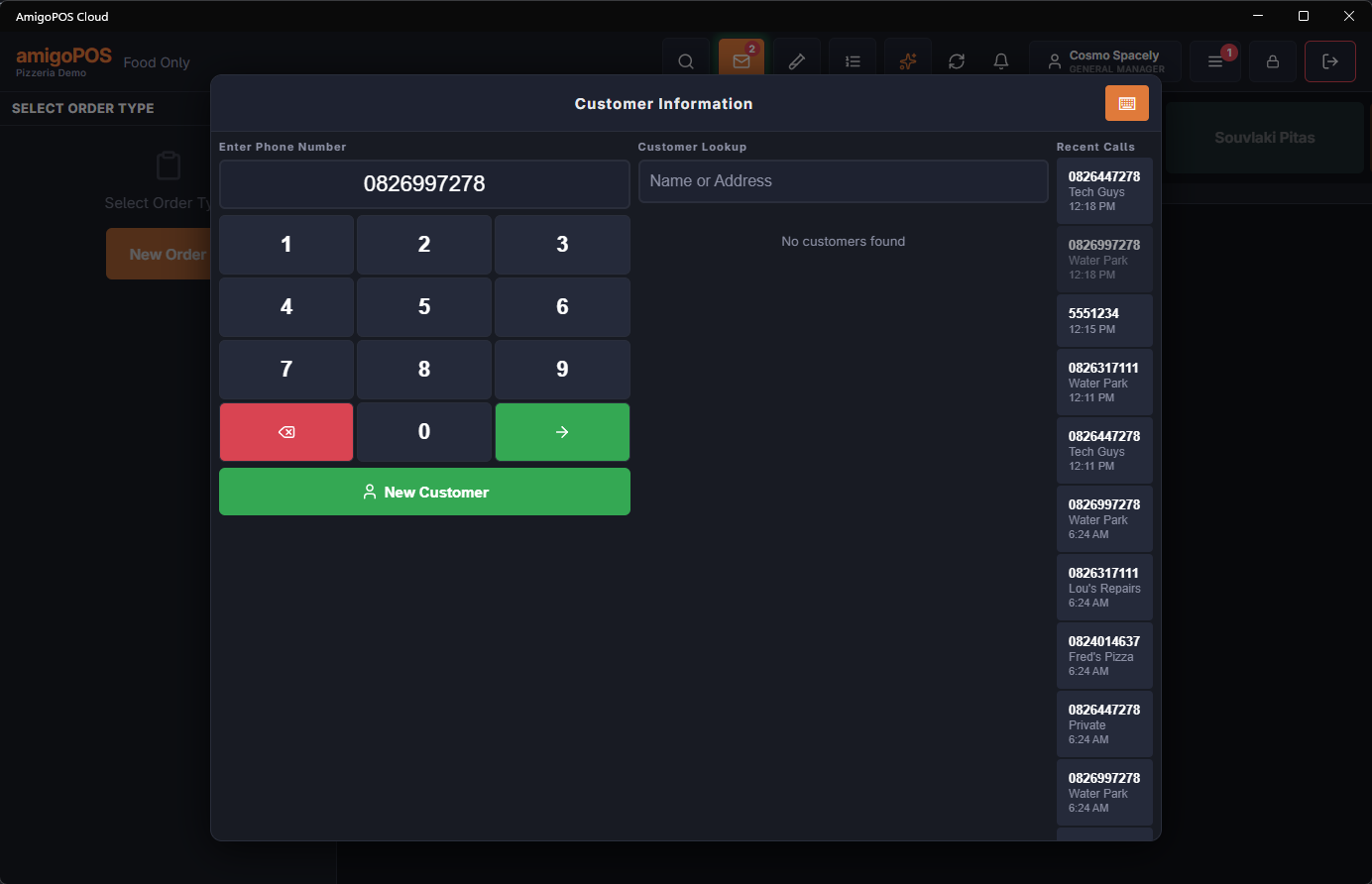
The other registers drop the call as soon as one takes it, so two people do not end up with the same caller.
On a call-center station, taking the call also records the caller’s number on the call, and the store is chosen in Customer Information as usual.
Recent Calls
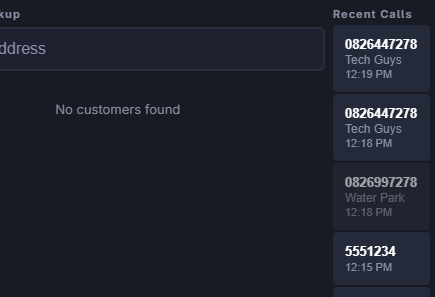
The Recent Calls column on the right of Customer Information lists the latest calls, newest first. Tap one to search that number. Calls already taken are dimmed; the rest were not taken from a register and may be worth a call back. Call-center stations see the recent calls of every store.
In Back Office
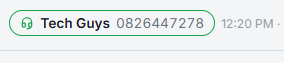
While someone is working in Back Office on a register, a ringing call shows as a small line in the Back Office header, next to the store clock. It is a reminder only; to take the call, leave Back Office and use the banner.
Hiding calls on one station
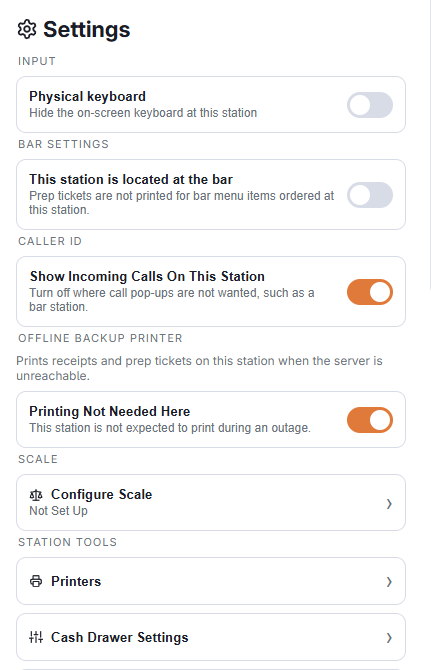
On a station where call pop-ups are not wanted, such as a bar tablet, open More › Settings and switch off Show Incoming Calls On This Station in the Caller ID section. It applies at once, to this device only, and hides both the banner and the Back Office line. The section appears when caller ID is on for the store.
When the caller is a regular, the banner also shows their usual order under the number — see The usual: one-tap reorder for regulars.
If two people tap the same call
The second station is told who took it — name Already Took This Call — and nothing opens. A call taken earlier can still be opened from Recent Calls, to call the customer back.
Take Call on a call-center station
What opens depends on the number:
- A number that matches a customer: the order-type picker is skipped when that customer has ordered before — the type of their last order is taken for this one and their last delivery address is selected. The customer screen opens on their record with a strip of order types across the top; tap another type if the caller wants one. A customer with no order history gets the order-type picker first, as before.
- A number that matches nothing: after the order type, the customer screen opens on a new customer with the number already in place and, when the phone company sent a name, the name split into first and last name. Correct it while you read it back. If you cancel, or change to another customer, that new record is removed again.
- A number the station does find after all (the server did not match it, your station does): the phone lookup opens with the number searched, so you pick the right record.
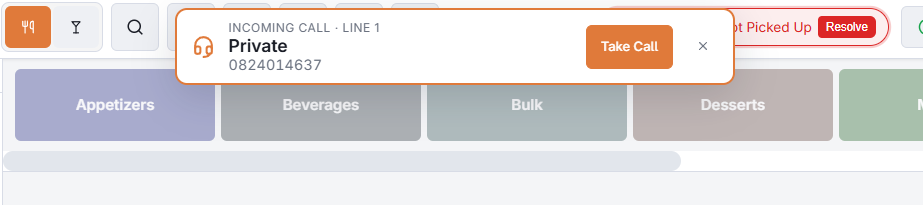
While the order on screen has items on it, Take Call is refused and the call stays on the banner: finish or park the order first.