When Customer Info opens on a customer who orders the same thing again and again, a strip above the info panels shows their usual — for example 2× Chicken Tacos, 1× Lemonade · Ordered 5 Times — with an Order The Usual button.
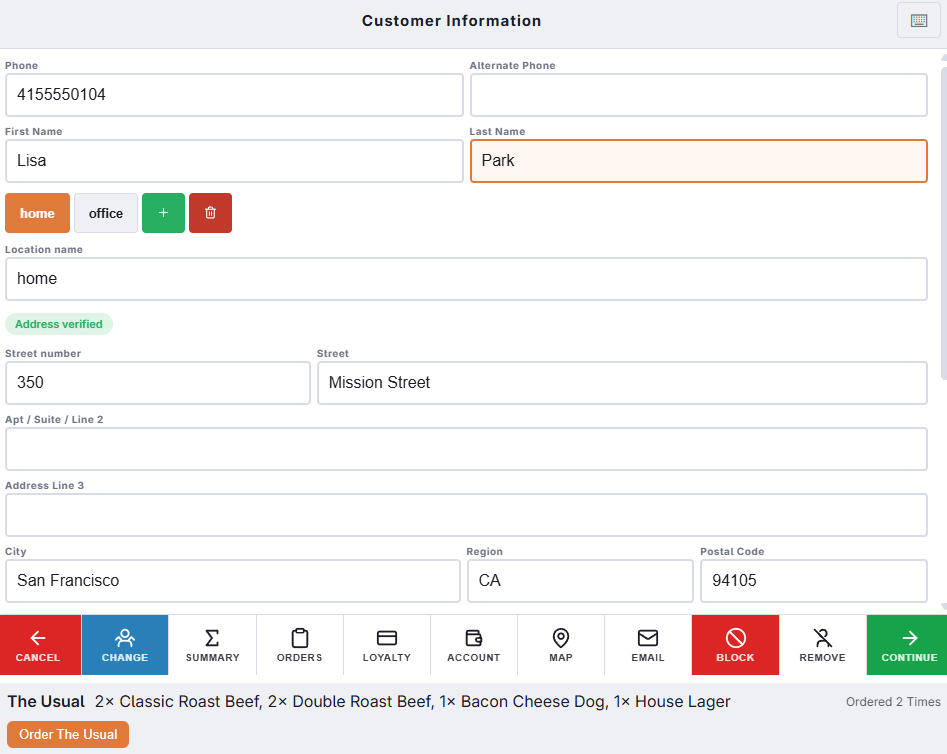
How the usual is chosen
- It looks at the customer’s last 20 paid orders at this store.
- The usual is the set of items (with quantities) that appears most often, as long as it appears at least twice. Modifiers are not compared.
- Order The Usual reorders the most recent of those orders, the same way as Reorder in the customer’s order history, so its modifiers come along.
The strip appears when the Reorder button is turned on for Customer Info. A customer with no repeated order simply has no strip.
On the caller ID banner
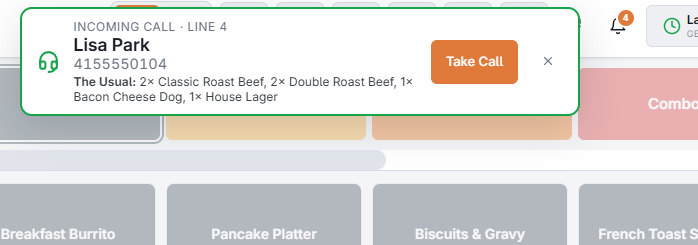
When an incoming call matches a customer with a usual order, the banner shows it under the caller’s number, so you know what they will probably ask for before you pick up. Take Call then opens Customer Info with the button ready — see Taking a call at the register.
Today’s prices, and what is left out
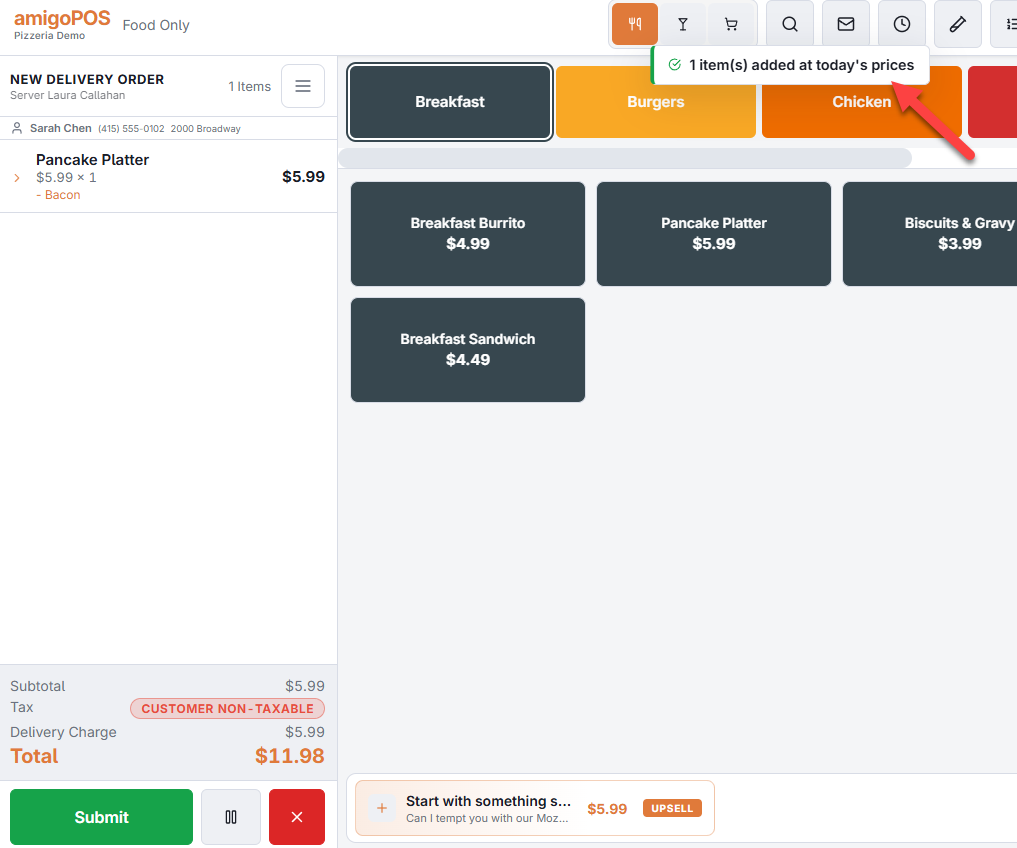
Order The Usual and Reorder bring the items over with their modifiers and item notes, priced from today’s menu: each item at its current menu price with whatever rule applies now (happy hour, the customer’s type, a quantity band), its modifiers at the prices they had. However long ago the order was placed, the caller pays what the menu says today.
What cannot be rung again is left out and named in the message, so you can tell the customer: an item that is no longer on the menu or not offered at this time of day, one the menu item counters say is sold out, a line that was removed from the old order, and weighed or timed lines, gift cards and cover charges. On a call-center station, the order can be rung for a different store than the one that made it: the items are checked against the store you are ordering from.
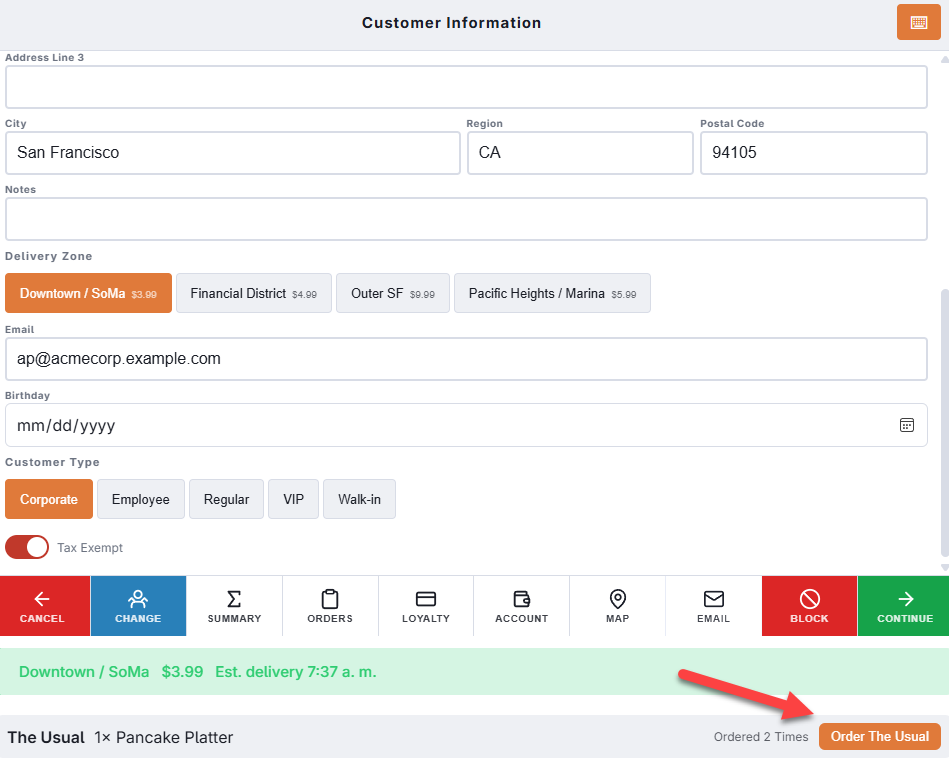
For a delivery, the usual goes through the same address check as Continue: the zone, the fee and the distance are those of the address as it is now, and an address that cannot be delivered stops with the banner showing.