Back Office › Employees › Communication & Audit › SMS Log lists every text message and WhatsApp message the store sent, with what each one cost. It is where you check that a customer got a message, and what the month’s texts will be billed. The page appears for jobs with the Back Office Reports permission.
Choosing the period
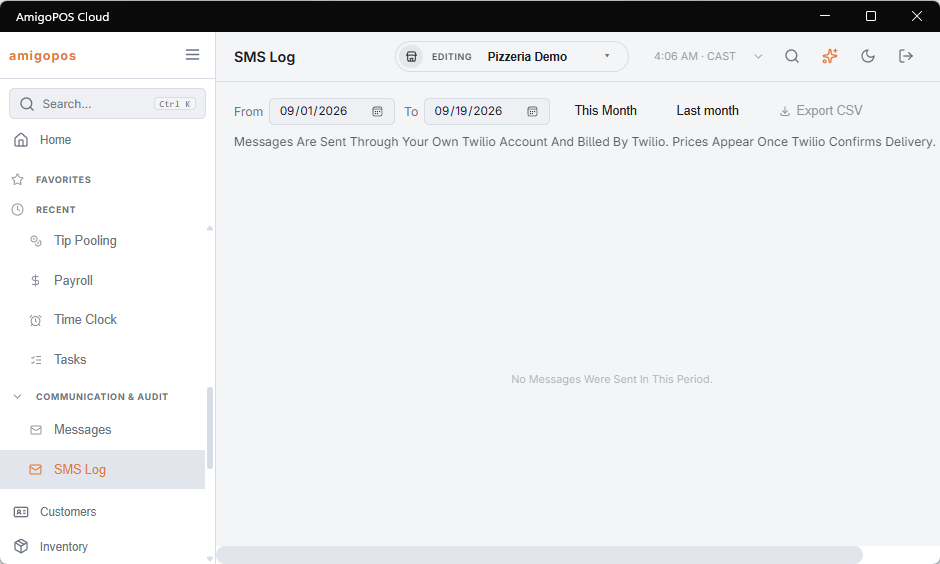
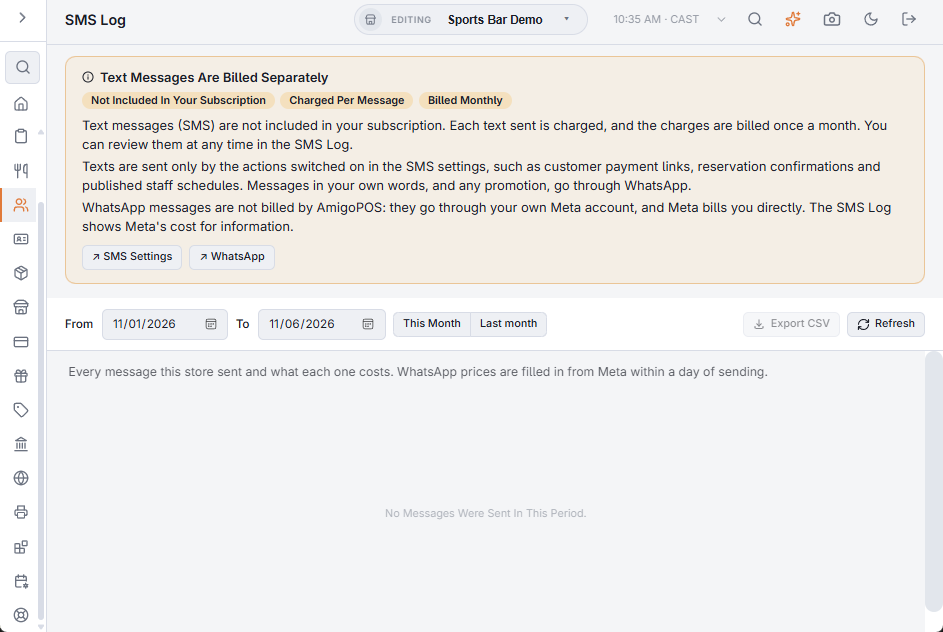
From and To are store days; the page opens on the current month. This Month and Last month set them in one tap. Refresh reloads, and Export CSV downloads every row with its provider, sender number, pricing details and error, for month-end reconciliation. The file keeps the channel, purpose and status codes as stored, not the words shown on the page.
The totals
Above the list, cards count the Messages, Segments and Failed messages in the period, the Cost in each currency, and how many texts are Awaiting Price. A table under them splits the messages, segments and cost by Purpose and Channel.
What is listed
Every attempt — delivered, failed or blocked — with the Date, the Channel (SMS or WhatsApp), the Purpose (what sent it: a pay link, a payment or reservation confirmation, a reminder, table ready, an online order, a published schedule, a staff invitation, a gift card, a test; a purpose the page does not know is shown as its code), the number it went To and its Country, the Reference — the order or reservation it relates to —, the Segments, the Status and the Price. Point at a row to see its text, or the error for a message that failed.
Texts
- Texts are sent by AmigoPOS’s text service. They are not included in the subscription: each one is charged, and the month’s texts are billed once a month. The amount shown on a text is what you are billed for it.
- A text is charged per segment: 160 plain characters, or 70 when the message contains an accent or an emoji, so a long message can cost several.
- The final price comes from the carrier shortly after sending; until then the text counts as Awaiting Price.
- Only the actions switched on at Back Office › Integrations › SMS can send texts, always in the system’s own wording. See SMS settings.
WhatsApp messages go through the store’s own WhatsApp account, and Meta bills the store directly. Their rows show Meta’s cost for information — it fills in within a day, and replies inside a conversation the customer started cost nothing — but it is never part of what AmigoPOS bills, and it is left out of the Cost cards.
Reading the statuses
- Sending and Sent — on its way; no delivery report has come back yet.
- Delivered (and, for WhatsApp, Read) — it reached the phone.
- Not Delivered — the message failed or was blocked; a ⚠ after it means there is an error to read when you point at the row. A failure is worth a look. A cluster of failures to one country usually means numbers are being typed without the right country code, or the number is not a mobile. A failed WhatsApp message carries WhatsApp’s error code; see WhatsApp troubleshooting.
- A blocked message also reads Not Delivered. It was not sent: the customer replied STOP to the store’s WhatsApp, or the only template for that message is held as marketing.