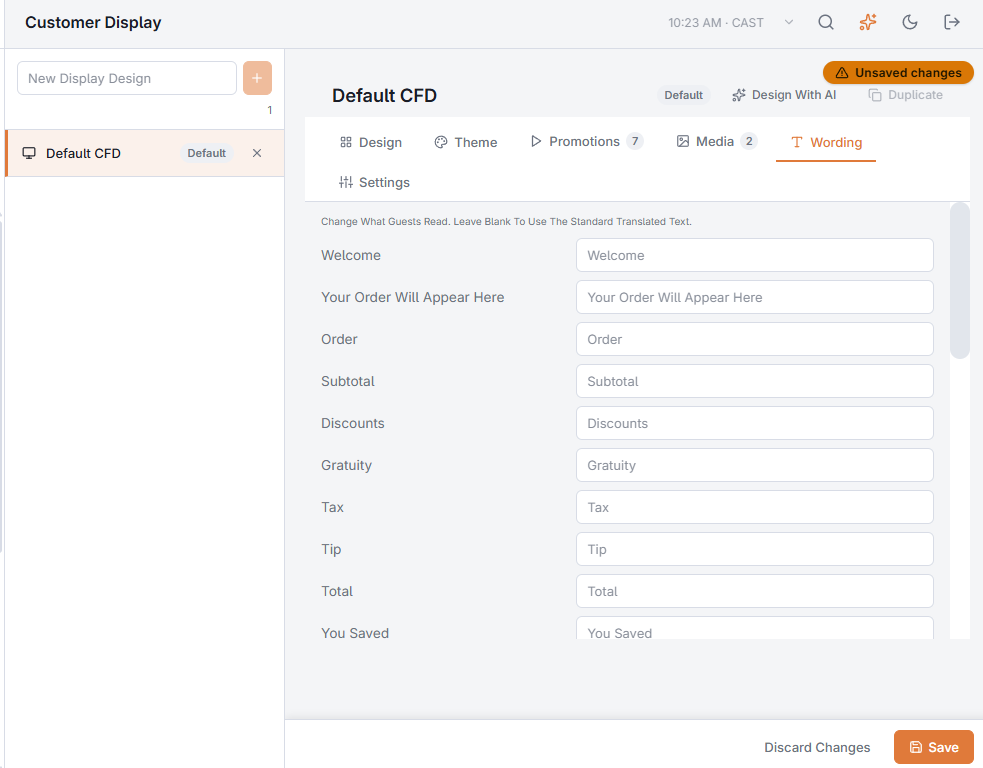
Wording
The Wording tab lists every sentence the display shows guests, with the standard text as a hint. Type your own wording to replace one; leave it blank to keep the standard text and its translations.
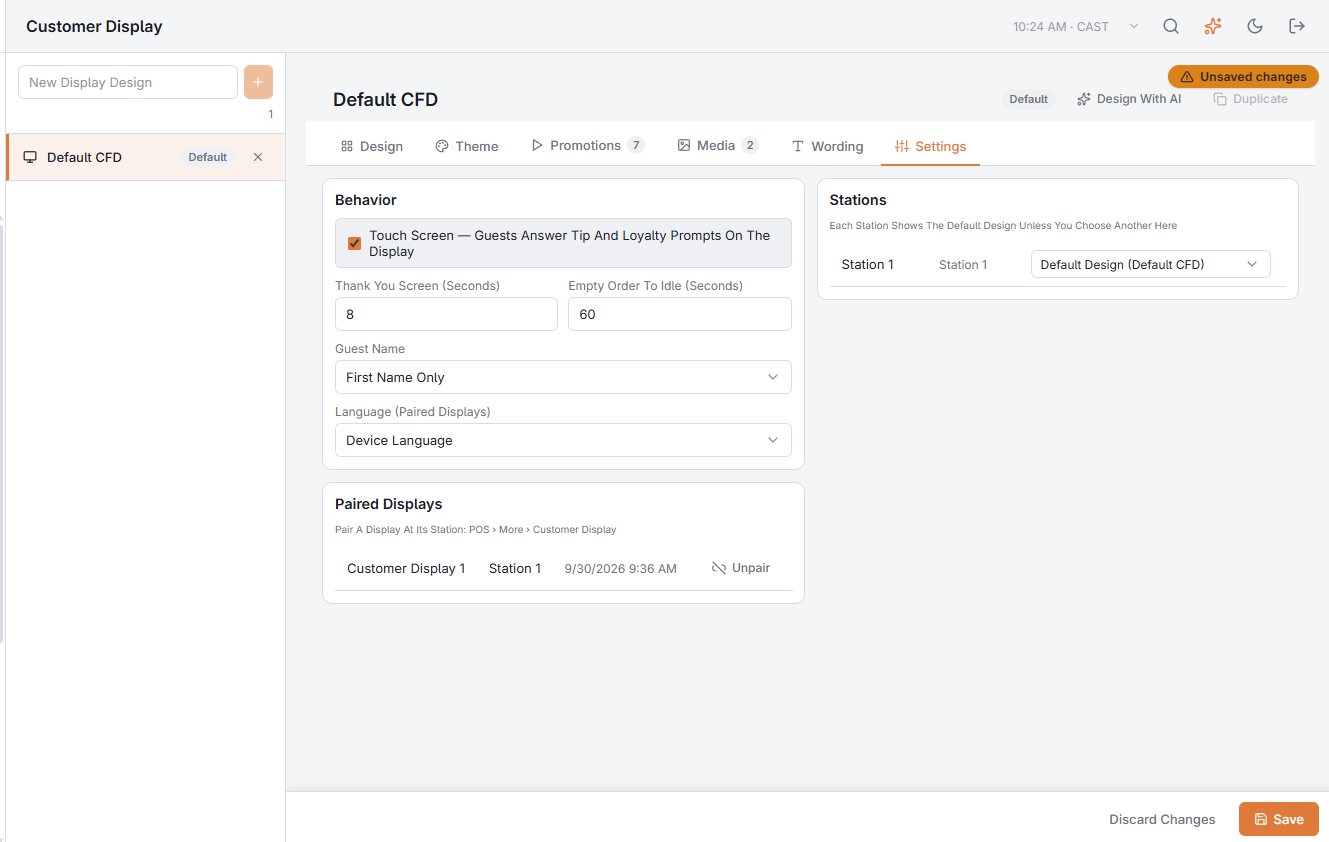
Behavior (Settings tab)
- Touch Screen — guests answer tip and loyalty prompts on the display. Untick it for screens that do not take touch; the prompts then stay on the POS.
- Thank You Screen (Seconds) — how long the goodbye stays (at least 30 seconds while a receipt QR is shown).
- Empty Order To Idle (Seconds) — an open order with no items returns to Idle after this.
- Guest Name — Hidden, First Name Only or Full Name.
- Language (Paired Displays) — a paired display can show the design in another language. A display on the POS device uses the POS language; use Wording to change its text.
Stations
Each station shows the default design unless you choose another one here. This applies straight away — no Save needed.
Paired Displays
Lists the store's paired displays with an Unpair button; see Pairing a separate display.