These actions sit on the Gift Card screen at the register and need the Allow Gift Card Adjust permission, which is off for every role until you grant it.
Adjust
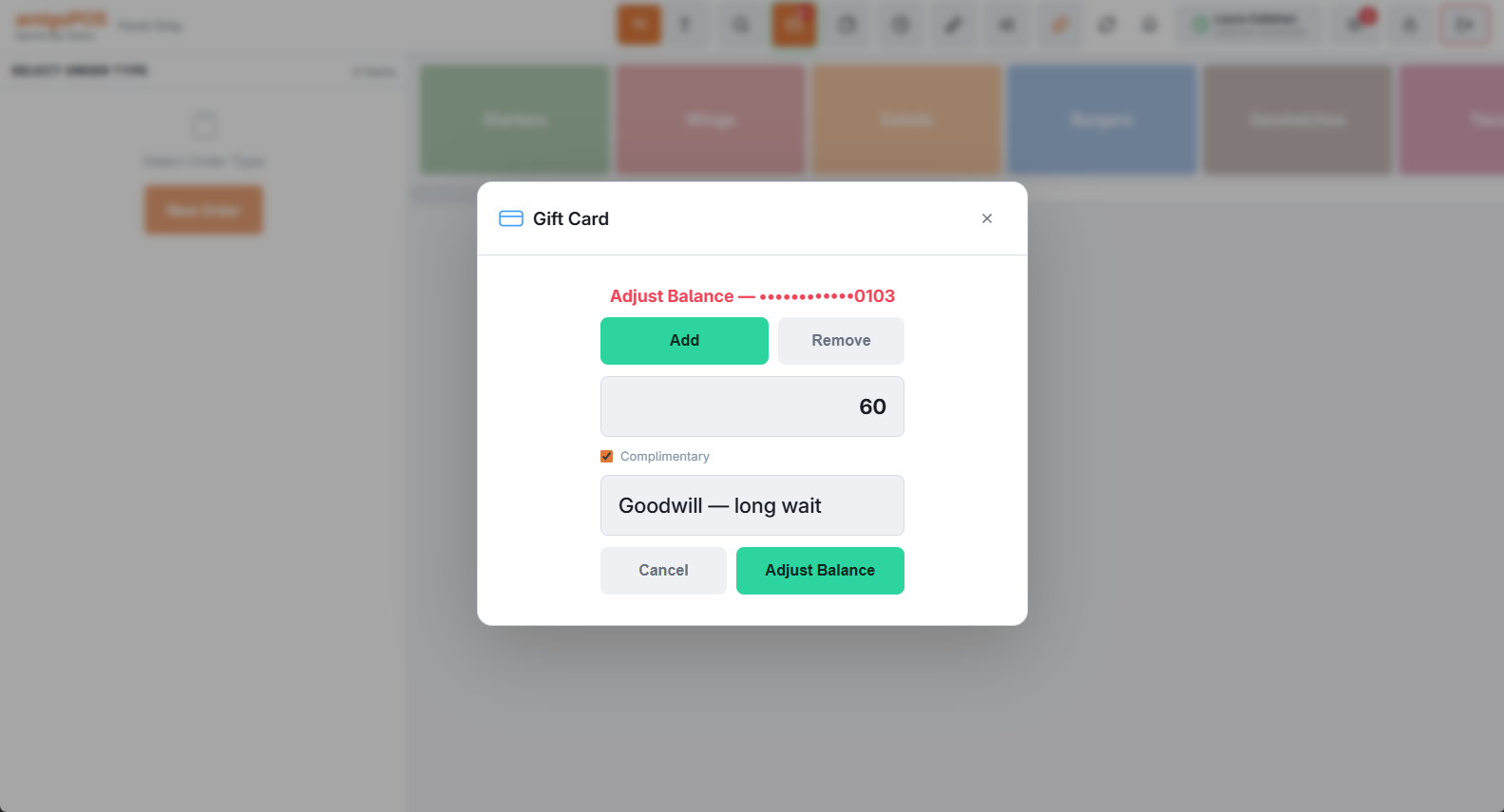
Adds or removes value with a required reason — for example to correct a mistake. Mark it Complimentary to give value away (a goodwill gesture or a prize) so it reports apart from corrections. Store setting GiftCardAdjustmentsEnabled turns adjustments off entirely; a large adjustment raises a fraud alert (Daily limits and fraud alerts).
Transfer
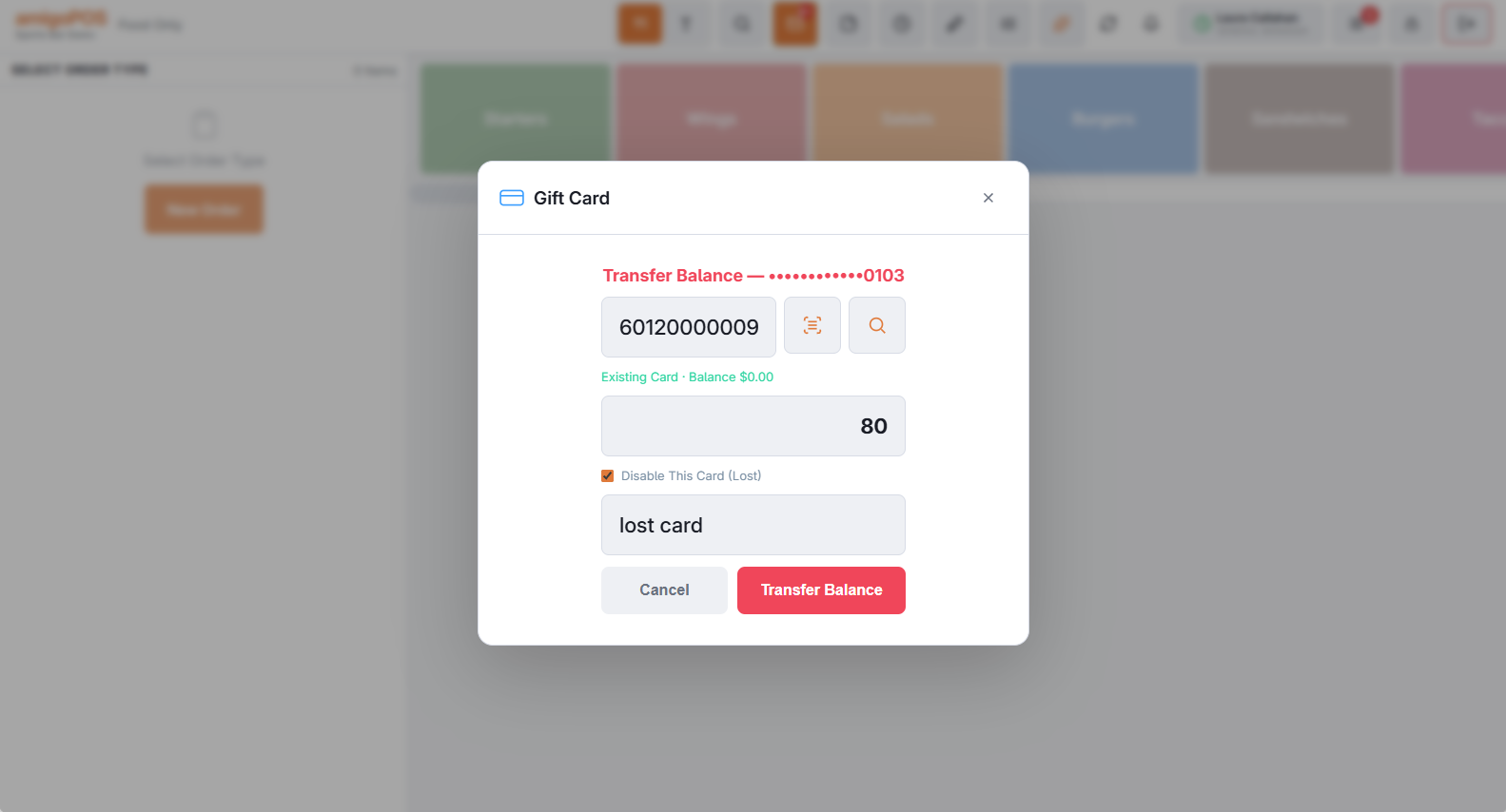
Moves the whole balance to another card — the answer to “I lost my card”: look up the old card, choose Transfer, scan the new card and optionally deactivate the old one in the same step. A transfer can’t be voided; transfer back if needed. Store setting GiftCardTransfersEnabled turns it off.
Voiding a line
A line in the card’s history can be voided with a reason (same permission). The balance is recalculated from the history, and a payment still standing on an order has to be voided on the order instead.