Some places require a small leftover balance to be paid out on request. Cash Out on the Gift Card screen does it in one step: the balance comes off the card, a cash payout is recorded and the drawer opens.
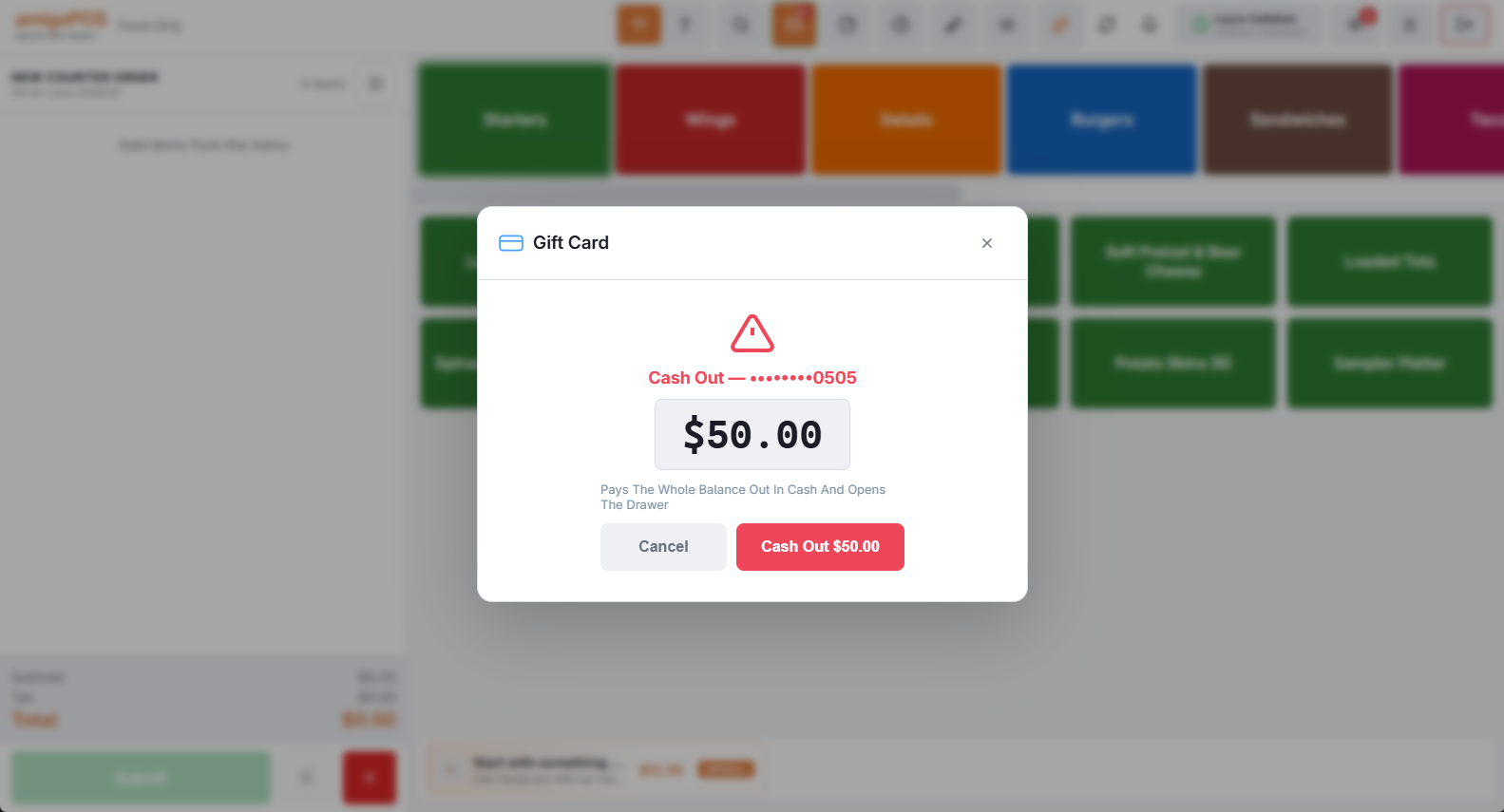
Controls
- Permission — only roles with Allow Gift Card Cash Out see the button. It is on by default: review your roles and turn it off where it doesn’t belong.
- Ceiling — the store setting
GiftCardCashOutMaxBalancerefuses a cash out when the balance is above it (0 = no limit). - Alert — every cash out raises a fraud alert unless
GiftCardAlertOnCashOutis off (Daily limits and fraud alerts).
In the drawer and the reports
The payout counts against the drawer like any cash payout and appears in the end-of-day gift card section with the employee’s name. Voiding the cash out on the card’s history restores the balance and voids the payout together, which puts the cash back into the drawer’s expected cash. The drawer reset report lists the cash out under Cash Payouts (-), with its note (Gift Card Cash Out • and the card’s last four digits) in place of a reason.
Where it shows
On the end-of-day report a cash out is a paid-out (Gift Card Cash Out • and the card’s last four digits, with the employee’s name) and a Cashed out line in the gift-card ledger and on the receipt slip’s Gift cards block. It is never counted as Gift cards redeemed — the guest took cash, not goods. Paying a check with the card is a different action: the Gift Card tender on the payment screen, which shows under tenders and redemptions instead.