When a table orders a 12-minute steak and a 3-minute salad, the salad should not sit wilting for nine minutes. Give items a cook time and the KDS starts each item late enough for its whole course to finish together — across screens, so the salad station waits while the grill starts the steak.
Setting cook times
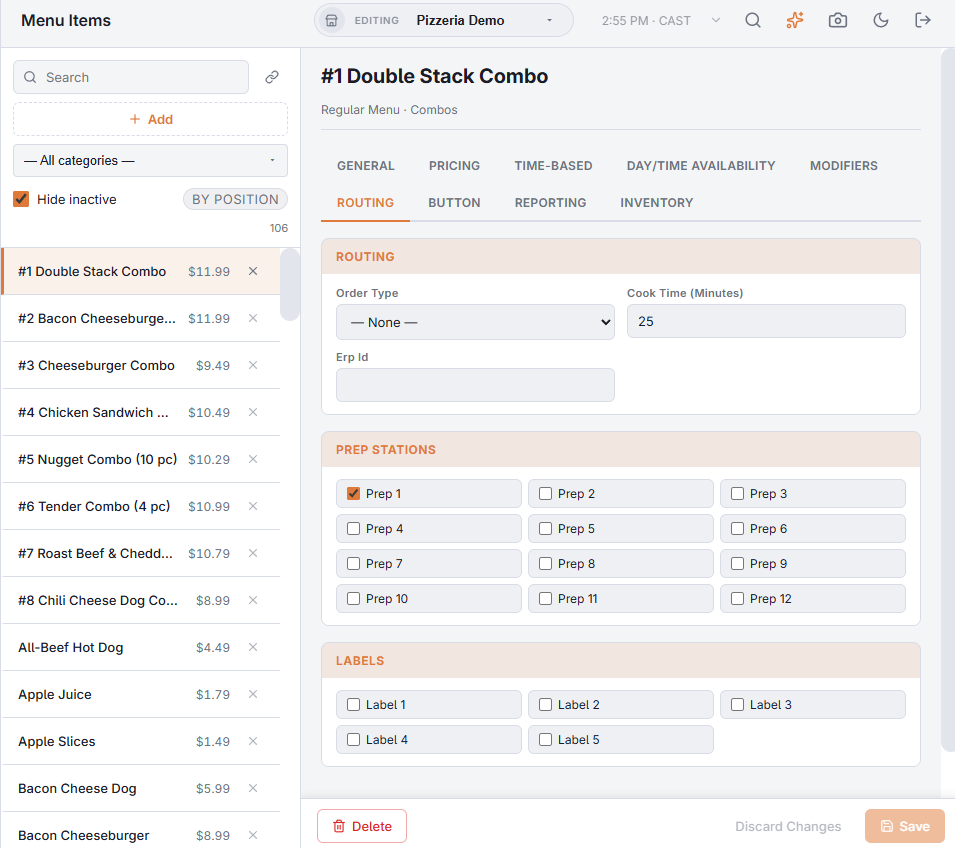
In the Back Office item editor, on the Prep stations tab, enter the minutes in Cook Time (Minutes) (older versions call the field Additional prep time). Items with no cook time — drinks, sides you plate at once — are not paced and start immediately.
On the screen
- Within each course, the item with the longest cook time starts right away. Each other paced item waits for the difference: a 3-minute salad on a course with a 12-minute steak waits 9 minutes.
- A waiting line is dimmed with an amber ▸ 4m countdown; its modifiers wait with it. When its time comes the line pulses amber and the display plays the other sound, so it is not mistaken for a new ticket.
- A cook can still strike a waiting line early.
With coursing
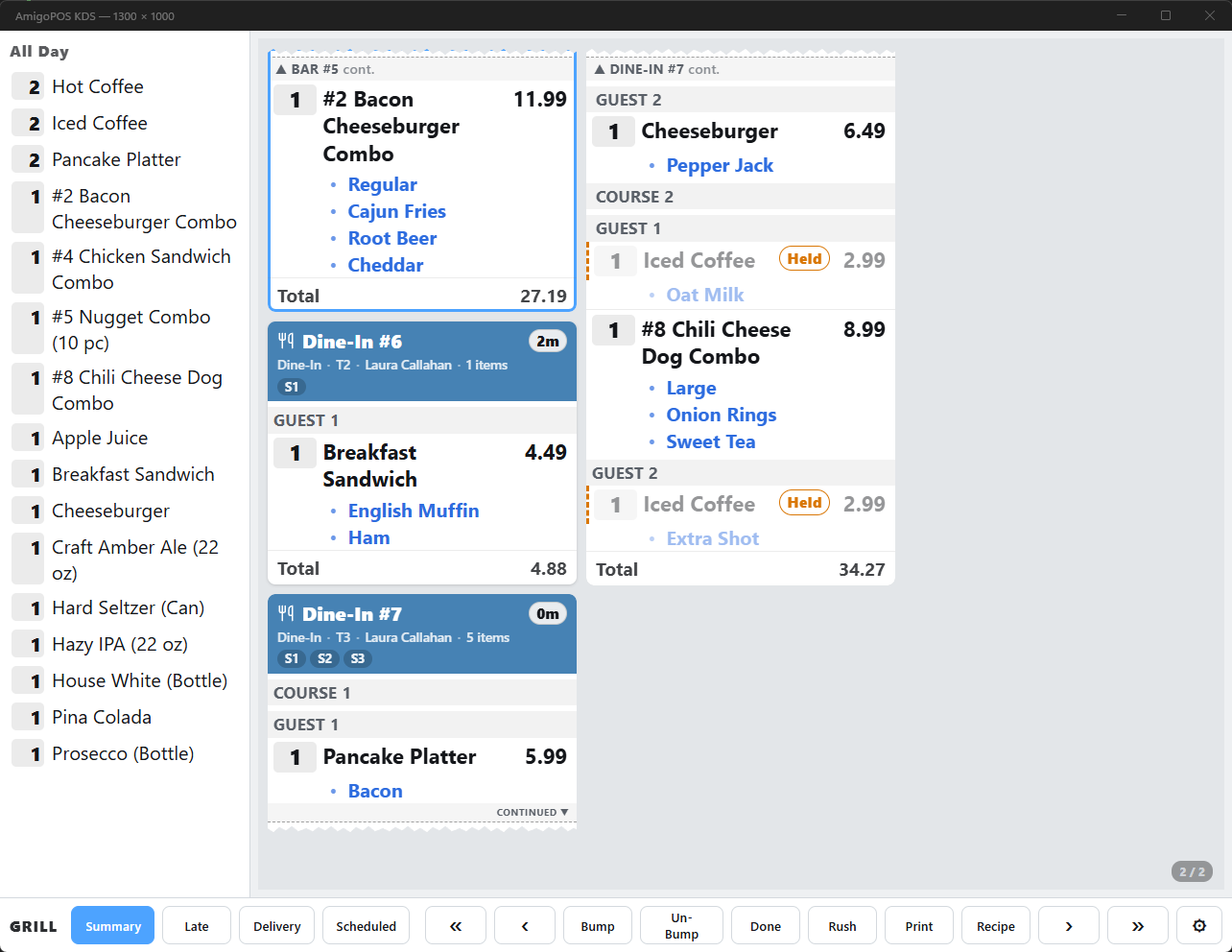
Pacing works per course. A held course is paced from the moment it is fired at the POS — see Course grouping and held items. If a display is restarted while a line is waiting, it counts from when the line was sent.