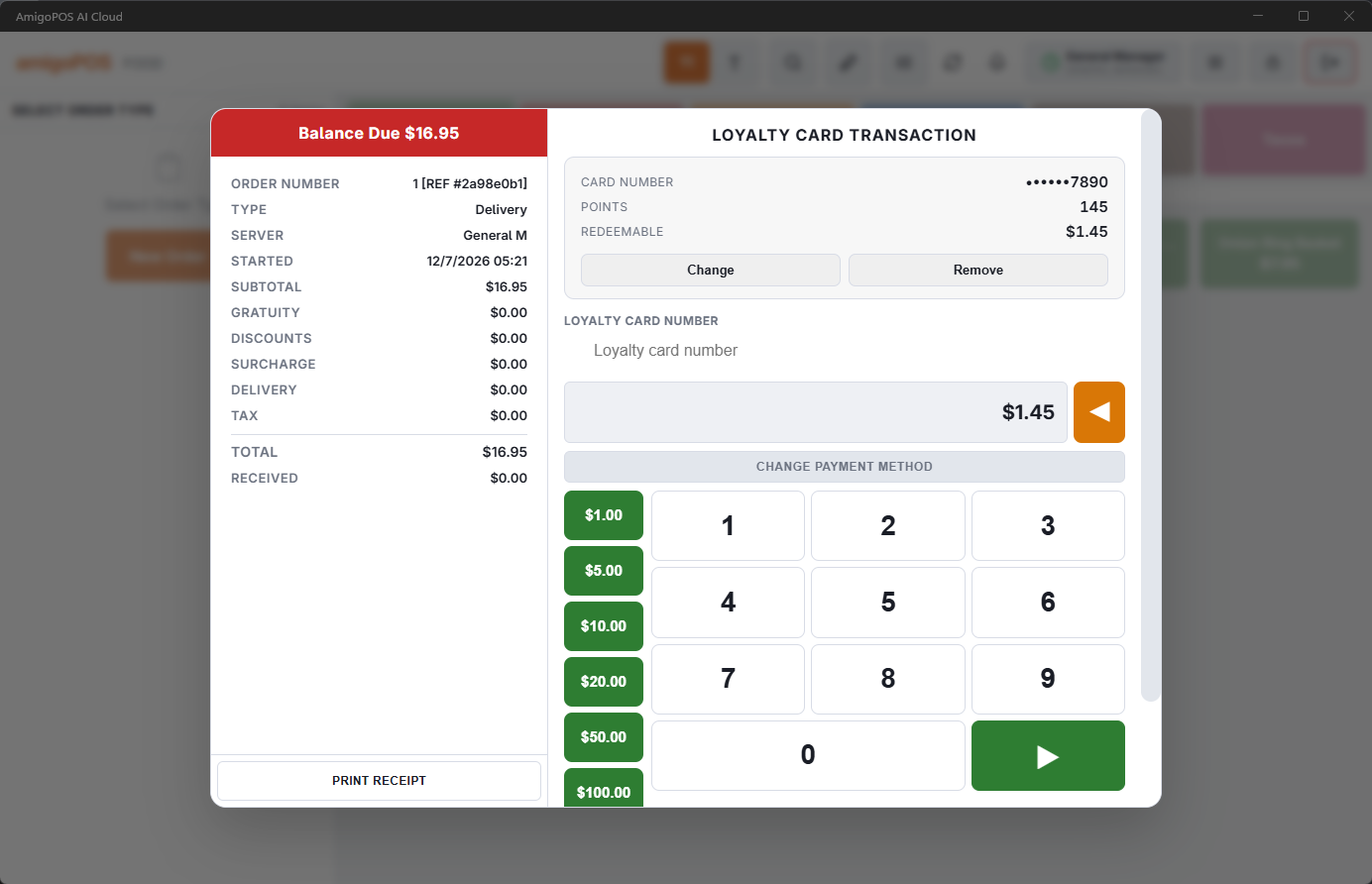
With a loyalty card attached to the order, earning is automatic and redeeming is one prompt.
Earning
Attach the member (scan, phone lookup, or via the attached customer) any time before settle. On settlement the order’s eligible amount — as defined by the program’s accrual rules — converts to points at the program rate, times any tier bonus. The overlay shows potential earnings live while the order builds, and the member’s balance and recent earn/redeem transactions are always visible on their card view.
Redeeming
At payment, a member with a redeemable balance can apply points to the order — subject to the program’s minimum points and minimum amount. The redemption posts as a credit on the check, the balance updates immediately, and the receipt shows it. Remove the card from the order before settle and nothing earns or redeems.
Common questions
- Points look lower than the total suggests — the program excludes tax/gratuity/delivery, deducts discounts, or the order held exclude-from-loyalty items. The accrual rules in Loyalty program setup are the answer key.
- Can’t redeem — under the minimum-points or minimum-order threshold, or the card is expired/deactivated (the overlay says which).
- Forgot to attach the card — attach before settle next time; policy on retroactive credit is the store’s call, not automatic.
When points count
Points are earned when the order is paid, not when it is sent, so voided orders and walkouts earn nothing; a refund takes back the points for what was refunded. Besides paying with points, a points program can offer a reward catalog taken as a discount (Rewards as discounts). The full picture is in How loyalty works.