Some actions are not refused outright — they ask for a manager. The prompt names what is being authorised and why, and a manager approves it with their own PIN without the original user signing out.
When it appears
Wherever a store has decided the action needs a second pair of eyes: clocking in outside the scheduled shift, excluding a guest from a cover charge, and similar. If a user already holds the permission for the action, there is no prompt — they simply do it.
Who can approve
The approving manager needs the override permission and the permission for the specific action. A manager who cannot approve a particular prompt is missing the second one, not the first.
Where it is recorded
Every approval is logged: which permission was overridden, for which employee, by which manager, and when. Read it in Back Office › Activity › Audit › Permission Overrides Log, or print the permission overrides mini report from the reports overlay.
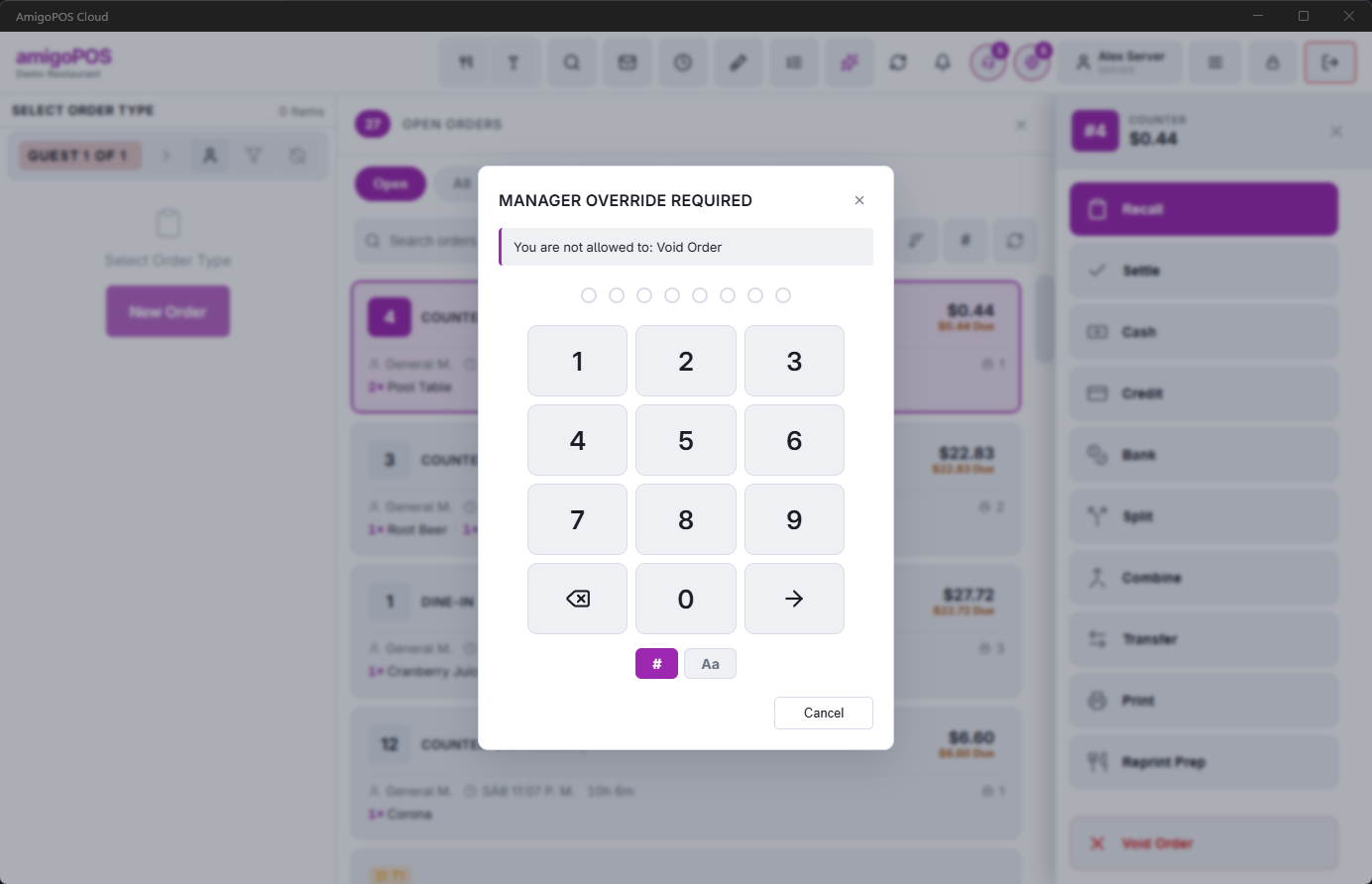
When no manager is at the register
For an action that needs a permission, the prompt also has Ask A Manager’s Phone. It sends the request to the phones of the managers who could approve it, and the action goes ahead when one of them taps Approve. The PIN works as before. See Asking a manager’s phone for an override.