Back Office › Multi-Store › Menu Advisor reads your own sales and recipe costs and has AI suggest menu changes worth trying, each with the figures behind it. Nothing on the menu changes by itself.
Running it
- Choose All Stores or one store.
- Choose the range: Last 14 Days, Last 28 Days (the default), Last 56 Days or Last 90 Days. The range ends yesterday.
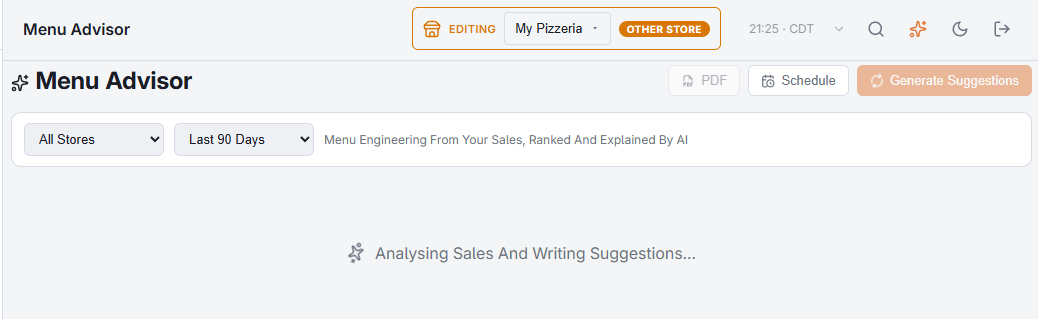
- Select Generate Suggestions. Analysing Sales And Writing Suggestions… shows while it works.
A result is kept for up to 12 hours for the same stores and range. Opening the page shows the kept result for All Stores and 28 days, if there is one, with Generated and the time. Generate Suggestions on a page with nothing shown also uses a kept result for the stores and range you chose, without a new run. Regenerate always runs a fresh pass — use it after you have changed prices or recipes.
What it looks at
- Each item’s popularity and margin, compared with the other items in its category, sorted into four groups: Stars (popular and profitable), Plowhorses (popular, low margin), Puzzles (profitable, not popular) and Dogs (neither).
- Recipe cost, where items have recipes built from inventory. Without recipes the price stands in for the margin, and the store’s box shows No Recipe Costs.
- What sells at which time of day, what gets removed from orders, which items are ordered together, and what is sold out now.
- Across stores: items one store carries and another does not, and the same dish priced differently.
An item whose recipe cost is more than double its price is left out of the margin work: that is nearly always a unit or pack size entered wrongly.
Reading the result
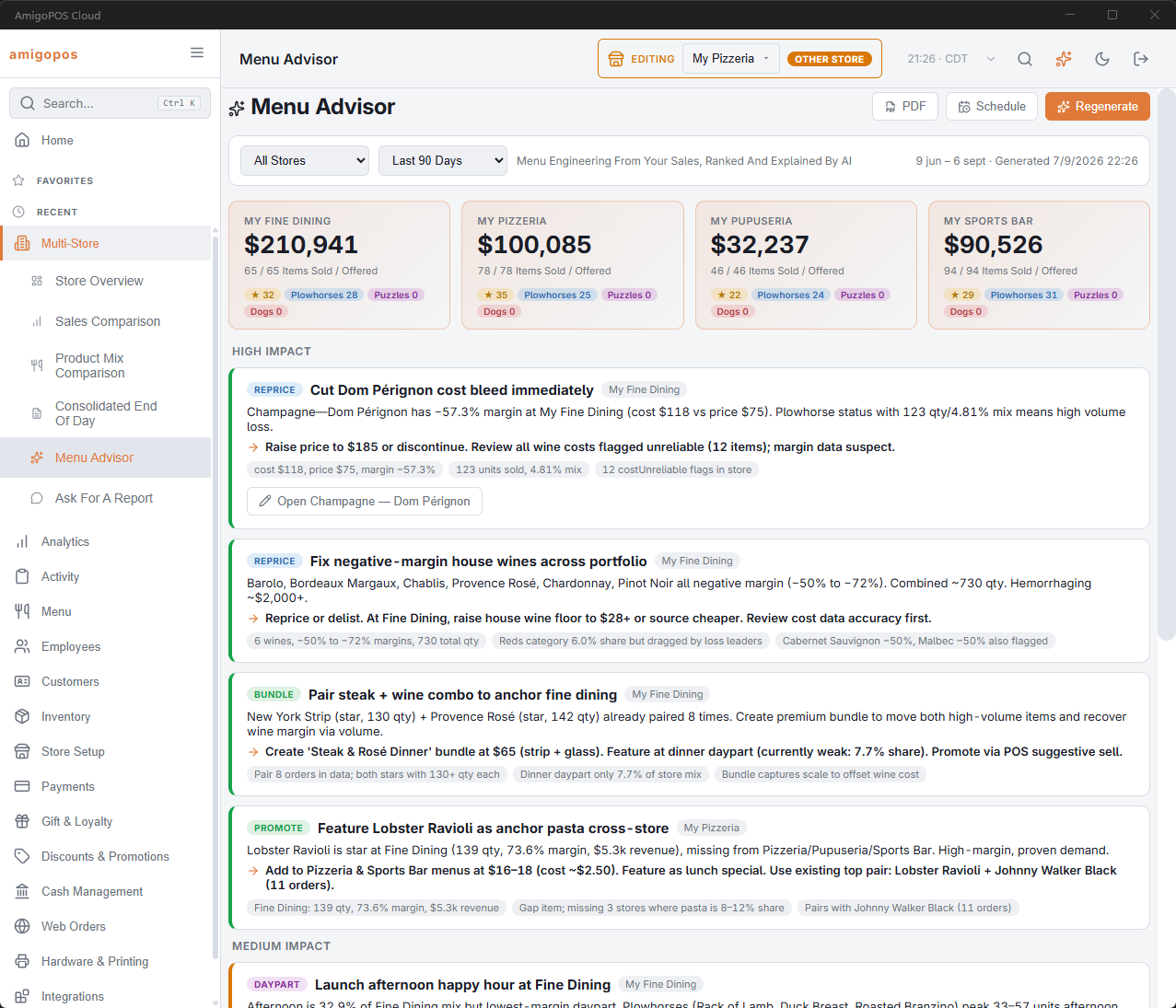
A box per store gives its net sales for the range, Items Sold / Offered and how many items fall in each of the four groups.
Suggestions are grouped by High Impact, Medium Impact and Low Impact. Each one shows:
- a tag for the kind of change: Promote, Reprice, Bundle, Remove, Add, Daypart, Upsell, Simplify, Cost or Idea;
- the store it is about, when it is about one store;
- why, what to do, and the figures it is based on;
- Open and the item’s name, which points Back Office at that store and opens the item.
PDF and schedule
PDF turns the current result into a document. Schedule emails the advice on a schedule for the stores and range on the page. Both work as on the Analytics pages; see Exporting and PDF preview.