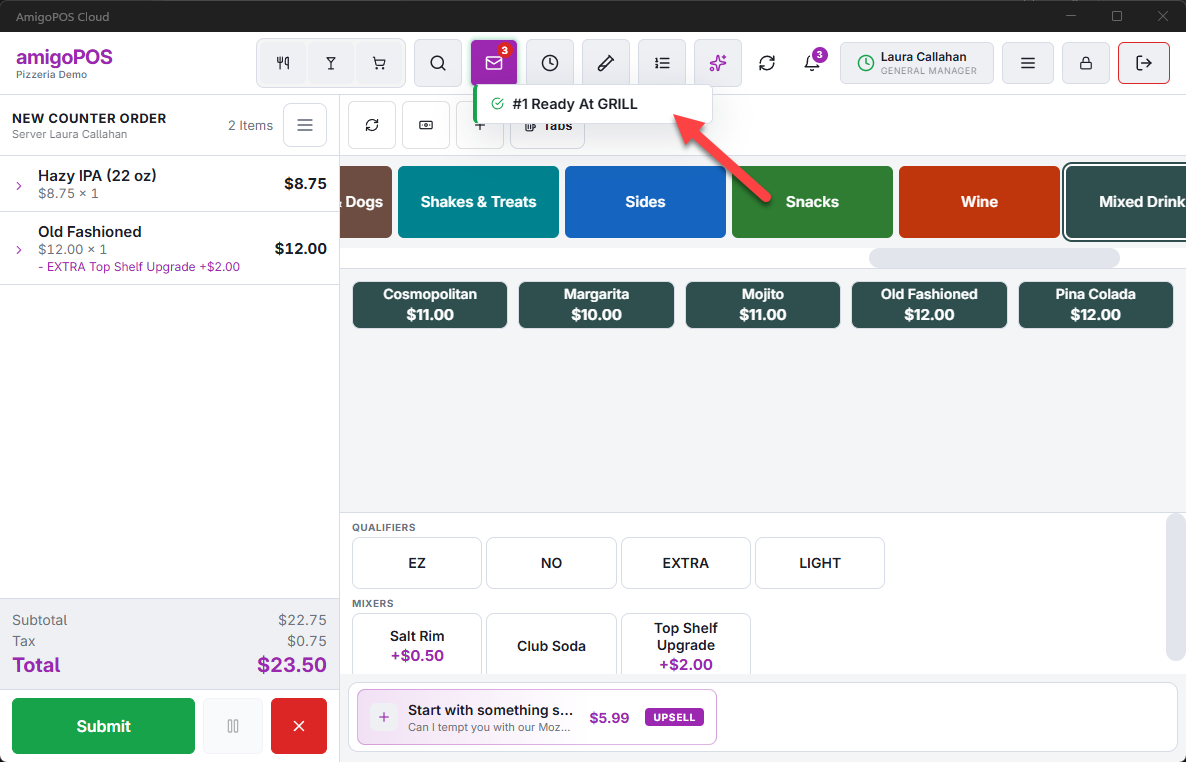
Two small tools connect servers and the bar screen. Both need a KDS display at the bar set up as described in Setting up a bar screen.
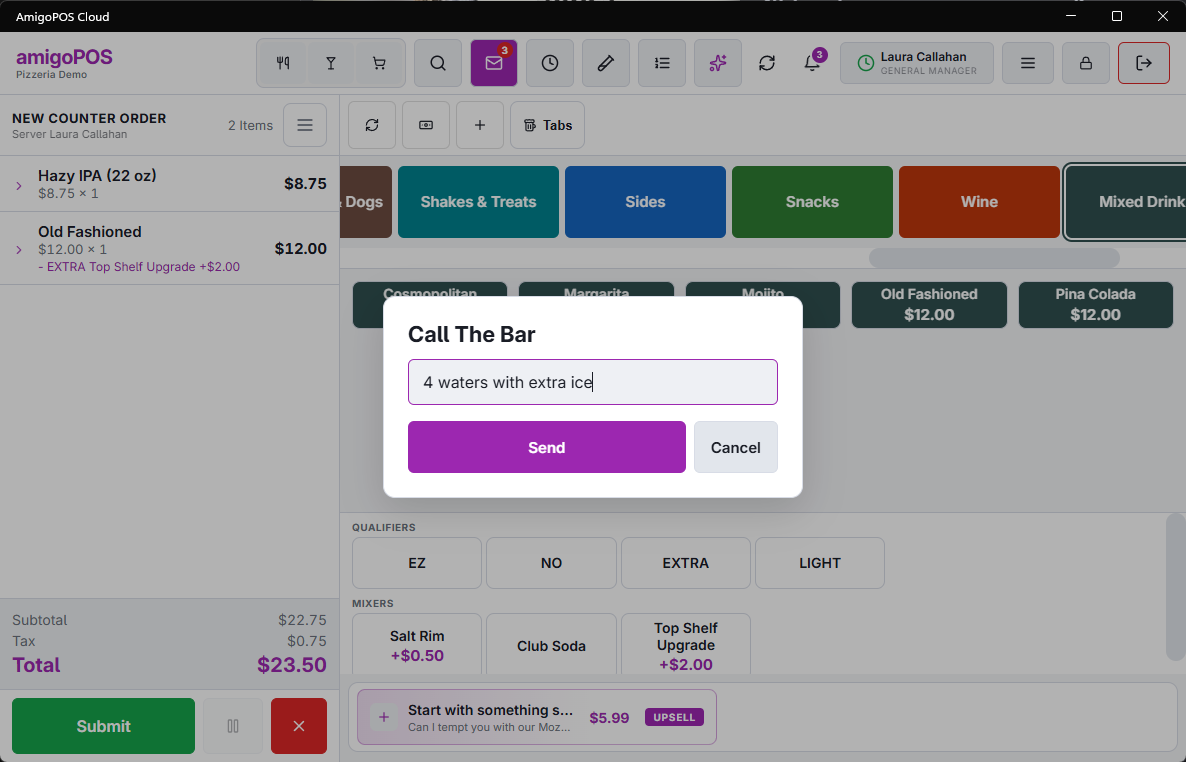
Call The Bar
From an order, open More and tap Call The Bar, type a short message — “two waters”, “ice to table 12” — and tap Send. The bar screen shows it with the table and your first name, and rings a bell. The table is added once the order has been saved; from a brand-new order the message goes without it.
Drinks ready
When the bar bumps a ticket you rang, and the bar screen has Tell The Server When Bumped on, your POS shows a message such as Table 5 Ready At BAR. It appears on the order screen of the server who rang the order, not on every station.