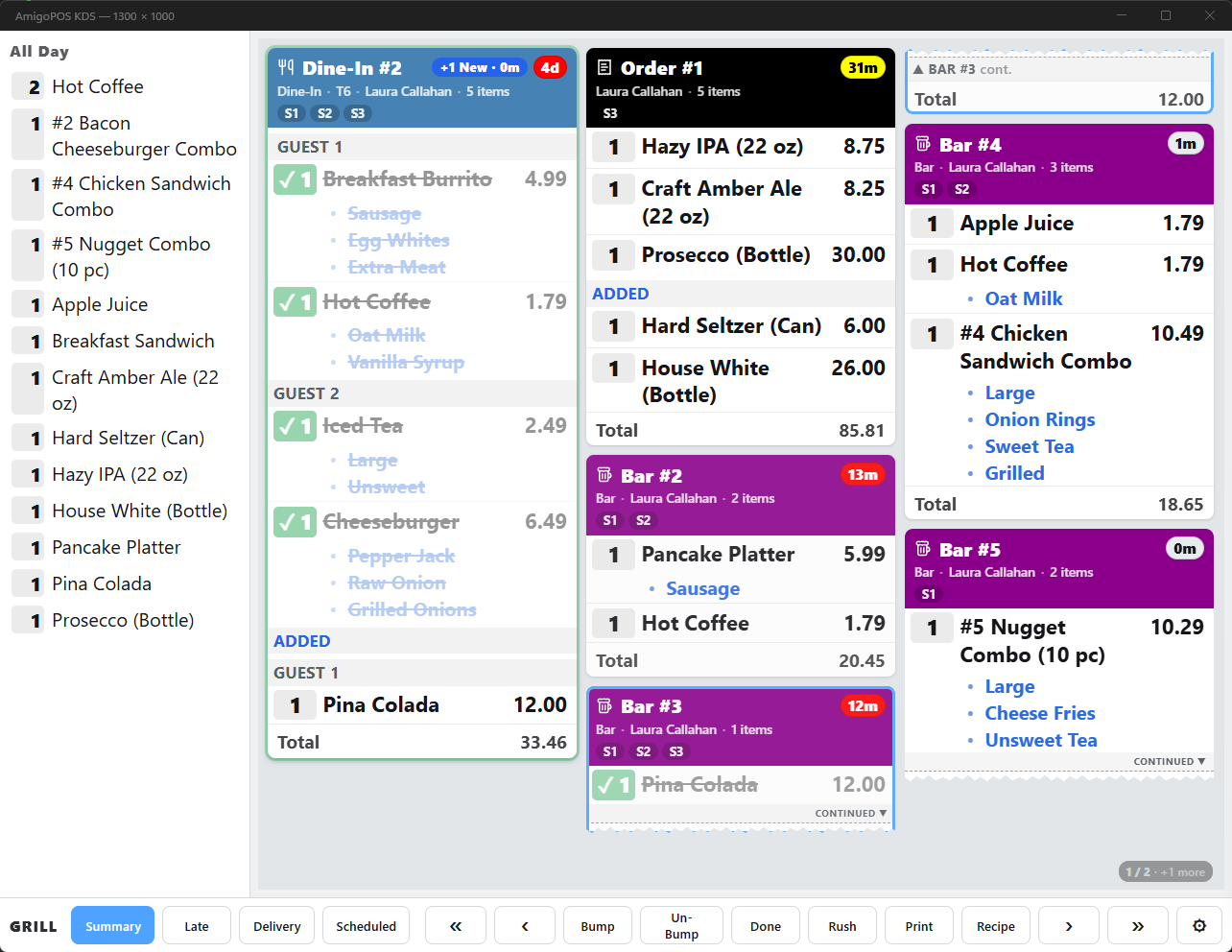
A tablet running the KDS next to the bar POS gives the bartender the drink orders the servers send. Route drinks to the bar’s prep station as usual; these settings, all under ⚙ on that display, make it a bar screen.
Bar timers
Warning After and Late After set this display’s own timers — for example 3 and 5 minutes, so drinks turn red long before food would. Store Setting keeps the store’s timers; see Timing thresholds.
Tell The Server When Bumped
With this on, bumping a ticket shows a message on the POS of the server who rang it — Table 5 Ready At BAR. The name after “at” is the display’s label; without a label the message reads Table 5 Is Ready. Only that server sees it, while they are on the order screen.
Recipe card
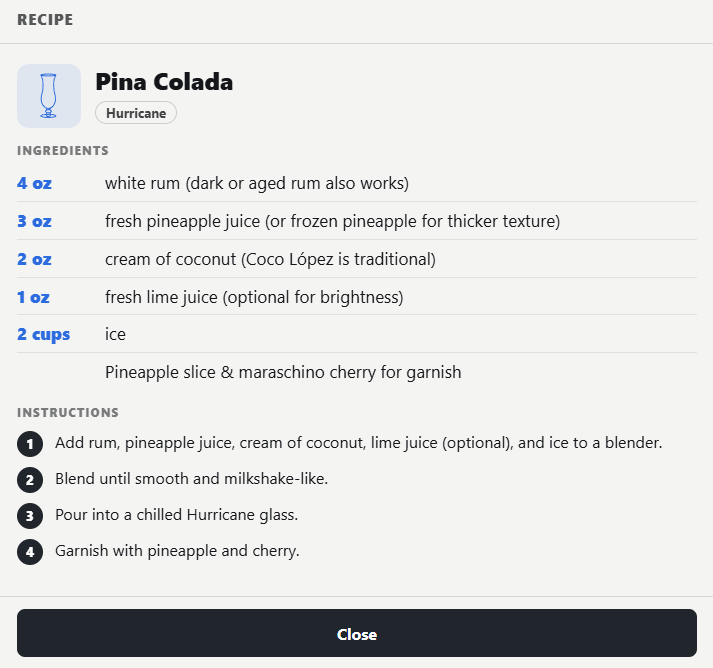
Turn on Recipe under Toolbar Buttons (it is hidden by default), or press I. It shows the build for each item on the selected ticket: the item’s pour guide — ingredients, method and glass — or, for items without one, its inventory recipe.
Show Server Calls
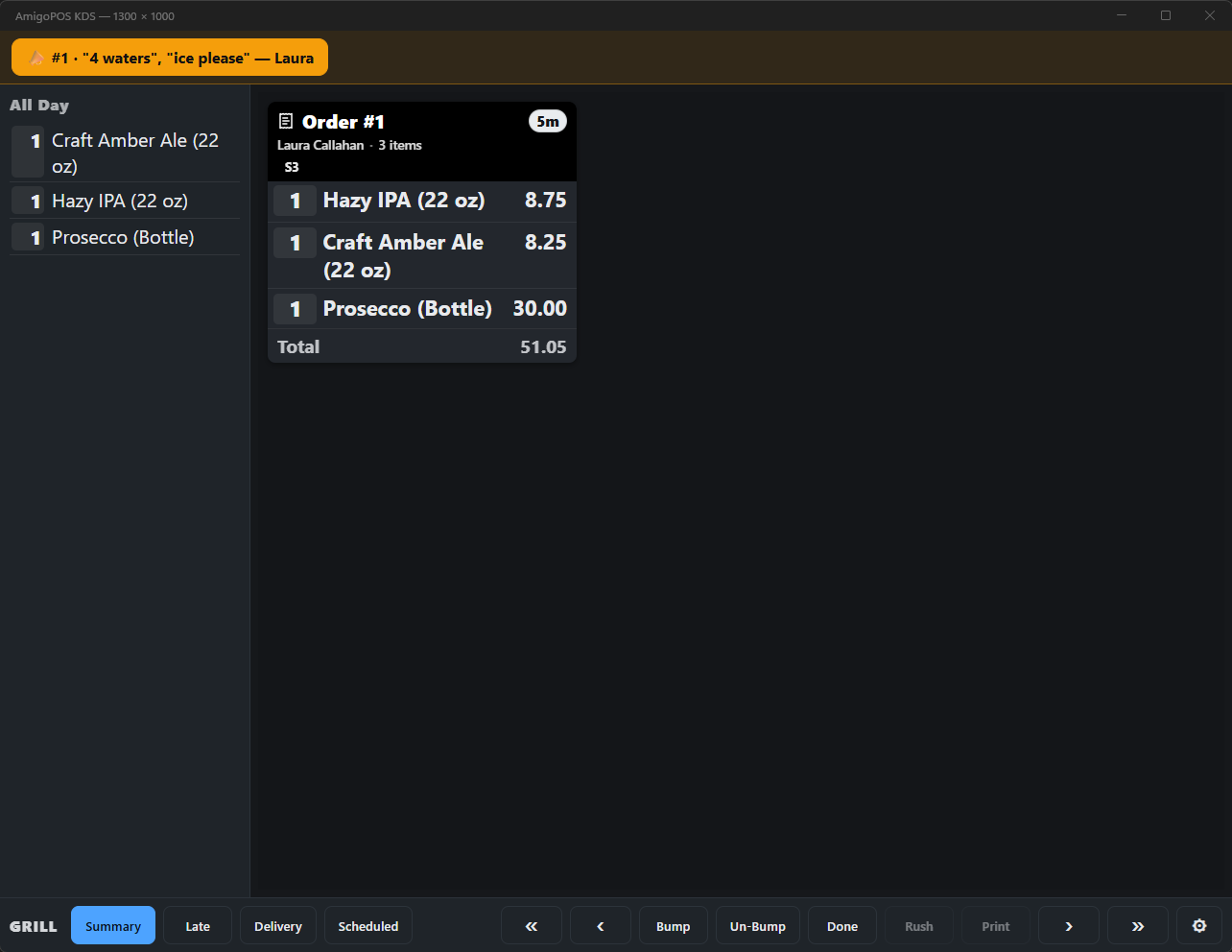
Servers can call the bar from the POS (Call The Bar in the More menu) — “two waters”. With Show Server Calls on, the call appears as an amber banner at the top of this display with the table and the server’s first name, and a bell rings; tap it to clear it. See Calling the bar. Calls need the display’s live connection.
Longest-waiting table first
Set Ticket Order to Longest-Waiting Table First: the table that has gone longest without anything bumped for it leads, and rush orders still come first. The display keeps track since it was last started.