A party that celebrated a birthday or an anniversary with you is likely to celebrate again next year. Record the occasion when they book, and a year later the celebration email invites them back in time to reserve. A second email thanks guests on the anniversary of their first visit.
Record the occasion on the booking
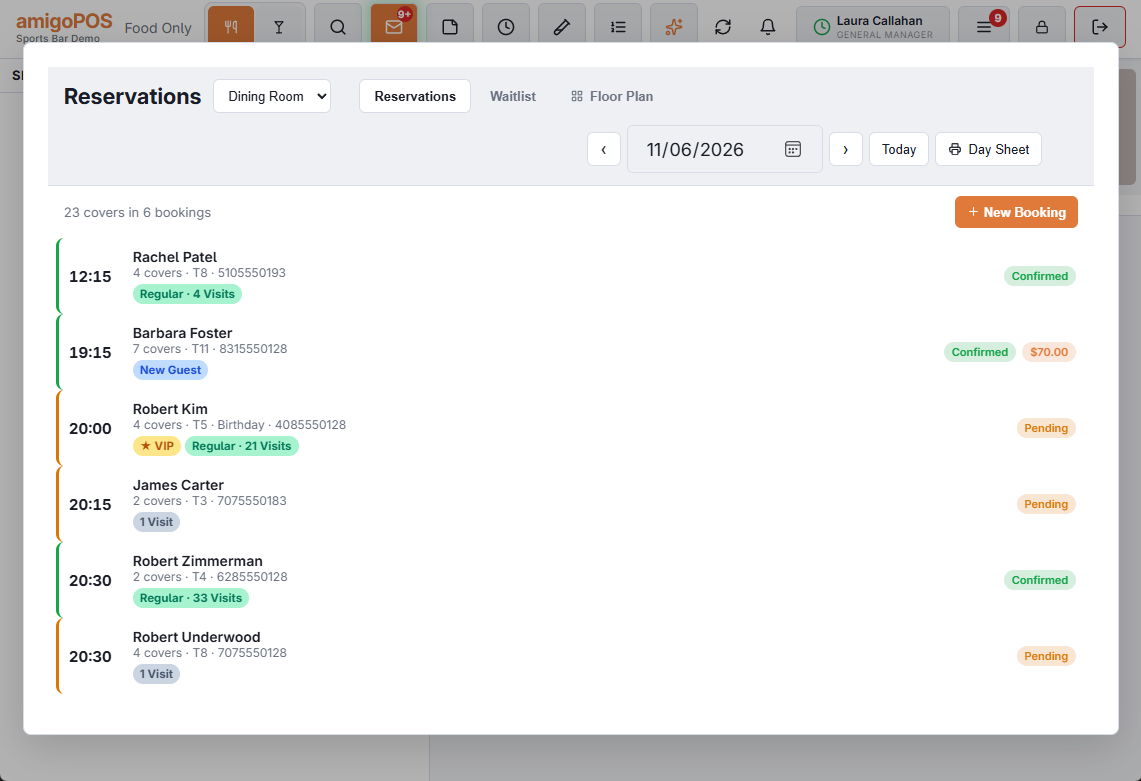
On the register’s reservation book, the booking form has No Occasion, Birthday or Anniversary next to the occasion text. When you pick one, a month and a day appear: fill them in when the celebration isn’t on the day of the booking, or leave them blank to use the booking’s day. The text box is still there for details (grandma’s 80th), and the booking shows Birthday or Anniversary when you leave it blank.
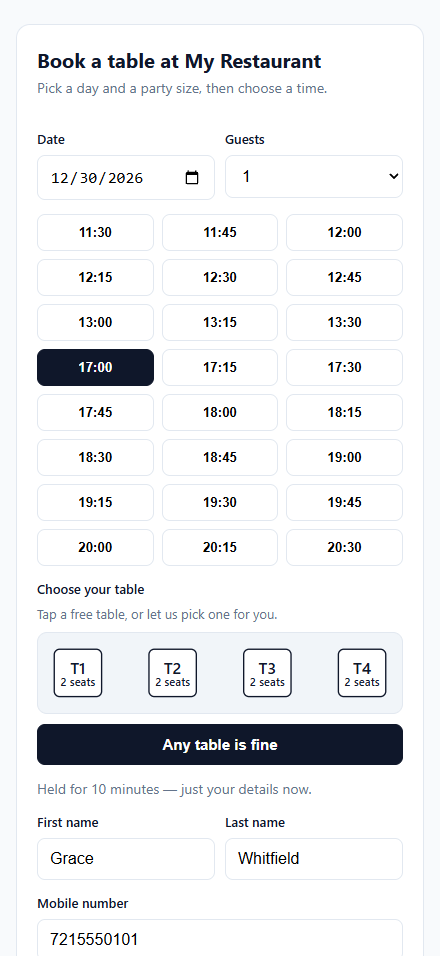
Guests booking online get the same choice, with an optional date, under Occasion (optional).
The occasion is kept for the guest who booked — their customer record, or their email or phone — and a later booking updates it. It never changes the guest’s own birthday on file, because the party may be celebrating someone else.
The celebration email
Go to Back Office › Discounts & Promotions › Guest Offers › Settings, find Celebration Email and switch on Send Celebration Emails. Off by default.
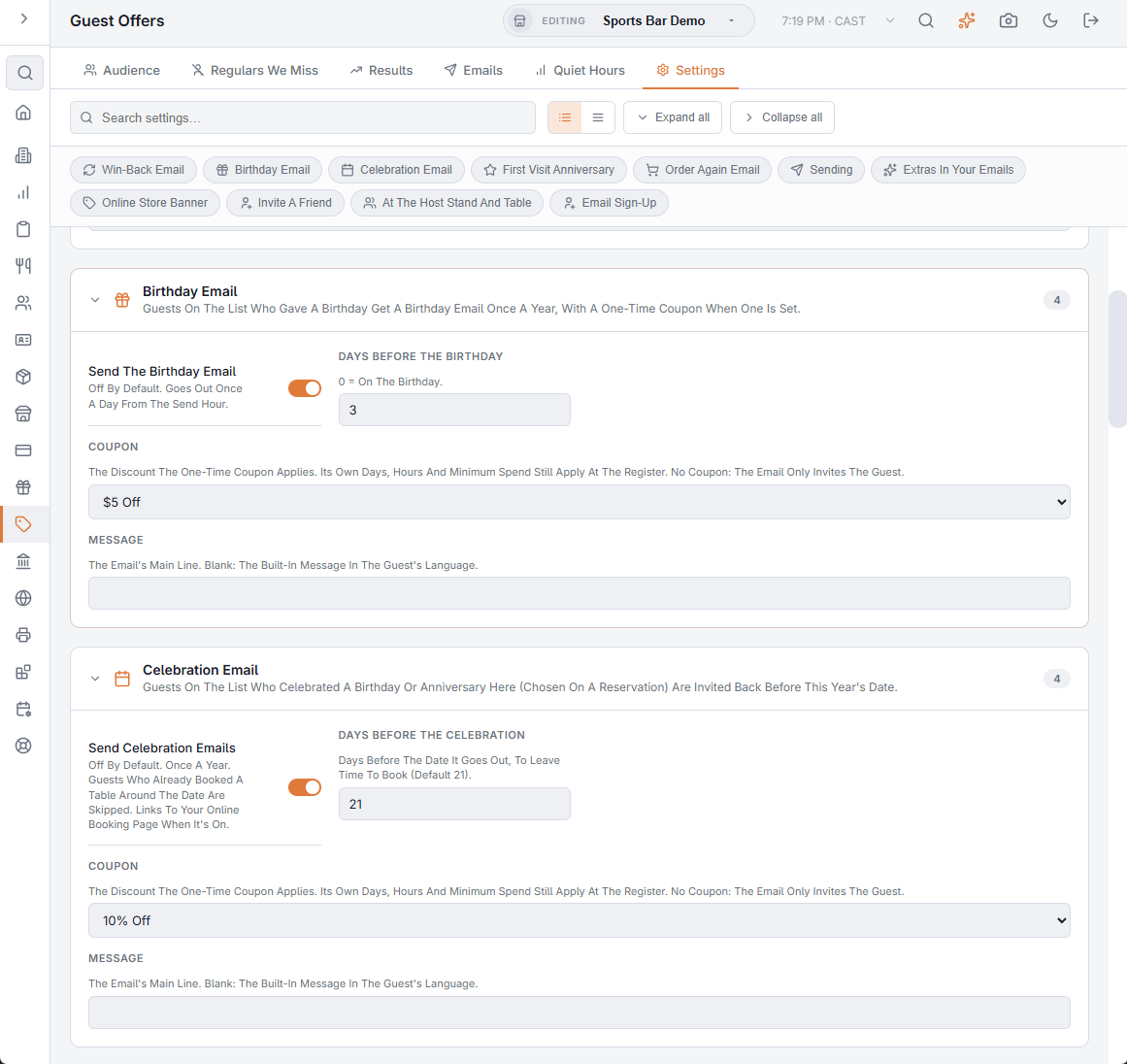
- Guests on your offers list with a recorded birthday or anniversary get the email a number of days before this year’s date (21 by default), to leave time to book. Once a year.
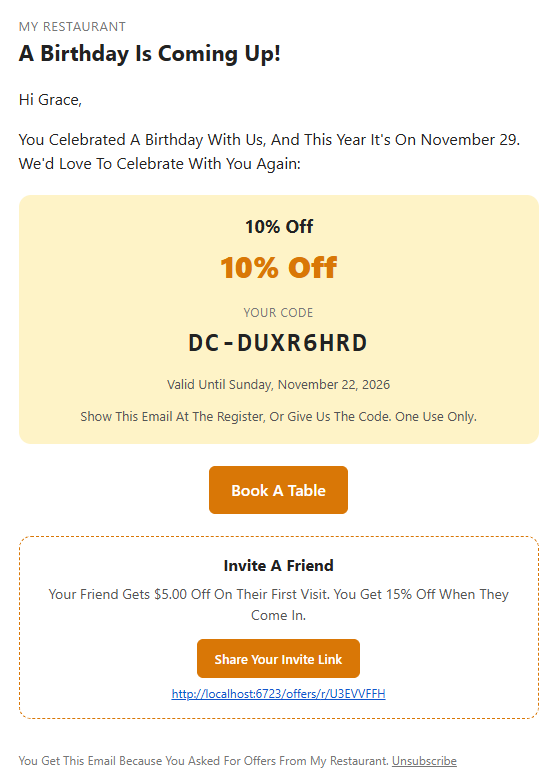
- It reads “A Birthday Is Coming Up!” or “Your Anniversary Is Coming Up!” with the date, an optional one-time coupon, and a Book A Table button when your online booking is on.
- Guests who already have a booking from today until a few days after the date are skipped.
- Write your own message, or leave it blank for the built-in one in the guest’s language.
The first visit anniversary
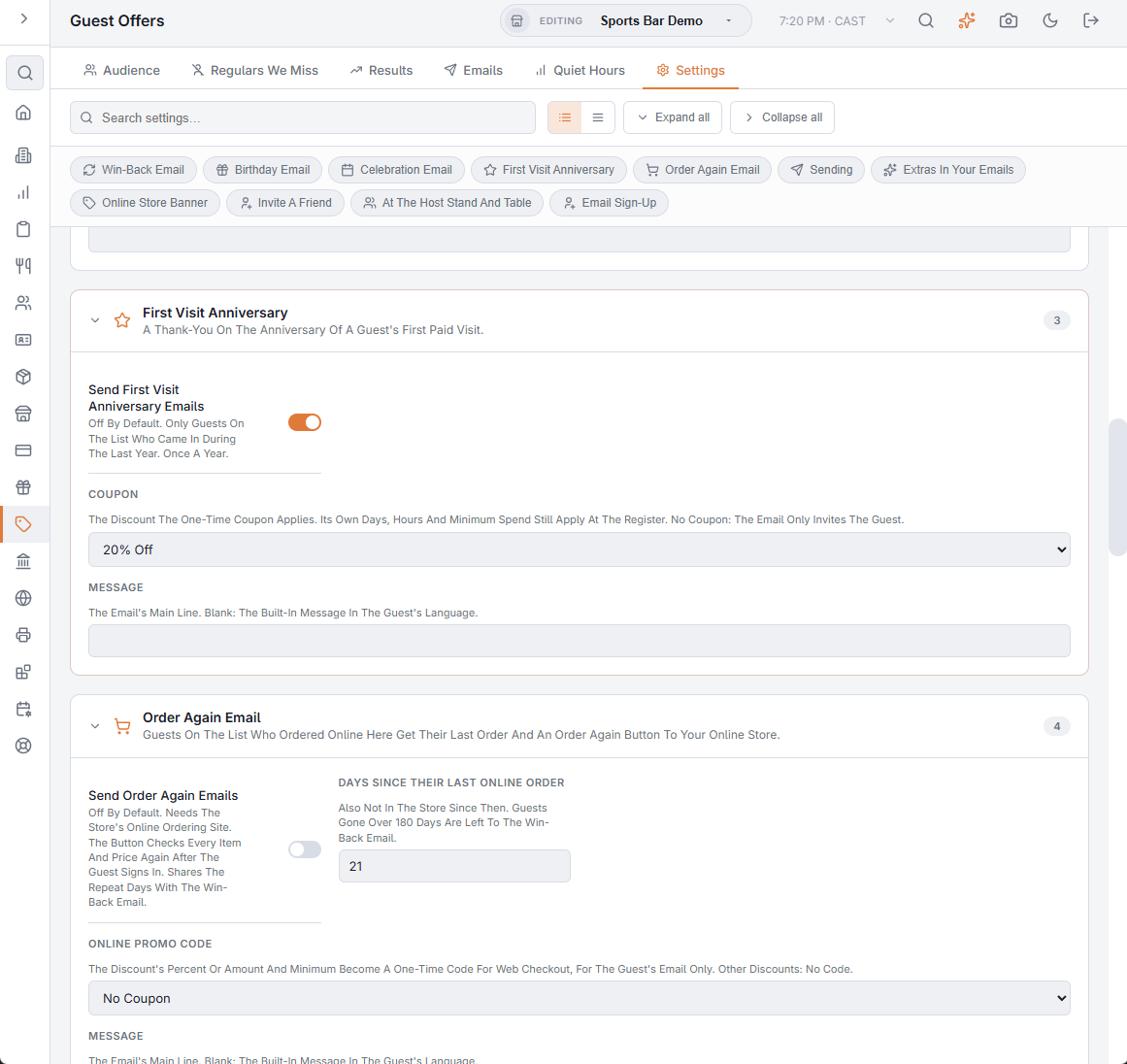
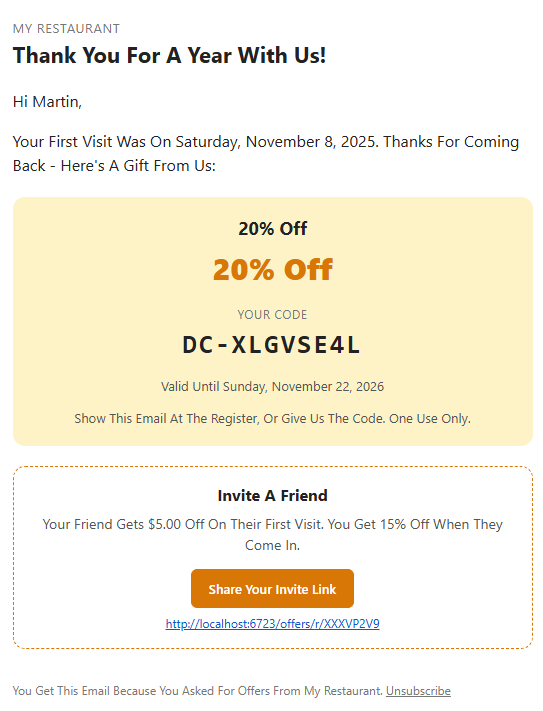
Switch on Send First Visit Anniversary Emails in the First Visit Anniversary section. On the anniversary of a guest’s first paid visit, guests on your list who came in during the last year get “Thank You For A Year With Us!” (or for 2, 3… years), with an optional coupon. Once a year.
Results and tests
Both emails get their own card on the Emails tab once they are on, and Send A Test can send either one to you. They go out in the daily run within your daily limit. See Win-back and birthday emails for coupons, the send hour and the daily limit.