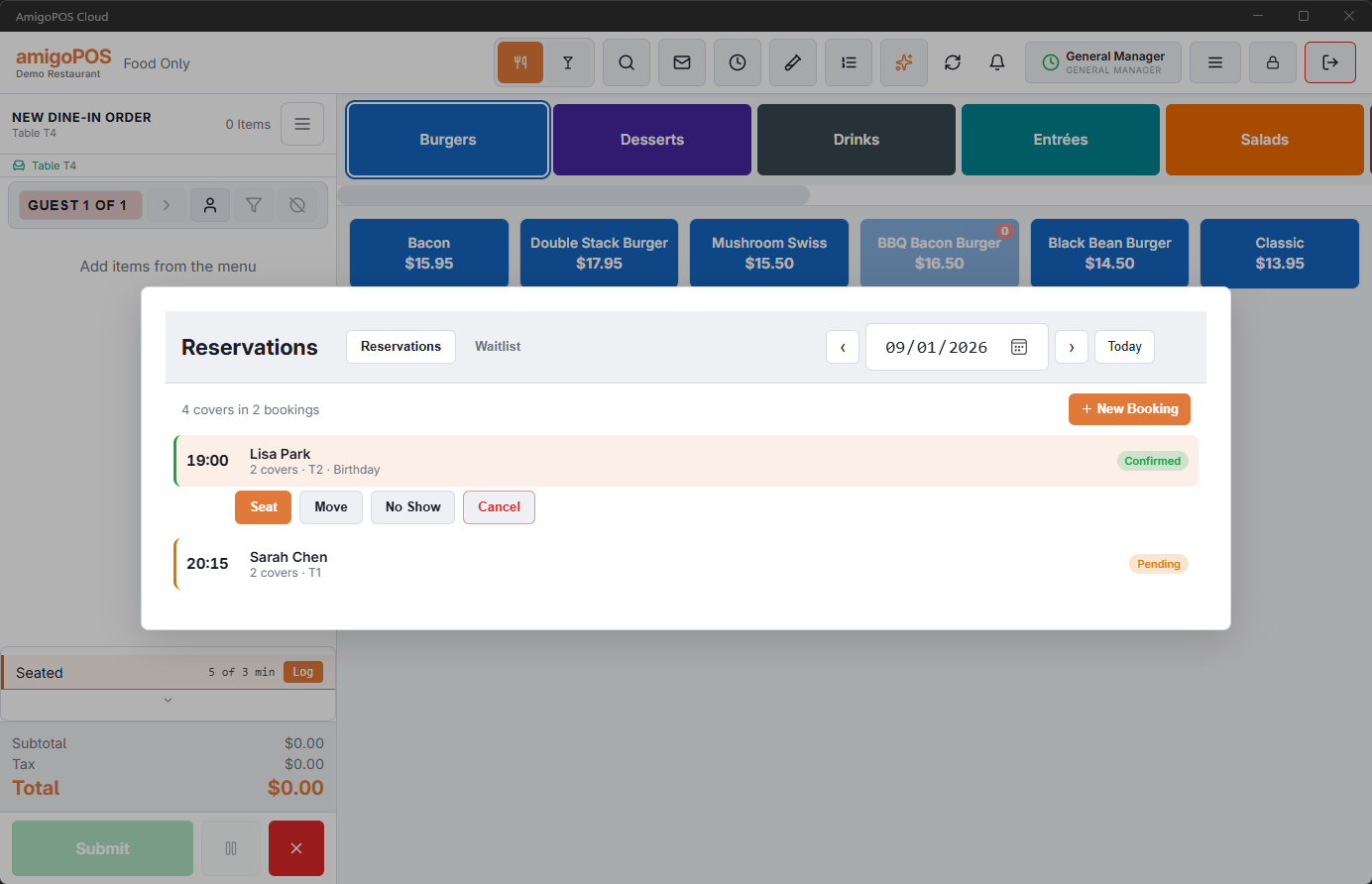
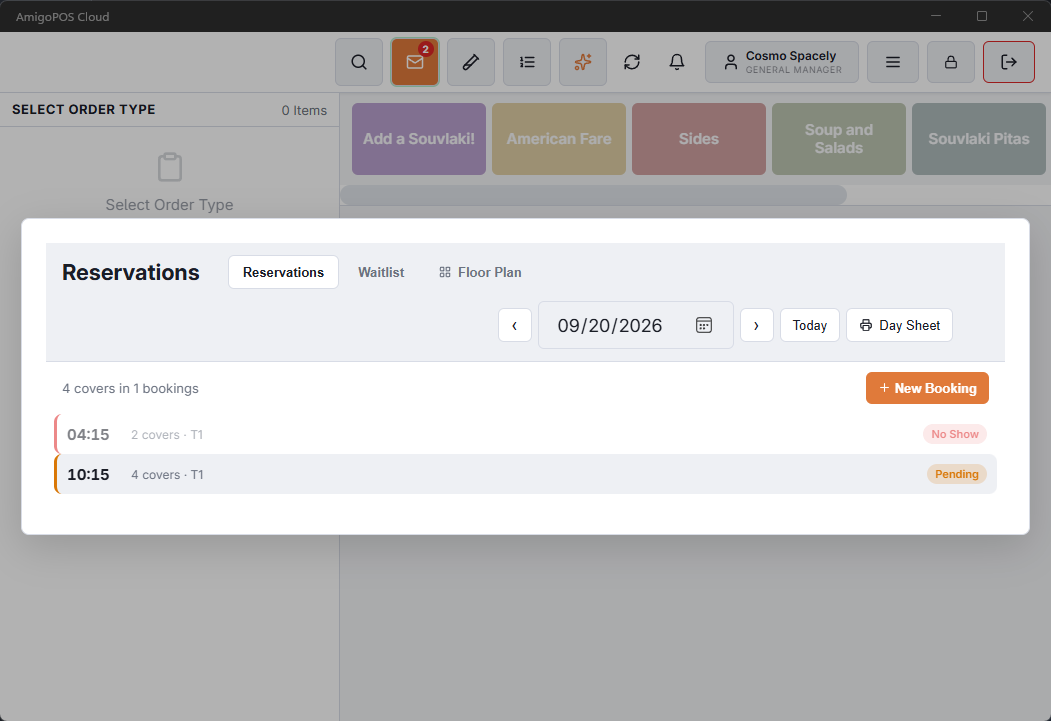
The left side of the book is the day: every booking in time order, with its status and what has been paid.
What you can do with one
- Confirm — you have spoken to the guest and they are coming.
- Edit — fix the guest’s name, phone, email, occasion or notes, or change the party size, then Save Changes: the time and table stay. To move the booking, tap Find Times and pick a new time; the button then reads Save The Move. Offered on pending and confirmed bookings.
- Seat — starts an order, puts it on the booked table and links the two. From then on it is an ordinary check.
- No show — they did not arrive. Where the booking held a card, the charge owed is taken fifteen minutes later, and Undo no-show stops it before then.
- Cancel — the guest called off. A refundable deposit inside its window goes back on its own.
Seating a party that prepaid
Two things happen when you seat them. Anything they paid for at booking — a set menu, a bottle on the table — is added to the check at the price they were quoted, and the kitchen sees those items like any other. And the deposit itself is put on the check as a payment, so the balance already has it taken off. The book says so: "25.00 deposit applied to the check".
Minimum spend
Where the booking carried a minimum, moving to settle checks the check against it. If the party is short, you are asked whether to add the difference — and you can say no. A table that underspent because the kitchen ran out of half the menu is a judgement for the manager, not a rule.
Before a no-show or a cancellation goes through
Both ask first, and the question states what happens to the money: 250.00 will be charged to the card on file in 15 minutes, the 50.00 deposit will be kept, or the deposit is refunded if inside the policy window, otherwise kept. No-show and Cancel are offered only on Pending and Confirmed rows.
Chips on a row say where the money stands: a paid deposit shows its amount, Card on file means a card is held and nothing charged, and Fee settled on a no-show means the fee has been taken or the deposit recorded as retained — the booking’s event trail has the figure. Until Fee settled appears, Undo no-show is on the row.
Putting a booking on a table
Pending and confirmed bookings also offer Assign Table: tap it, then tap the table on the floor plan, and the booking moves there with the same checks as moving it with Edit. The Floor Plan button in the header shows the room beside the list with each table’s bookings on it — see Floor plan and assigning tables.
Seating a booking at a pool table
Seating a reservation at a timed table (pool table, lane, room) opens the order at the table and offers the table’s timed items, the same as seating a walk-in there. Timed tables are only offered for booking if they have a guest capacity and Available For Reservations is ticked in the designer.
Seating a booking held on several tables
A booking on more than one table shows all of them in the list, for example T6 + T7. Seat starts the order on the main table and the check takes the other tables with it: the floor plan shows them joined, and the check reads T6+T7. See Combining tables for a large party.