One member restaurant administers each program (or AmigoPOS does, when no member has been named). On its Shared Card Program page that member shows the You Administer badge and gets three extra tabs: Settings, Members and Join Code. The administrator is also an ordinary member: it sells and accepts program cards and gets its own statement, plus the full one.
Settings: the program rules
One set of rules applies to every program card at every member. The administrator may change the name, the rules and the notes; the card prefix, the currency and the administrator are set by AmigoPOS, and the prefix is locked once the first card has been issued.
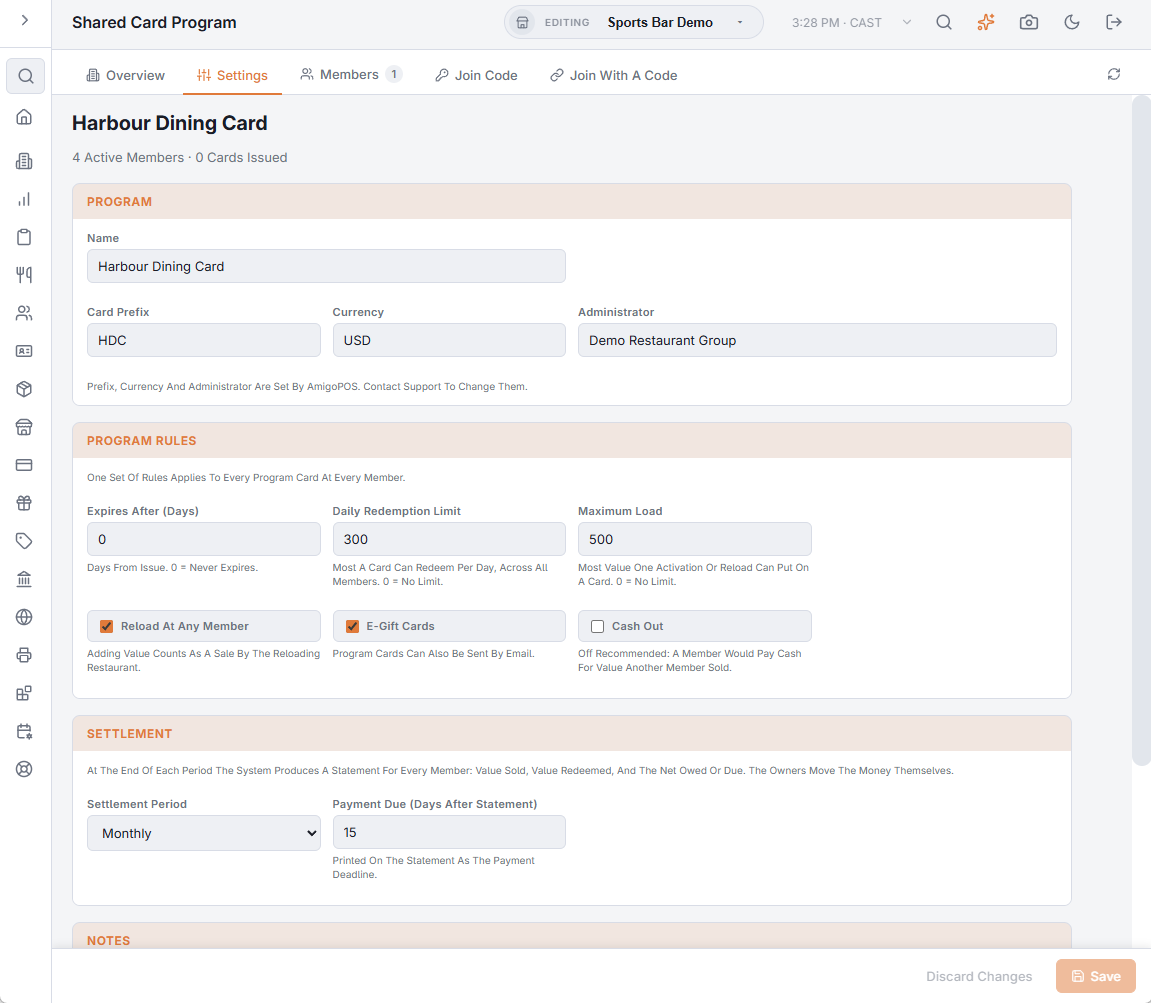
| Rule | What it does | Suggested |
|---|---|---|
| Expires After (Days) | Days from issue until a program card expires; 0 = never. Stamped on the card when it is activated, so a change applies to cards issued from then on. The store’s own “never expire” setting does not apply to program cards. | Agree one rule for the whole group. |
| Reload At Any Member | Value can be added to an existing program card at any member. A reload counts as a sale by the reloading restaurant. | On. |
| Cash Out | A balance can be paid out in cash. | Off: a member would pay cash for value another member sold. |
| E-Gift Cards | Program cards can be issued as e-gifts sent by e-mail, from the register or from Back Office. | On. |
| Maximum Load | Most value one activation or reload can put on a card; 0 = no limit. | Fraud protection. |
| Daily Redemption Limit | Most a card can redeem in 24 hours across all members; 0 = no limit. | Fraud protection. |
| Settlement Period | Monthly or Quarterly calendar periods. | Monthly is typical. |
| Payment Due (Days After Statement) | Printed on every statement as the payment deadline. | 15. |
| Notes | Free text every member sees on its Overview tab — a good place for the group’s agreed terms. |
Members
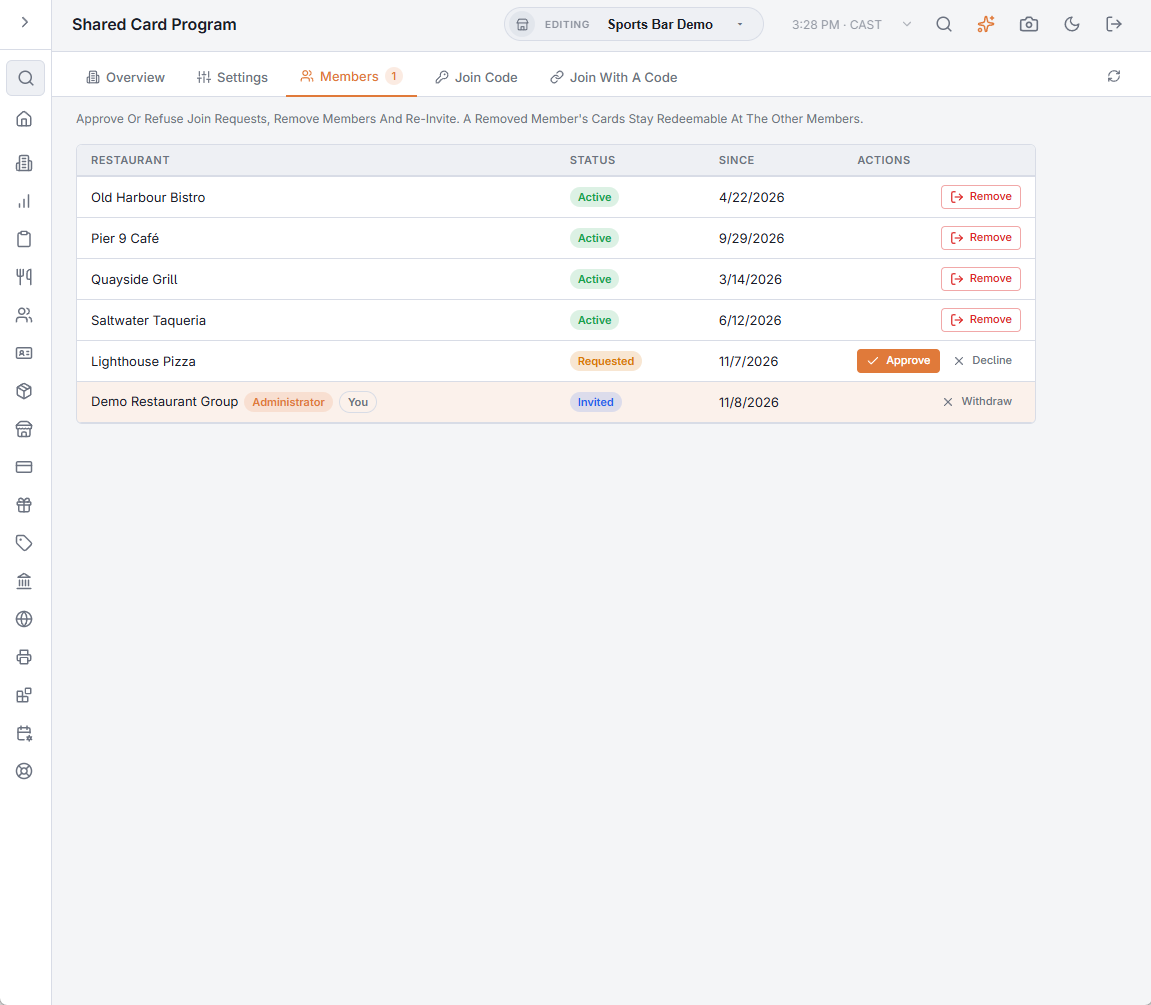
The Members tab lists every restaurant with its status and the date it joined. For each row:
- Requested — Approve makes the restaurant Active; Decline refuses it.
- Invited — Withdraw takes the invitation back.
- Active — Remove stops its registers selling and redeeming program cards; the cards it sold stay redeemable and its final statement settles what is owed.
- Left or Declined — Invite Again.
A member is only ever created by the restaurant itself (join code or accepting an invitation) or by AmigoPOS; the administrator approves, removes and invites.
Join code
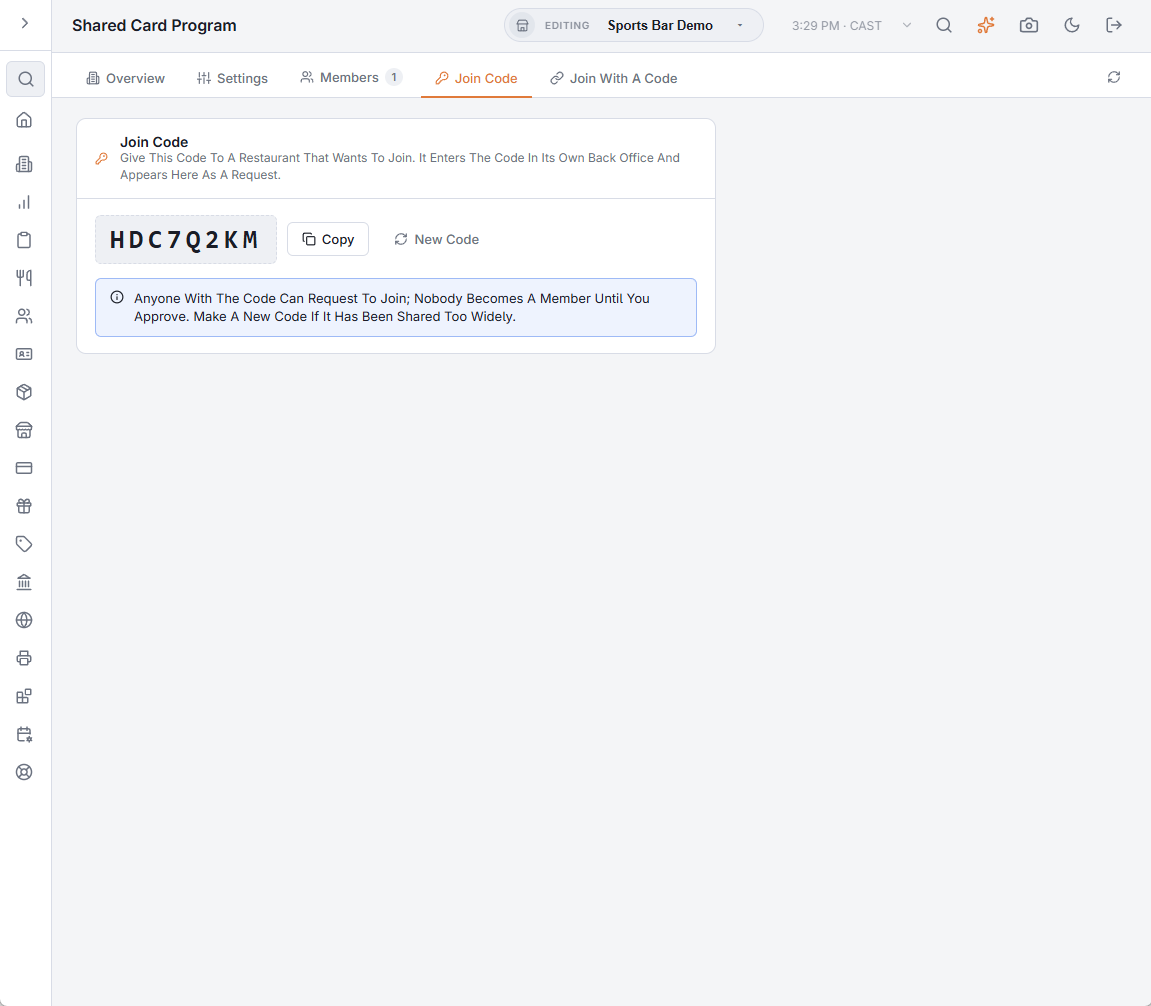
Give the code to a restaurant that wants to join; it enters the code in its own Back Office and appears on your Members tab as a request. Anyone with the code can request, but nobody becomes a member until you approve. New Code replaces it — the old one stops working at once — if it has been shared too widely.
Closing periods
The administrator closes each settlement period from the Statements tab, which freezes that statement and e-mails every member its copy (Settlement statements).