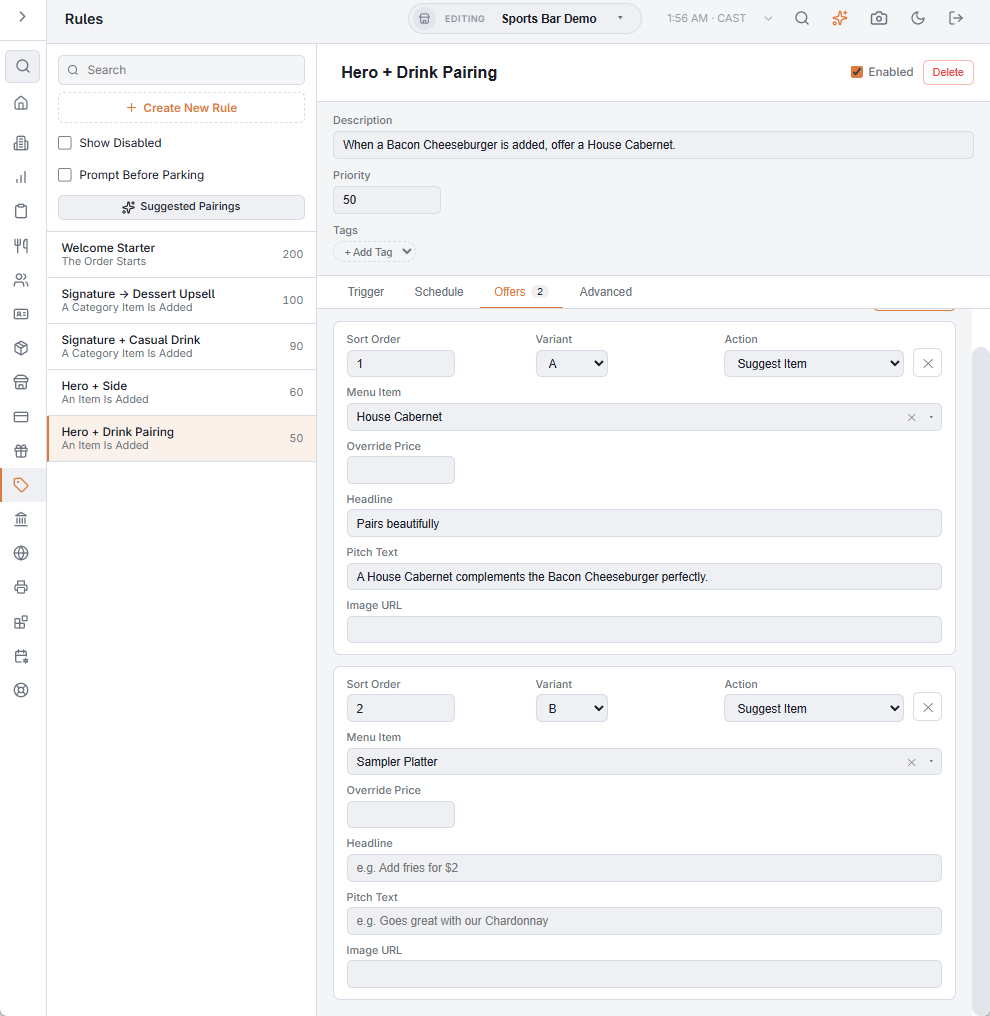
Enable A/B Testing, on the Offers tab of a rule in Back Office › Discounts & Promotions › Suggestive selling › Rules, turns the rule into a split test. You keep one trigger and one schedule but give the rule two competing versions of the offer — a different headline, pitch text, image, suggested item or price — marked Variant A and B.
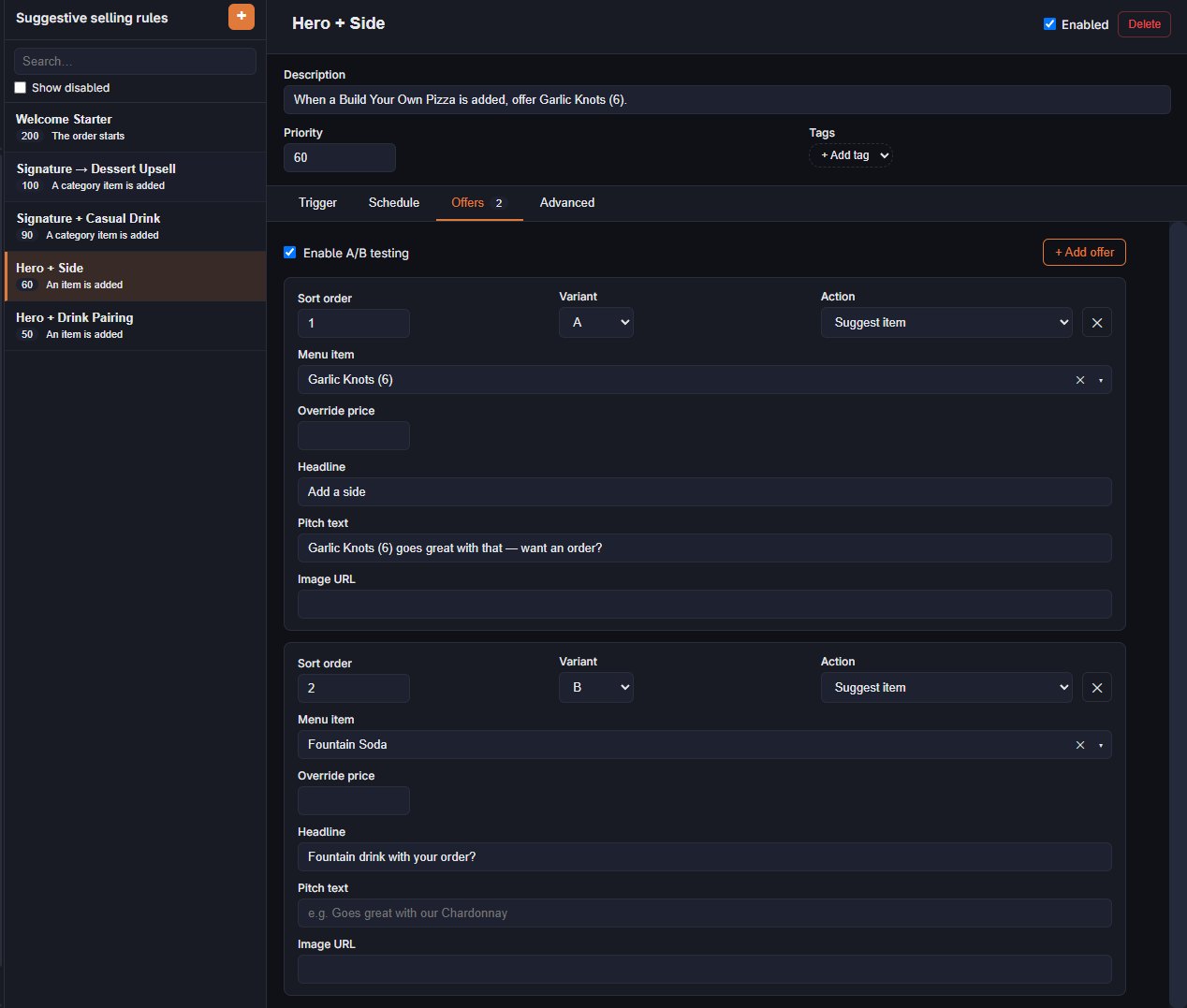
What changes when it’s on
- Off — the rule always shows its first offer by sort order.
- On — each time the rule fires and it has at least one A and one B offer, A or B is picked at random with even odds. The variant shown is recorded with the offer, so every accept or dismissal is credited to the version the server or guest saw.
If the rule doesn’t have both an A and a B offer, nothing changes: the first offer is shown.
Reading the results
On the Rule Performance tab of Suggestive reports, a rule under test shows each variant on its own row, with times shown, accepted and the accept rate, so you can compare “Add garlic knots for $6.95?” against “Make it a combo — add garlic knots” for the same trigger.
- There is no automatic winner: the split stays even until you act. When the numbers are clear, remove the losing offer or switch the test off, so every fire shows the winner.
- With Offer On Web Ordering on, online offers draw variants the same way and count in the same totals.
- Give the test enough offers before judging; a handful per variant proves nothing.