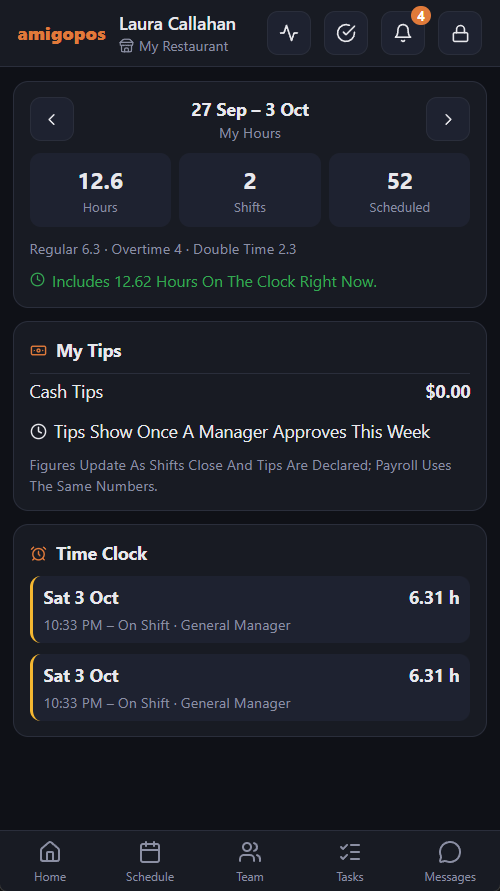
More › My Hours on the staff site shows what you worked and what you earned in tips, a week at a time. Use the arrows to step back through finished weeks; the current week updates as you go, and there are no future weeks to look at.
Hours
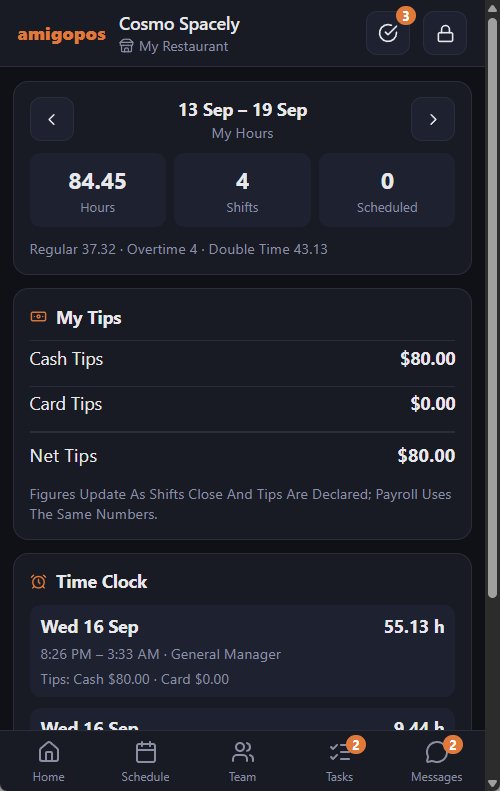
- Hours and Shifts — what you actually worked, breaks already deducted.
- Scheduled — what you were scheduled for, so the difference is visible.
- Regular, Overtime, Double Time — split the way your store’s time clock allocates them.
- While you are clocked in, the shift so far is counted and marked as still running.
Tips
- Cash Tips — what you declared at clock-out.
- Card Tips — gratuities on the checks you closed.
- Contributed / Received — the tip pool, if your store runs one.
- Net Tips — what the tips come to after the pool.
- Still On Check — tips you have not taken home in cash, so they come with your pay.
Your punches
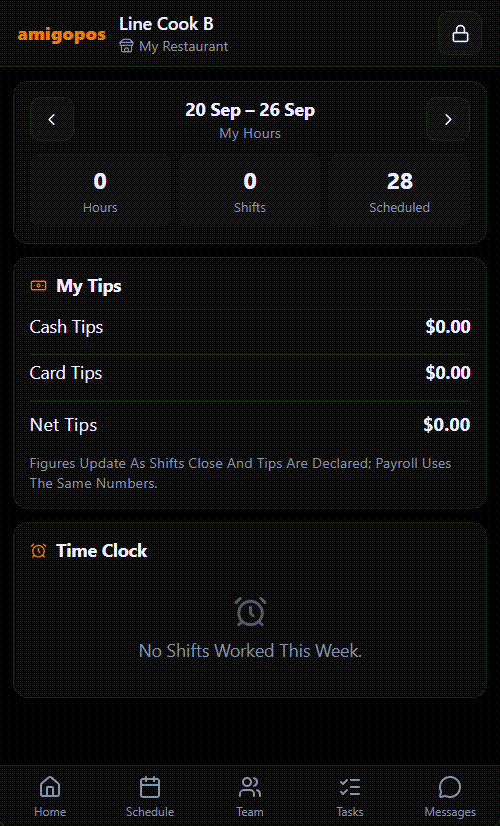
Underneath, each day lists the clock-in and clock-out times, any breaks and the hours that came out of them — the same rows your manager sees in the timesheet. A missing clock-out shows up here first, which is the best reason to look at this screen on the way home rather than on pay day.
Approving your hours
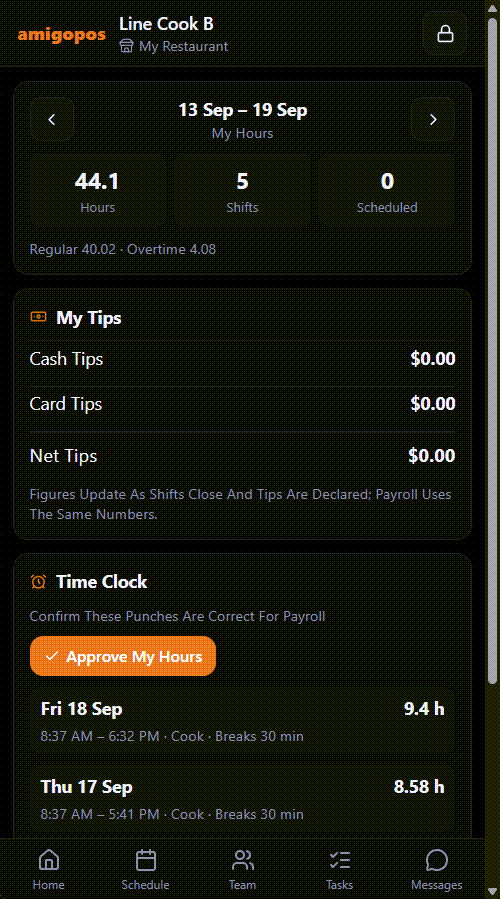
Above your punches, Approve My Hours confirms that every finished punch in the week on screen is right for payroll. Each approved punch then shows You Approved, and Manager Approved once your manager has approved it too; when everything is approved the button is replaced by You Approved This Week.
If your manager later corrects one of those punches, your approval on it is cleared and the button comes back, so you can check the corrected times before approving again. A shift you are still clocked in on can’t be approved until it ends.
Something wrong? Don’t approve it — tell your manager which day, and approve once it is fixed.
Disputing a punch
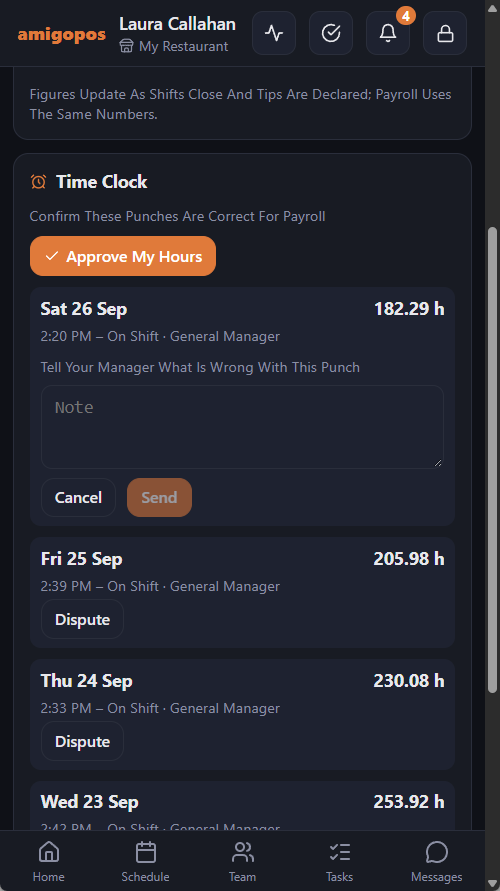
If a punch is wrong, tap Dispute on it, write what is wrong and tap Send. Every manager gets a message, and the punch shows Disputed — Waiting For A Manager with your note until a manager approves it as it is or corrects it. Approve My Hours leaves a disputed punch alone.
When tips wait for your manager
Some stores show tips only after a manager has approved the week. Then the tips card shows Tips Show Once A Manager Approves This Week instead of your card tips, pool and net tips; the cash tips you declared still show.
The same screen is at the register: My Hours at the register.