The assistant reads the QuickBooks Online and Xero sync the way the Postings and Mappings tabs show it. It needs the Back Office configuration right and accounting on the store's plan. On a training register it does nothing.
Ask
- “Is QuickBooks posting working? Show any days that failed or need review.”
- “Did yesterday's sales post? If not, why?”
- “What is landing in Uncategorized Sales, and which accounts are unmapped?”
- “What would Saturday send to Xero?”
Each day reads as posted, needs review, failed, no sales or not posted, with the reason — for example an over/short above your review limit, or an unmapped account. A day's preview reads your own data only; nothing is sent to QuickBooks or Xero to show it.
Change
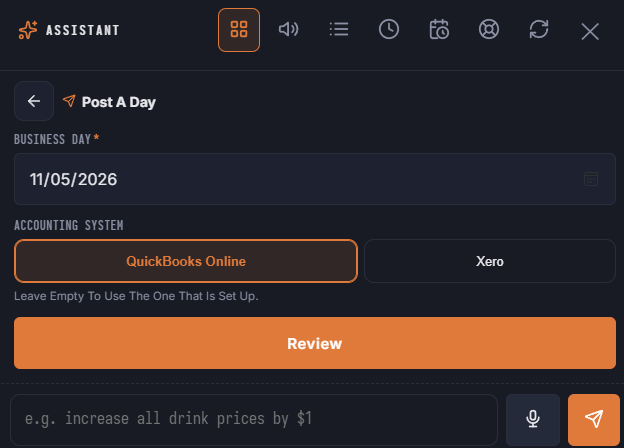
- Post a day — the same as the Post button. Only a day closed by End Of Day is posted, and not while its automatic post is still queued. Posting cannot be taken back from the assistant.
- Re-post a day that is already there — QuickBooks replaces the journal entry; Xero voids the invoice and raises the next revision. It needs the Back Office delete right and you type the date to confirm.
When a day posts by hand — from the assistant or from Back Office — that day's automatic post still waiting in the queue is closed, so it does not post the day again later.
In the launcher
The Accounting area has Post A Day, Re-Post A Day and three questions. Leave the system empty to use the one that is set up.
See Posting Daily Sales and Posting A Day.