Kitchen display
- “When do kitchen tickets turn yellow and red?”
- “Make delivery tickets turn red after 25 minutes.”
- “Which station do the burgers go to?”
- “How early do scheduled orders fire to the kitchen?”
You can change the store's warning and late minutes (red always comes after yellow), give one order type its own times and ticket colour (0 uses the store's times), and change how early scheduled orders fire. Registers and kitchen screens reload the change. These need the Back Office configuration right, and the kitchen display on the store's plan.
Devices
- “Which devices are registered at this store?”
- “When was the bar tablet last seen?”
Deactivate a lost or replaced device signs it out and frees its station; it must be activated again to be used. The card lists what it leaves behind — orders not yet sent to the cloud, punches, drawers that still need a reset, or that it is the last register — and you type the device's name to confirm. The device you are using and another store's devices are never offered. It needs the Register Devices right and the Back Office delete right, and there is no undo.
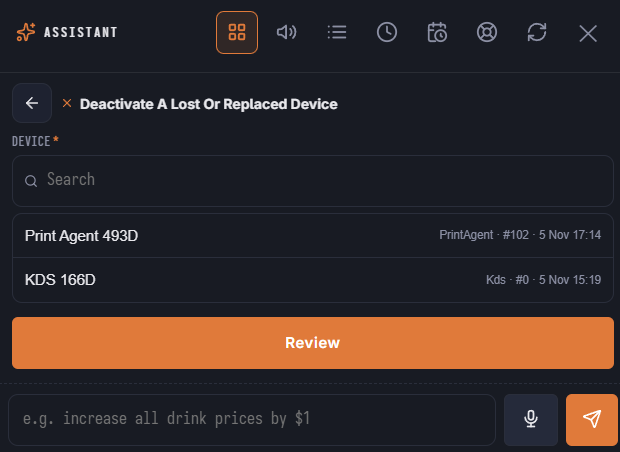
In the launcher
The Store Setup area has Change Kitchen Display Times, Kitchen Display Times For An Order Type and Deactivate A Lost Or Replaced Device.
See KDS settings and Registered Devices.